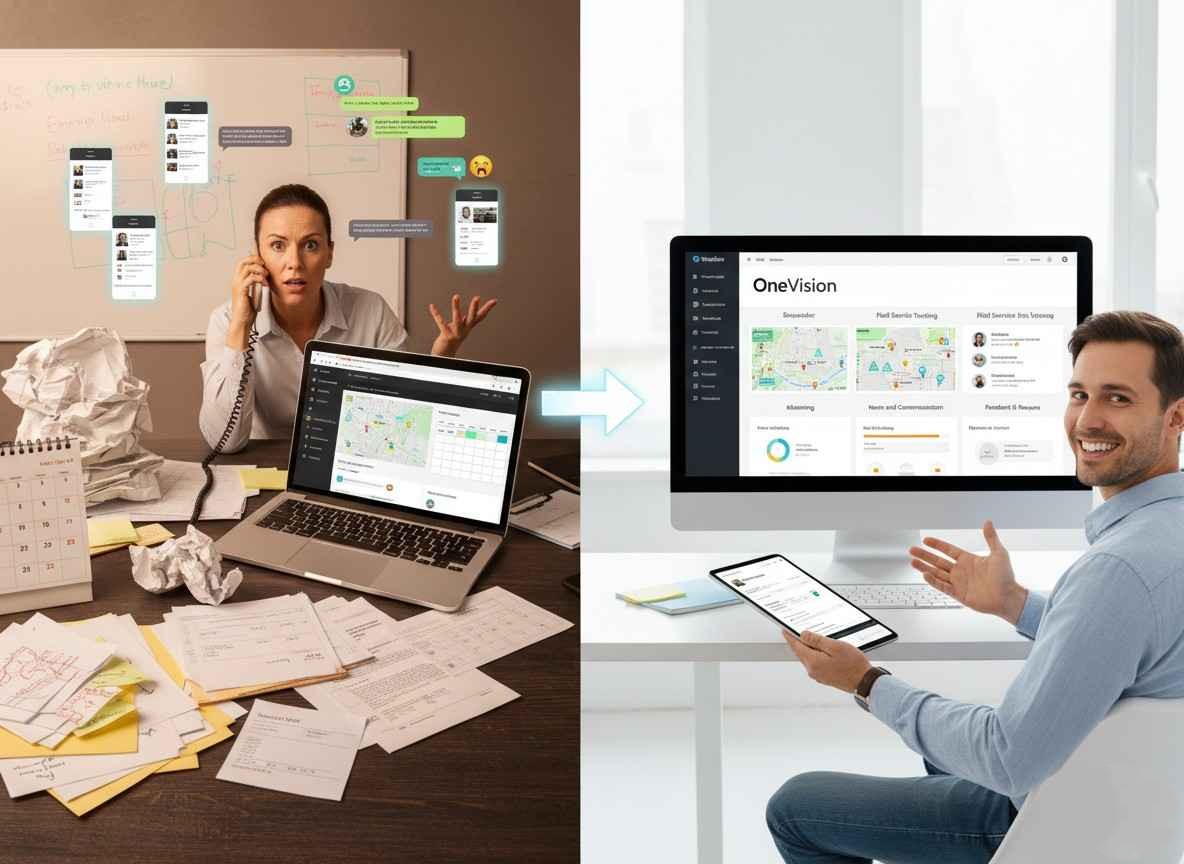
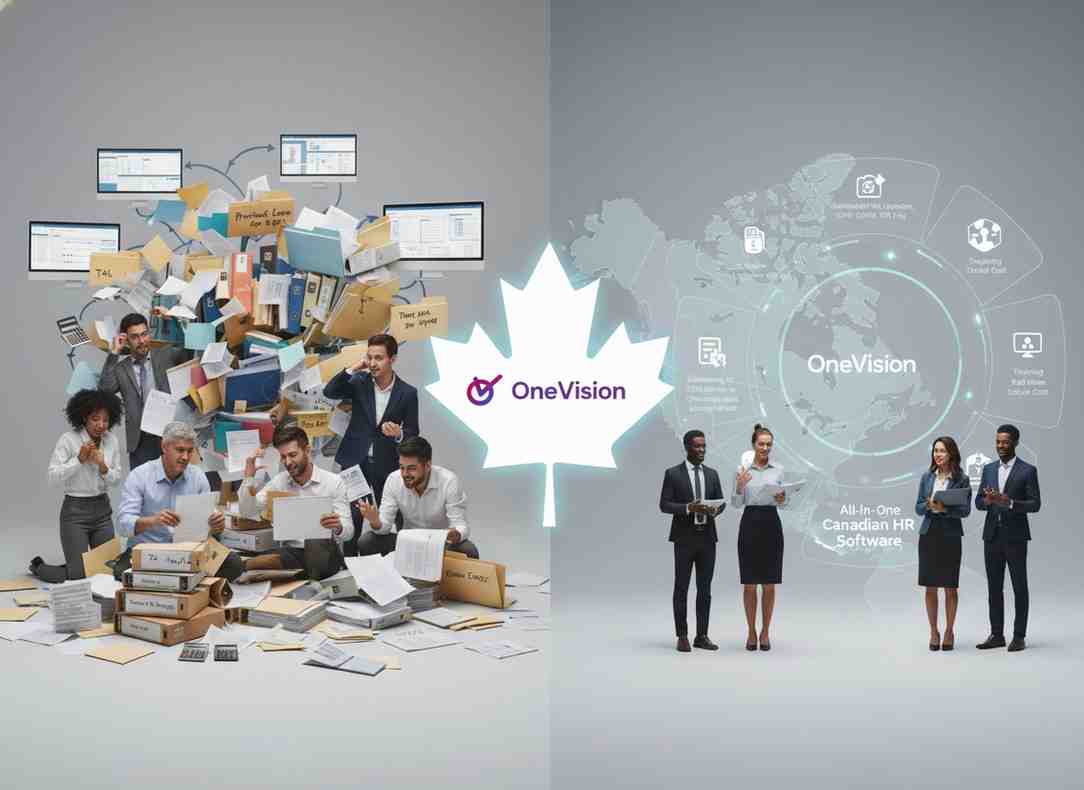
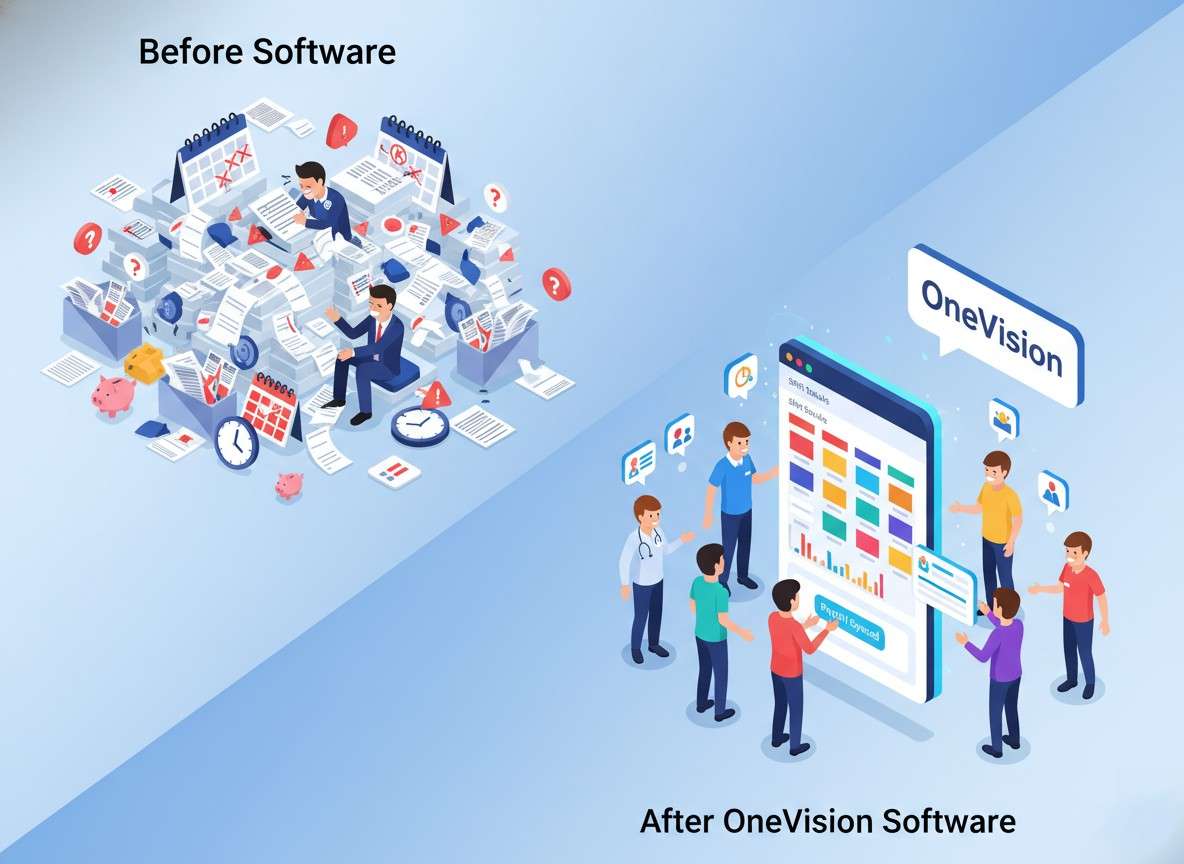
Running a business sounds simple at first, but in reality, small problems keep showing up all the time. For example, one employee forgets a shift. Then someone misses an important message. After that, payroll takes longer than it should. On top of that, new staff still need training. Because of this, managers often end up using five different apps just to handle one normal workday. This calls for a service business management software, even for smaller teams. Instead of jumping from one tool to another, businesses now want everything in one place. It saves time, keeps everyone on the same page, and makes daily work less stressful.
What Is Service Business Management Software?
This software basically helps companies keep everything organized in one place. This would include people, tasks, schedules, communication, and all the day-to-day work that keeps a service business running.
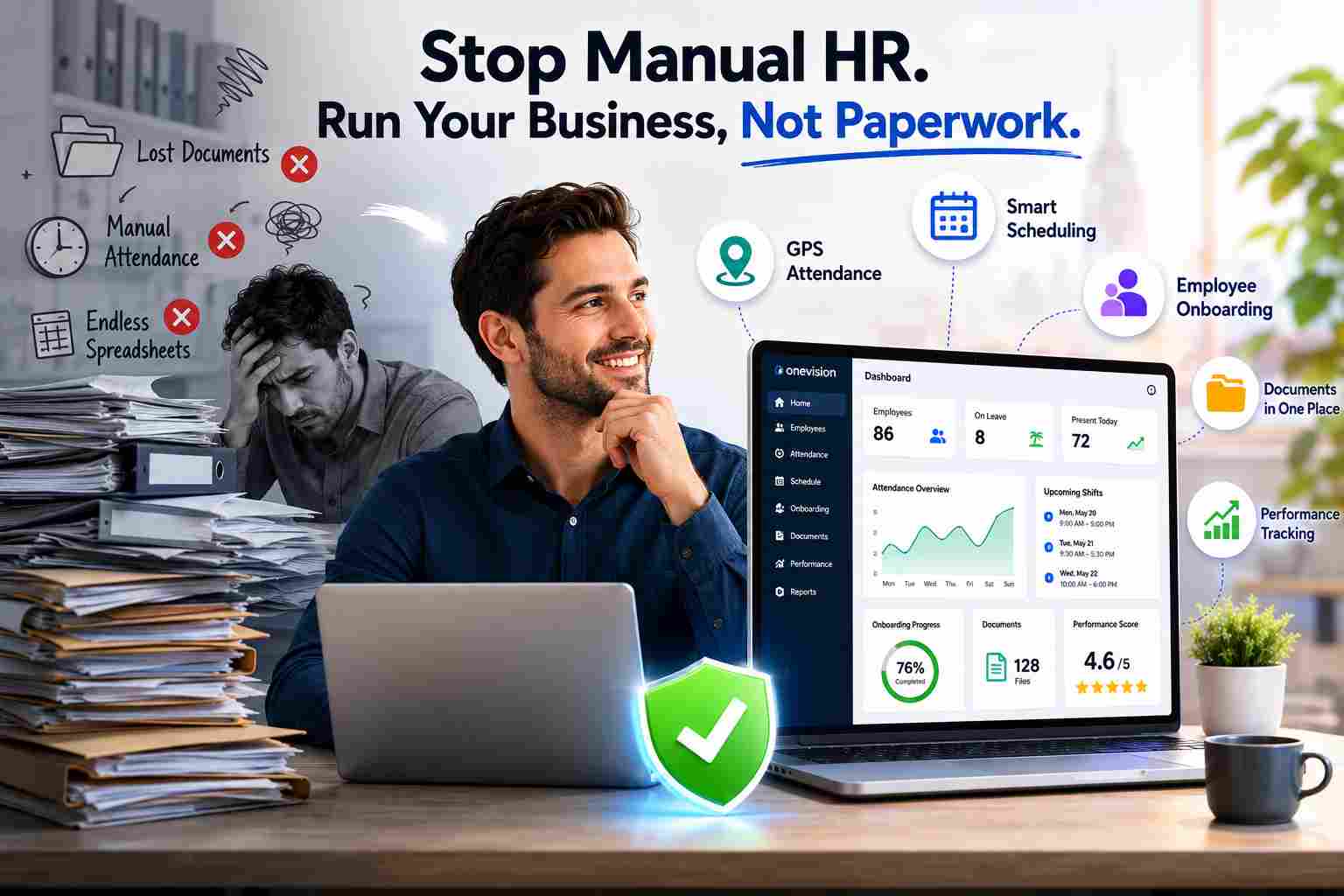
Because once things start growing, it gets hard to track everything manually. For example, if you’re managing employees in different locations, you quickly run into questions like: Who is working today? Clock-in and clock-out tracking? Training status of employees? Staff availability across locations? Payroll report readiness? Whether the company updates were seen? Without the right system, everything usually ends up scattered everywhere: spreadsheets, WhatsApp chats, paper notes, and a bunch of different apps. And honestly, that’s where mistakes start creeping in. That’s why more and more businesses are now turning to service management software for service industries. It just helps pull everything into one place, so daily work feels less messy and more under control.
What to Look for in Service Business Management Software
When you’re choosing software like this, don’t overthink it too much — just focus on what actually makes your day easier.
First, it should be simple to use, because no one has time for complicated systems. Then, it should actually bring your main work together. This would be things like scheduling, HR, communication, and tracking, instead of splitting them across different tools. And lastly, it should help your team stay on the same page without constant follow-ups or confusion.
Service Business Management Software for Small Business
Small businesses often benefit the most from these software. Even a small team can face issues when one shift is missed or communication fails. A single platform that manages schedules, attendance, documents, and updates can prevent daily problems.
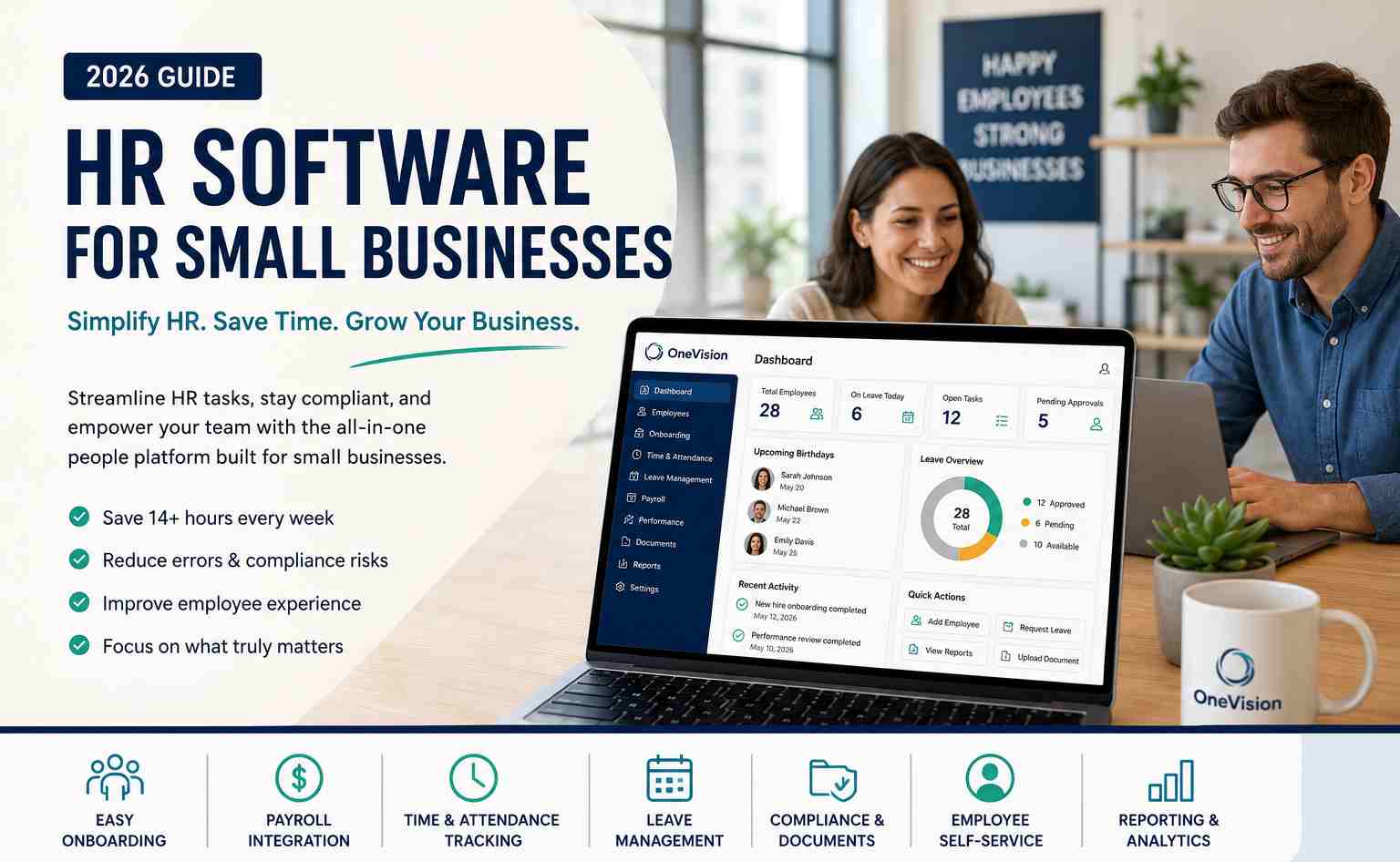
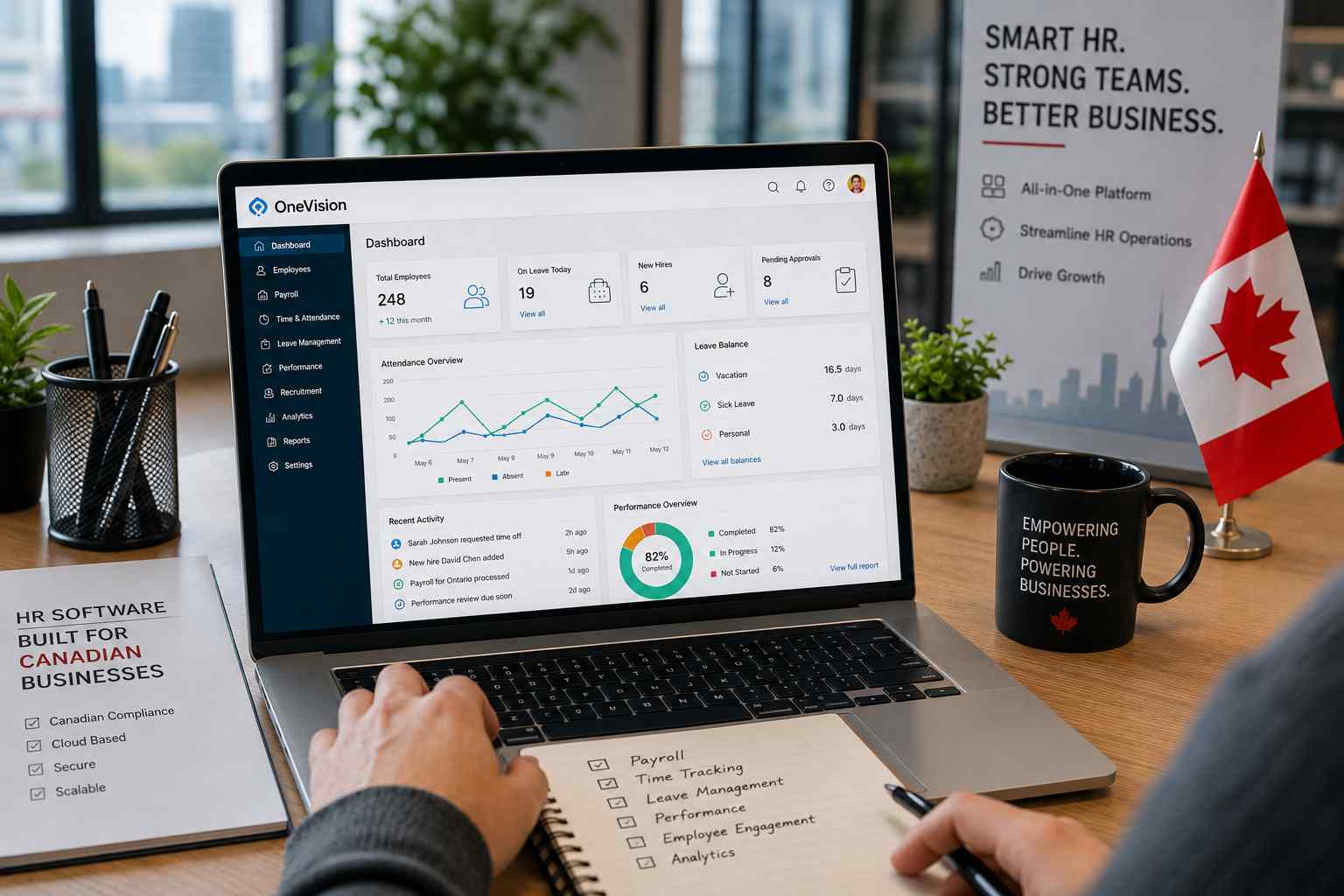
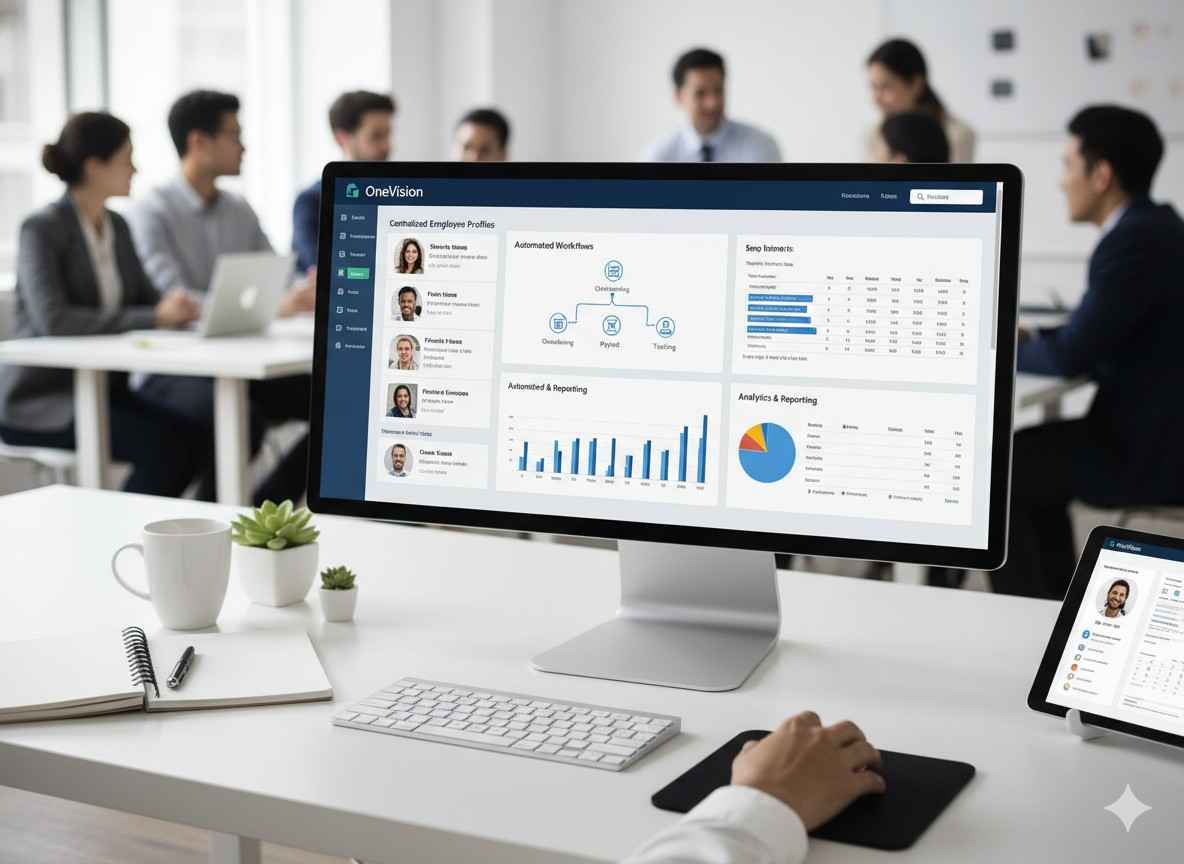
OneVision is useful for growing teams and multi-location businesses because it helps track shifts, manage employee records, and monitor performance from one dashboard.
Why OneVision Stands Out as Service Business Management Software
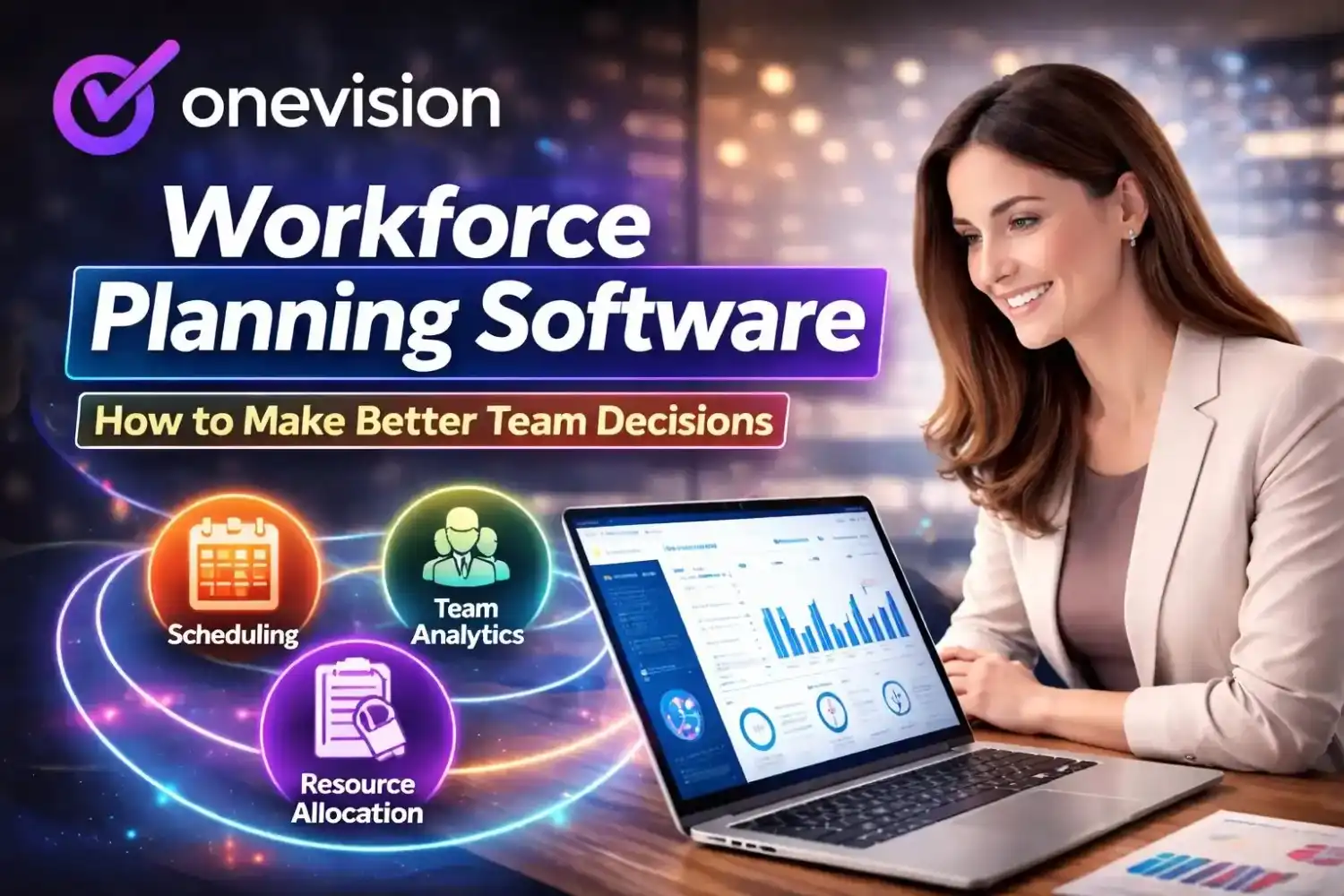
There are many tools on the market, but most of them only solve one problem. Some focus only on scheduling, while others only handle HR or payroll. OneVision is different because it combines six core modules in one platform: Scheduler, HR Management, Analytics Dashboard, eLearning, News and Communication, Feedback and Reviews. This gives managers visibility and control from one dashboard without switching systems.
Best Service Business Management Software Tools Businesses Usually Need
When people search for the best service management software tools, they usually need a combination of features instead of a single function. Most service businesses need: Staff scheduling, Attendance tracking, Payroll-ready reports, HR records, Employee onboarding, Internal communication, Training systems, Performance reviews, Reporting dashboards.
Affordable Service Business Management Software
Budget is usually one of the first concerns businesses have. OneVision offers a pricing calculator based on the number of locations and employees instead of fixed packages. This makes it easier for companies to pay for what they actually need. For businesses searching for affordable service business management software, flexible pricing is more practical than unnecessary features. OneVision also allows custom pricing based on team size and locations.
Top Service Business Management Software 2026 Trends
The top management software 2026 trends are moving toward all-in-one platforms. Businesses want: One login, One dashboard, Real-time analytics, Better visibility across locations, More automation. This shift is happening because companies want fewer tools and more centralized systems.
Service Business Management Software Comparison
OneVision is strong for businesses that want workforce management and communication in one system. So, when doing a comparison, you should focus on: Ease of use, Mobile access, Scheduling tools, Employee tracking, Training options, Internal communication, Reporting, Multi-location support.
Service Business Management Software Benefits
The main service management software benefits include: Less manual work, Better communication, Fewer scheduling mistakes, Faster payroll processing, Improved visibility across teams, Better staff management.
Service Business Management Software Features That Actually Matter
The most important features are the ones that solve everyday problems. Let’s look at some of them down below:
Scheduling Features
Scheduling is usually the biggest pain point. Good software should make it easy to plan shifts, adjust rosters, and track who is working when. Things like smart scheduling, GPS clock-in and clock-out, attendance tracking, time tracking, and simple payroll-ready reports really help keep everything in order without extra effort.
HR Features
HR work can get messy pretty quickly if it’s not organized. That’s why features like employee profiles, onboarding workflows, document storage, and performance tracking matter. They keep all employee information in one place, so managers don’t have to dig through files or different systems every time.
Automation Features
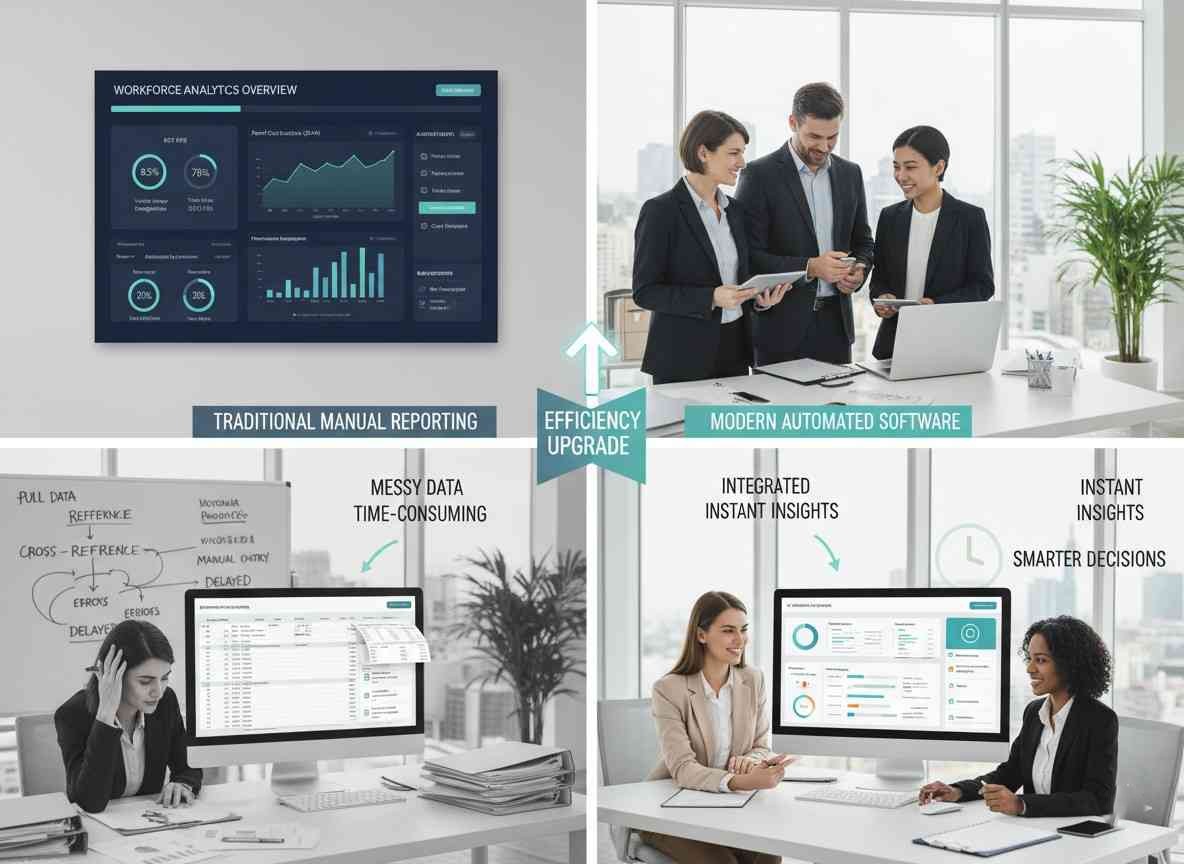
Automation is what really saves time in the long run. Instead of doing everything manually, tasks like onboarding, attendance updates, training progress tracking, and reporting can run in the background. So overall, the team spends less time on repetitive work and more time focusing on actual operations.
Service Business Management Software for Field Service
Businesses with employees across multiple locations often struggle with visibility. Service business management software for field service helps track attendance, shifts, and location-based staff movement. OneVision includes GPS clock-in tools and workforce tracking across locations.
Cloud-Based Service Business Management Software
Cloud-based management software allows managers and employees to access schedules, reports, and updates from anywhere. For instance, OneVision works as a centralized cloud platform for distributed teams and remote management.
Service Business Management Software for Teams
One of the biggest issues in service businesses is communication gaps. Service business management software for teams helps fix this by centralizing updates, schedules, and announcements in one system instead of multiple apps.
Service Business Management Software Integration Options
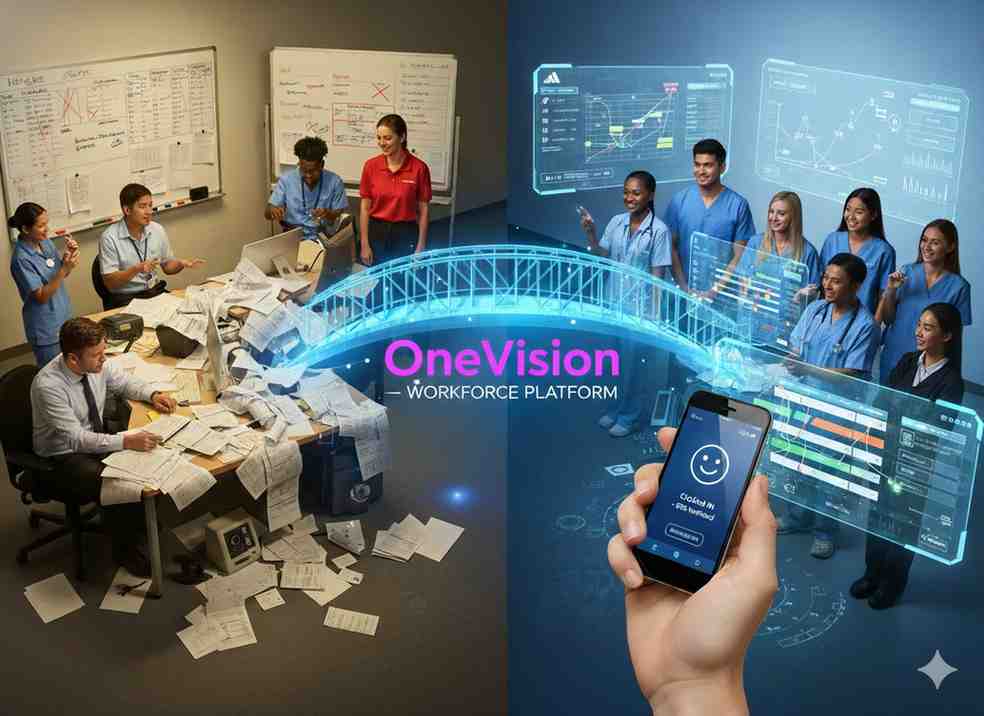
When businesses start using these software, integration becomes a big thing to think about. Most teams already rely on different tools for scheduling, HR, training, and communication. So at first, everything feels a bit spread out and harder to manage. Because of that, companies usually go in one of two directions. Either they connect all these tools together, or they try to simplify things by using one system that brings everything into a single place. That’s where platforms like OneVision come in, since they reduce the need to jump between multiple apps and keep daily operations more connected.
Service Business Management Software Alternatives
There are also other tools available in the market. However, most of them focus on just one area, like scheduling or HR management. They do that one job well, but they don’t always cover everything a business needs. Because of this, companies often end up using multiple tools together, which can feel a bit complicated over time. So while alternatives do exist, many businesses still prefer simpler, all-in-one platforms like OneVision to keep things easier to handle day to day.
Service Business Management System Best Practices
Keep all employee data updated
Use one system for scheduling
Train staff on using the platform
Monitor analytics regularly
Avoid using multiple overlapping tools
How does this software work
It works by centralizing workforce operations into one system where managers can handle scheduling, HR, communication, training, and reporting from a single dashboard. Apart from its working, you can choose it based on: What features do you actually need? Whether it's easy to use. Then see if it has flexible pricing. After that, check for mobile access. Does it need integration? And lastly, if it’s able to scale.
Service Business Management Software Implementation Guide: How to Implement Step by Step
Getting started with service business management software doesn’t have to feel complicated. In fact, if you take it one step at a time, it becomes pretty smooth and manageable. First of all, make a company profile and add all employees. This is the base of everything, so just keep it simple and get your basic structure ready. After that, move into creating schedules. This is usually the first real ‘daily use’ step. Now, this helps your team immediately see how the system works in real life. Once scheduling is in place, add your HR records and employee details. Then slowly introduce communication tools so updates don’t get lost in messages or calls. Next comes training your staff. You can do this by making them learn everything step by step so they don’t get overwhelmed. Finally, start using dashboards to keep an idea of how things are going. And if you see something off, then adjust it gradually instead of doing it all at once. Honestly, the key is not doing everything at the same time. When you roll it out slowly like this, the software actually starts feeling useful instead of confusing.
Conclusion
Running a service business today can get a bit chaotic, honestly. One minute it’s scheduling, then HR stuff, then messages, then reports, and everything is happening in different tools. And when that happens, things start feeling scattered pretty quickly. That’s exactly why service business management software is becoming so useful. Instead of jumping between apps all day, it just pulls everything into one place, so things actually feel manageable again. That’s where platforms like OneVision come in, making it easier to keep the whole team on track from a single dashboard.
Frequently Asked Questions
Read Other Blogs
Explore more insights and tips on business management


How Does the Best HR Software Help Businesses Make Better Financial Decisions?
Discover how the best HR software helps businesses reduce hidden operational costs, improve workforce efficiency, and make smarter financial decisions through automation, analytics, and better workforce management.










Why Use Software That Helps in Managing a Business?
When running a company, you need software that helps in managing a business, as its tasks, teams, customers, and finances all need your attention. Discover why companies are adopting all-in-one business management systems.