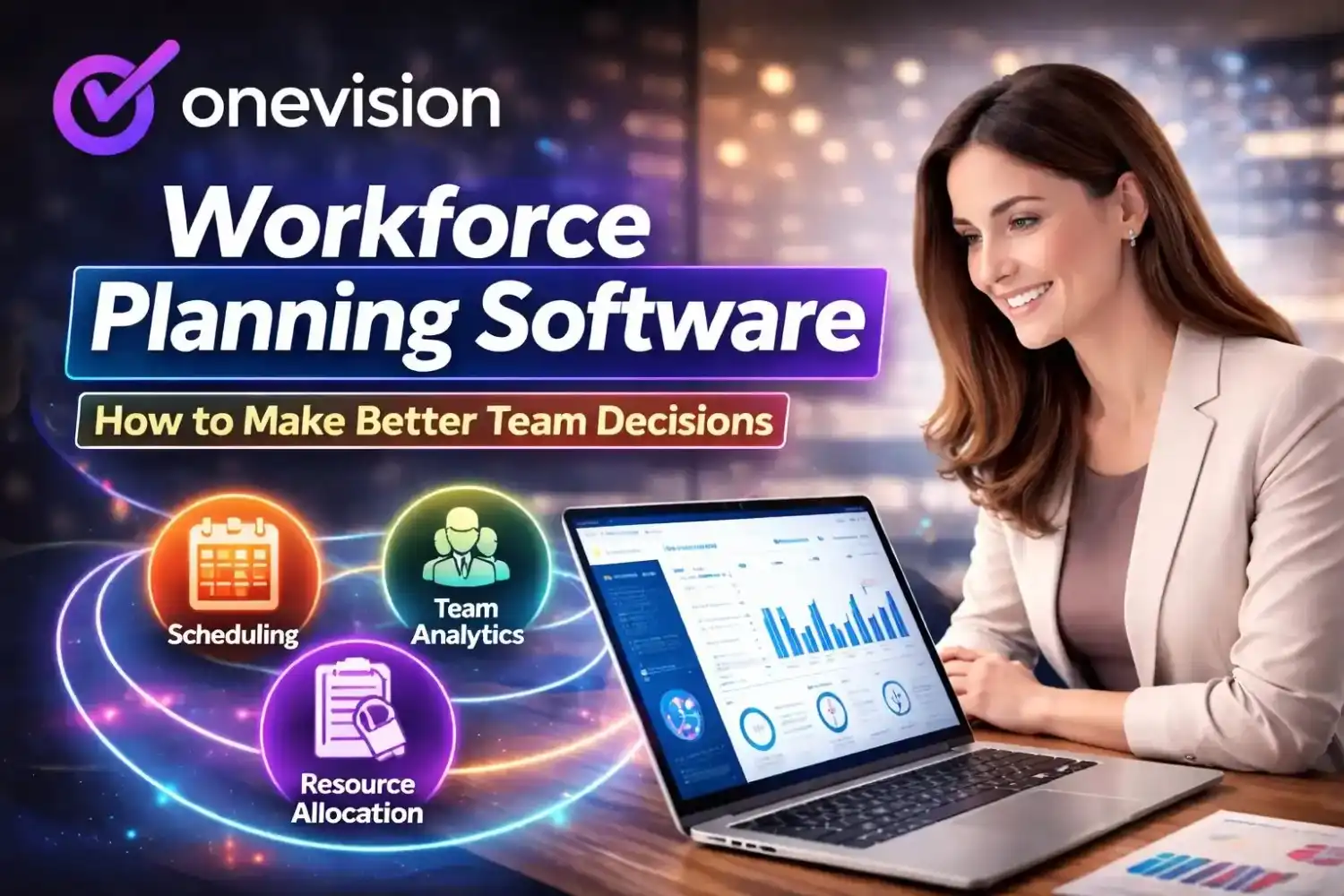

In recent years, many types of business management software have been created and improved. These tools are there to facilitate businesses in handling their daily work more easily.
For example, using them makes planning way simpler. They also help in collecting and managing information. On top of that, communication between team members gets improved a lot, and is clearer and faster.
But how does it actually work? And with so many options available, how do you know which one you need to choose?
This guide clarifies some confusion about how business management software works and what features it should have. By the end, you'll be able to understand all about business software and which one you need to match your requirements.
How Business Management Software Works
At its core, business management software puts everything in one place. It brings all your business work onto a single platform. So, you don't have to jump between different tools.
For example, it can track projects. It helps teams work together. It also manages customers and even handles finances. Because of this, mistakes are reduced. And more importantly, it saves time.
Instead of using separate spreadsheets, emails, and apps, everything stays connected. This means everyone sees the same information. As a result, decisions become quicker and more accurate.
Also, many modern tools are cloud-based. So, your team can access data anytime and from anywhere. This is especially useful for remote teams who are not in the same place.
Reporting and Insights
Most software also includes reporting features. So, you can easily see what's going on in your business. For example, you can track project progress. You can also spot problems or delays early. Because of this, things can be fixed quickly.
Instead of waiting for end-of-month reports, you get updates right away. This way, time is saved, and you're in control.
In simple terms, business management software helps your business run better. It makes things more efficient and transparent. And it also makes everyone more responsible for their work.
What are the Key Functions of the Best Business Management Software
To really get the most out of your operations, it helps to understand the core functions of business management software. These features not only make work easier but also help your business run smarter and faster. Let's break down the main functions.
1. Project and Task Management
First, almost every company uses business software for project and team management. So, work becomes more organized from the start.
With task features, you can assign tasks easily. You can set deadlines. And you can track progress in real time. Because of this, everyone knows what they need to do.
Also, team members can communicate inside the same platform. So, there's less need for long email chains. This makes things quicker and less confusing.
As a result, projects stay on track. And managers can spot problems early. Even small teams can benefit from this. In fact, most small business management software lists already include these features.
2. Customer Relationship Management (CRM)
Next, we have CRM tools. A good business management platform vs software comparison often shows that many platforms already include CRM features. In simple words, they help you manage customer data and track every interaction in one place.
So, no more guessing. Your sales and marketing teams see everything clearly. They can check past conversations, follow up on leads on time, and respond personally.
As a result, closing deals becomes faster. Everything flows more smoothly. Teams work smarter, not harder. Also, everything stays organized. No lost messages. No missed follow-ups. As a result, customer satisfaction improves, which is a key business management software benefit.
Even startups can take advantage of this. Many affordable business management software options include basic CRM features. So, even with a small budget, businesses can stay organized and manage customers properly.
3. Accounting and Financial Management
Managing finances manually is stressful and slow. That's why many business management software solutions for enterprises come with accounting features built in.
For example, they can automate invoices, so you don't have to do them manually. They also track expenses and help manage payroll, keeping everything organized. Plus, they let you monitor budgets easily.
On top of all that, you get real-time financial reports. This means you can see how your business is doing at any moment. And because of this, planning ahead becomes much simpler and less stressful.
4. Product and Inventory Management
Now there are companies that sell products, and they need to keep track of their stock. Business management software for startups or established businesses takes a lot of stress out of inventory. Instead of guessing, you can clearly see what's in stock. It even sends alerts when something is about to run out.
So, no last-minute panic. And no piles of extra stock just sitting there either. Everything feels more under control. On top of that, you get full visibility of your supply chain. You know what's coming in, what's going out, and what needs attention next.
When you move to cloud-based business management software, you're not stuck in one place. Your team can check the inventory anytime, anywhere. Whether they're at the office or not, everything is still within reach.
5. Human Resources and Team Management
Just like managing projects, managing people is also important. Many integrated business management systems come with tools to track the leaves of employees, or to check their performance and payroll.
This way, work gets smoother for employees, and managers also don't have to face a lot of administrative issues. By using business management tools and software, businesses can ensure accountability while supporting their teams.
6. Reporting and Analytics
Finally, no business can grow without insights. That's why business process management software is so useful. It usually has dashboards and reports.
With these, you can track KPIs and spot trends. You can also see where things are slowing down. Because of this, decisions become smarter and faster. Even small businesses can use reports to plan better and improve workflows.
Business Management Software for Small Businesses vs Enterprises
Every business is different and needs tools according to its size and needs. Business management software for small businesses is more about how simple and easy they are to use, and if they're cost-effective. They usually cover the basic functions, finance, communication, and project tracking. Also, small teams can start with a free trial. Then, they can expand as they grow.
On the other hand, business management software solutions for enterprises have more advanced features because they need to manage a lot of things. These include multiple integrations, automation, complex reporting, and strong security controls. Big teams rely on these tools to manage various processes.
To make the right choice, check a business management software comparison guide. This shows pros and cons for each platform and helps you find the best fit.
Why Cloud-Based Business Management Software Matters
Cloud-based tools are becoming the standard. They allow access from anywhere, so teams don't need to be in the office to stay productive. Updates and backups are automatic, which reduces IT headaches. Cloud software also scales easily — as your team grows, you can add users or features without huge costs.
For startups, business management software for startups is perfect because it's flexible and requires low upfront investment.
Business Management Platform vs Software
Sometimes, people confuse a business management platform vs software. Here's the difference: a platform combines multiple tools and services in one ecosystem, ideal for businesses that need comprehensive solutions. Standalone software focuses on one function, like accounting or project management.
Choosing the right type depends on your needs. Platforms can save time, while standalone tools are often simpler and more affordable.
How is Business Management Software Beneficial
Using this software benefits your business in a lot of ways:
Saves time and reduces errors
It takes care of repetitive tasks, so you don't have to spend a lot of time on them. Tasks get done right with very few errors to fix.
Better collaboration
Teams can communicate and work together more easily on a single platform.
Smarter decisions
Built-in analytics and reports give insights, so you can make informed decisions.
Scalable for any size
The software can grow with your business. Whether you're a small startup or a large company, it adapts to your needs.
Cost savings
Streamlined processes save money by reducing wasted time and unnecessary expenses.
These advantages aren't just for big companies. Startups, small businesses, and large enterprises can all benefit from using business management software.
What You Should Know About Management Software Pricing
Pricing matters when choosing software. The pricing of these tools depends on features, user count, and subscription models. Some platforms offer free plans, while others require monthly or yearly payments.
Many online business management software tools charge per user, per month. This is simple and flexible, especially for startups, as they can start small and add more users as they grow. On the other hand, enterprise solutions may have a one-time setup fee and then ongoing subscription costs, more suitable for larger companies with complex needs.
Always check your business needs and ROI before buying. Starting with a business management software free trial can help you test usability and see if it fits your team.
How to Strengthen Your Teams with Management Software
Teams perform best with the right tools. Business management software for teams helps assign responsibilities clearly, track progress, and ensure accountability.
Collaboration features reduce endless emails and keep teams focused. Managers can also see workloads and prevent burnout. Using business management tools and software ensures deadlines are met, and quality standards stay high.
What are Some Options for Small Business Management?
If you're exploring options, here are some popular small business management software tools: for project management, Asana and Trello are widely used. For accounting and finance, QuickBooks is a go-to. For CRM, HubSpot and Zoho CRM are popular choices. And for team collaboration, Slack and Microsoft Teams work well.
These tools cover essential functions and integrate well as your business grows.
How to Choose Business Management Software
Choosing software is really important. It's because all your business operations depend on it. If the software is hard to use, your processes become more complicated. So there are some factors you need to keep in mind before choosing such tools.
Ease of use
It should be really easy to use for all your team members.
Right features
It needs to have features that fulfill what your business needs.
Integration
It should have integrating properties so it can work with your existing tools.
Reliability and support
Check whether you can depend on it and if customer support is responsive.
Affordability
Finally, it should be affordable and within your budget.
Remember, choosing business management software is about balancing usability, features, and cost.
What are Some Emerging Trends in Business Management
First, mobile-first platforms are becoming very common. This means you can manage your business on a phone or tablet, not just a computer. It makes work more flexible.
Next, stronger cybersecurity is a big focus. With more data stored online, businesses need to protect their information from hackers and threats.
Another trend is AI-driven analytics. This helps companies understand data quickly, spot patterns, and make smarter decisions without spending hours analyzing reports.
Finally, better remote collaboration tools are on the rise. They let teams work together smoothly, even if they are in different cities or countries.
By adopting these modern solutions, businesses can stay ahead of competitors. Keeping up with trends also makes sure your operations remain efficient, organized, and ready for the future.
Conclusion
Today, business management software isn't optional. It helps save time, reduce errors, and make smarter decisions. Whether you run a small business, startup, or enterprise, the right software streamlines your operations and improves productivity.
Start with a free trial, evaluate features carefully, and choose software that fits your team. With the right tools, your business can focus on growth instead of getting lost in daily tasks.
Take action today and pick a platform that unlocks your team's full potential.
Frequently Asked Questions
Read Other Blogs
Explore more insights and tips on business management
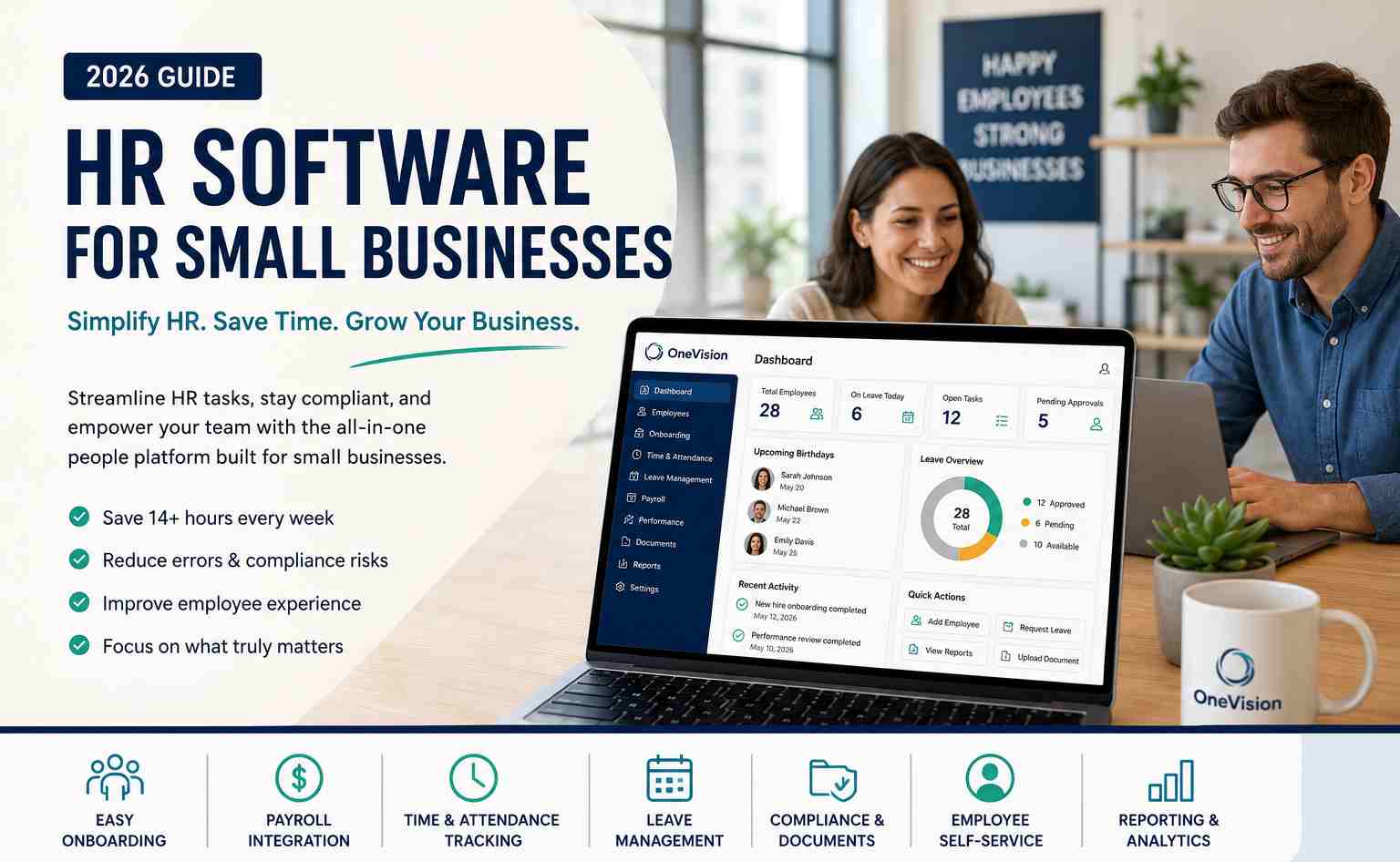



How Does the Best HR Software Help Businesses Make Better Financial Decisions?
Discover how the best HR software helps businesses reduce hidden operational costs, improve workforce efficiency, and make smarter financial decisions through automation, analytics, and better workforce management.













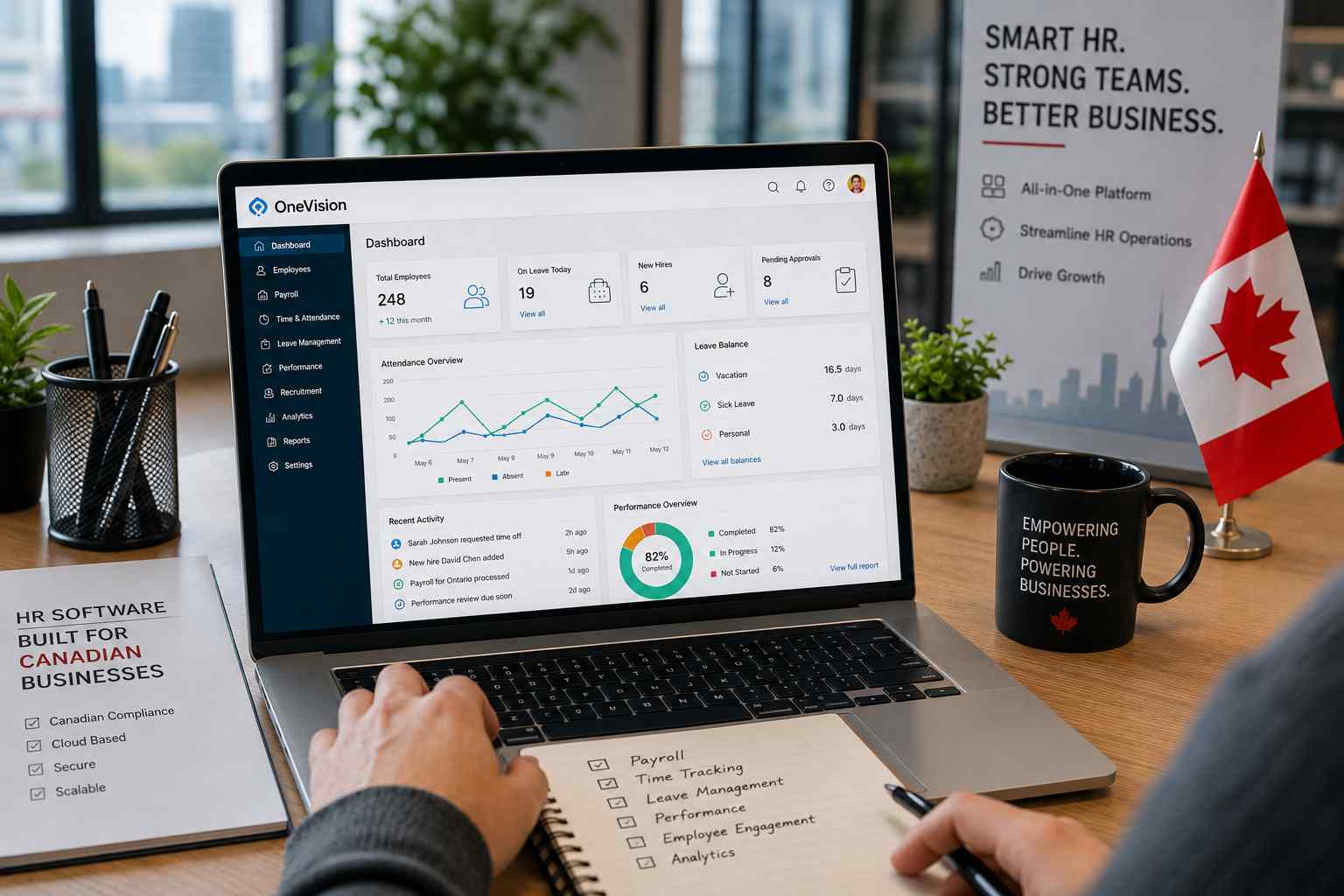
Why Use Software That Helps in Managing a Business?
When running a company, you need software that helps in managing a business, as its tasks, teams, customers, and finances all need your attention. Discover why companies are adopting all-in-one business management systems.