Picking the right workforce software for a company is one of those decisions that looks simple from the outside and gets complicated fast. The right pick saves time, cuts costs, and makes your managers' lives easier. The wrong one just adds another system nobody trusts.
This blog breaks down what actually matters when you are choosing, and what most companies miss.
What Is Workforce Management Software and Why Does It Matter?
Before getting into features and comparisons, it helps to be clear on what this software actually does. What is workforce management software in plain terms? It is the tool that helps a company manage its people day to day. Scheduling, time tracking, attendance, payroll prep, and labor costs all sit in one place.
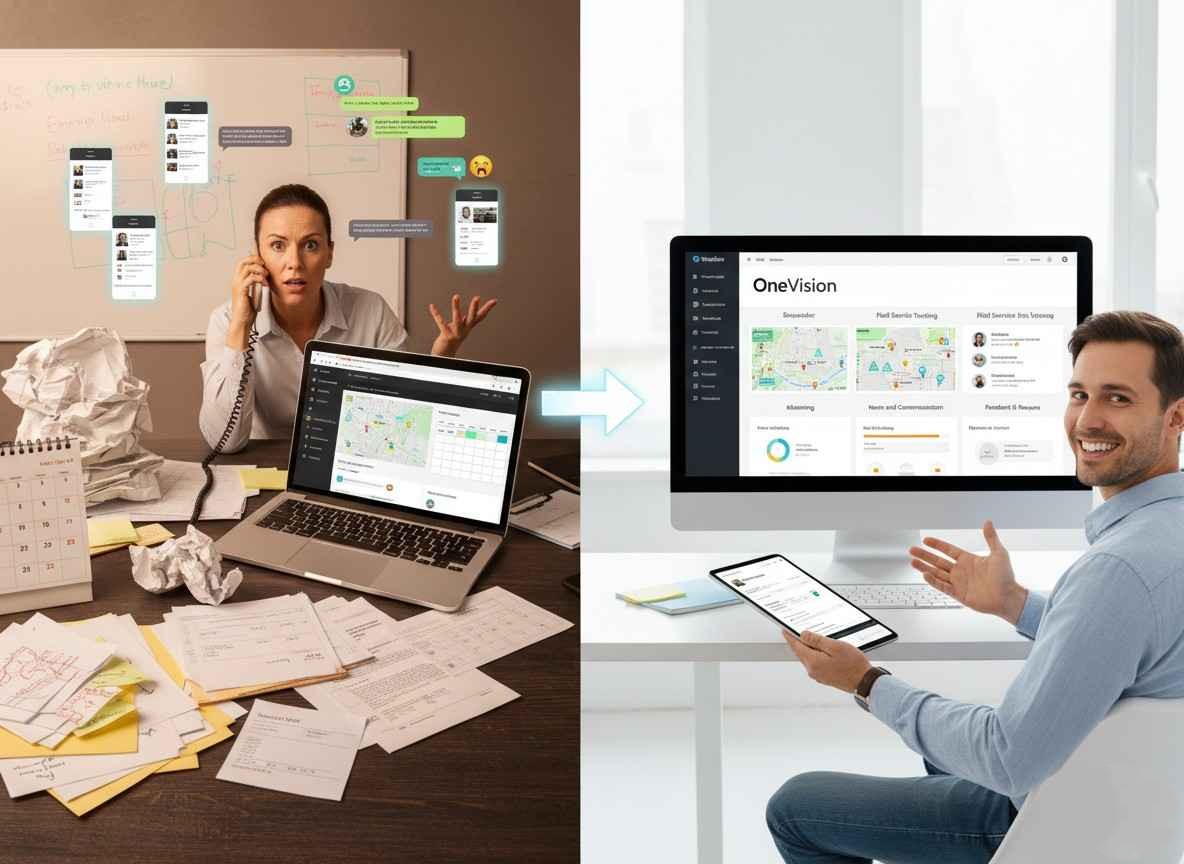
The reason why companies need workforce software comes down to what happens without it. Schedules built in spreadsheets break the moment someone calls in sick. Time tracking done manually leads to errors by Friday. Payroll takes hours longer than it should. These are not isolated problems. They pile up and cost real money.
Workforce Software for a Company Works Differently Depending on What You Do
This is the most important thing to understand before you start comparing products. What works for one type of business may be completely wrong for yours.
Retail and Hospitality Have Different Demands
Workforce management software for retail in Canada has to deal with seasonality, high turnover, and demand that changes week to week. Stores need employee scheduling software that adjusts to traffic patterns, not just a digital version of a paper roster.
Workforce management software for hospitality is more complex. A hotel or restaurant is running multiple departments at once, each with different shift times, wage rates, and break requirements. Labor management software in this space needs to handle all of that without turning payroll into a manual headache.
Healthcare Cannot Afford Scheduling Mistakes
Workforce scheduling software for healthcare carries more weight than in most industries. There are mandatory rest periods between shifts, credential requirements per role, and minimum staffing rules that exist for patient safety. Getting any of that wrong is not just an HR issue.
What Does a Small Business Need
A workforce software company for small businesses should not be selling the same product as an enterprise solution. Small businesses need something fast to set up, easy to use, and priced fairly. Affordable workforce management software Canada options have improved a lot. You do not have to spend enterprise money to get a system that actually works.
The Features That Make a Real Difference
Once you know your industry and size, you can look at what the software needs to do well. These are the ones that matter most.
Employee Time Tracking Software
Employee time tracking software is the basis of everything. It records when employees start and finish, feeds that data to payroll, and removes the guesswork from hours calculations. A good system does this automatically. A bad one still requires manual input and then manual checking.
Shift Scheduling Software
Shift scheduling software that is worth using does more than show a calendar. It tells you who is available, who is close to overtime, and whether the shift is covered before you publish it. Managers should be catching problems before the schedule goes out, not after.
Employee Attendance Tracking Software
Employee attendance tracking software connected to scheduling gives you patterns over time. You start to see which shifts are always short, which employees have recurring issues, and where the operation needs adjustment. That kind of visibility changes how you manage.
Workforce Automation Software
Workforce automation software takes the admin off managers' plates. Auto-filling open shifts, sending swap notifications, and generating hours reports without anyone having to export a spreadsheet. These are not dramatic features, but they add up across a year.
An All-in-One Workforce Management Platform
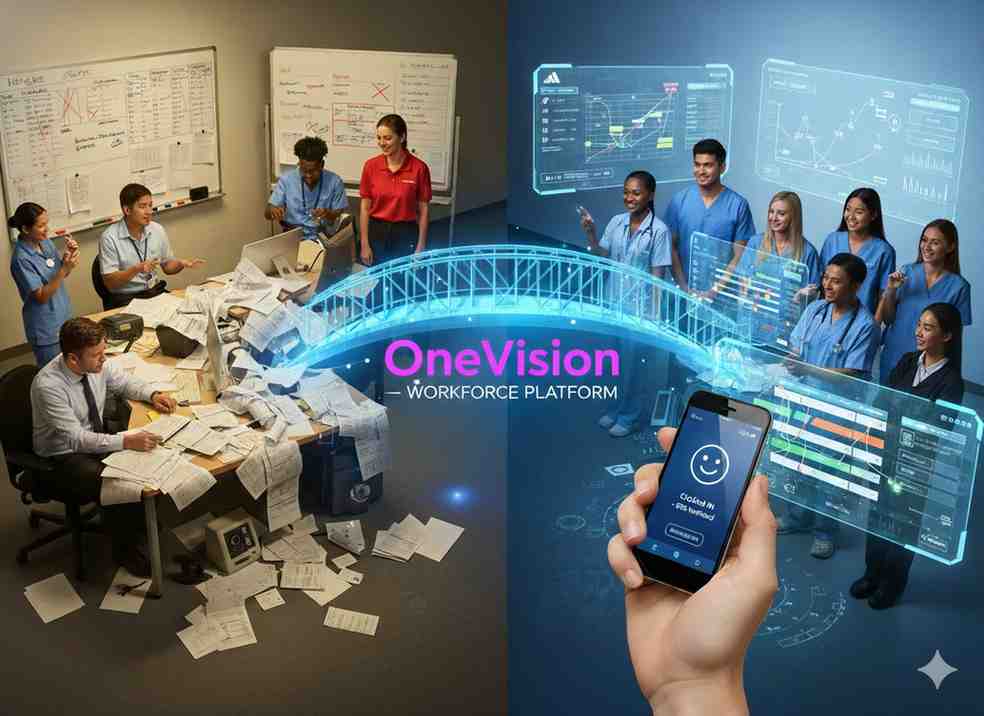
An all-in-one workforce management platform works better than a mix of separate tools because the data flows without gaps. Time tracking that feeds attendance, attendance that feeds scheduling, scheduling that feeds payroll. When those are connected, the system runs itself. When they are separate, someone is still doing the bridge work manually.
Here is what a solid platform should cover without needing add-ons:
Scheduling built around real availability and labor budget
Plan shifts that reflect who is actually available and what the labor budget allows.
Clock in and out with location or biometric verification
Confirm attendance accurately and eliminate buddy punching.
Automatic payroll calculation with correct rates and deductions
Remove manual payroll errors by connecting time data directly to pay runs.
Alerts for overtime risk before it happens
Catch overtime exposure while there is still time to adjust the schedule.
Compliance checks for breaks and minimum rest rules
Enforce labor law requirements automatically rather than relying on manager memory.
Reporting that shows labor cost at the shift and department level
See exactly where labor spend is going so you can make informed decisions.
How Workforce Software Reduces Labor Costs
How workforce software reduces labor costs is a very specific conversation. The savings come from three clear places.
Unplanned Overtime
When scheduling and time tracking are not connected, managers do not see overtime building until it is already approved. A system that shows live labor cost as the schedule is being built stops this before it starts. Even a small reduction in unplanned overtime pays for the software.
Buddy Punching
Buddy punching is when one employee clocks in or out on behalf of another employee who is absent or late, and this is really common in companies. Frontline workforce software with mobile check-in and location verification removes this problem quietly and without confrontation.
Compliance Gaps
Missed break requirements and incorrect overtime calculations create real liability. A system that enforces those rules automatically is not just convenient. It is protection.
Choosing Workforce Software for a Company in 2026
How to choose workforce software for your business looks different now than it did a few years ago. Workforce management software 2026 has two things that have genuinely changed the market: AI that actually functions and mobile access that employees expect as standard.
Businesses looking for scalable workforce software for a company can explore solutions like OneVision that bring together scheduling, workforce automation, attendance tracking, and mobile accessibility in one platform.
AI Workforce Management Software Is Worth Paying Attention To
AI workforce management software is past the hype stage in a few specific areas. Demand-based scheduling uses sales or traffic data to recommend staffing levels. Predictive absence modeling flags coverage risks before they happen. These work and they save time.
Workforce planning software with AI takes things further, helping businesses forecast hiring needs months ahead based on growth plans or seasonal trends. For companies scaling up, that kind of forward visibility is genuinely useful.
Ask vendors what their AI specifically does, what it learns from, and what it decides on its own versus what it flags for a human. Those answers tell you more than the marketing does.
Cloud-Based and Mobile Are the Starting Point
Cloud-based workforce management software is now the expected baseline. Real-time updates, no servers to maintain, access from any device. An on-premises-only offering in 2026 is a red flag worth noting.
Mobile workforce management software matters especially for employees who are not at a desk. Shift workers checking their schedule, requesting time off, or accepting an open shift from a phone is now an expectation. Platforms that treat mobile as an afterthought tend to have low adoption rates, and low adoption means the system never delivers what you paid for.
If you are in Canada, the best workforce software company in Canada should handle provincial labor law out of the box. Overtime thresholds, stat holidays, and rest period rules vary by province and should not require manual configuration or custom workarounds.
Conclusion
The right workforce software for a company does not need to be the most expensive option or the one with the most features. It needs to match how your business actually runs.
Start with your industry, your size, and the specific problems costing you time or money right now. The software that solves those problems clearly and without friction is the right one. Everything else is just noise.
Frequently Asked Questions
Read Other Blogs
Explore more insights and tips on business management

How Does the Best HR Software Help Businesses Make Better Financial Decisions?
Discover how the best HR software helps businesses reduce hidden operational costs, improve workforce efficiency, and make smarter financial decisions through automation, analytics, and better workforce management.









Why Use Software That Helps in Managing a Business?
When running a company, you need software that helps in managing a business, as its tasks, teams, customers, and finances all need your attention. Discover why companies are adopting all-in-one business management systems.