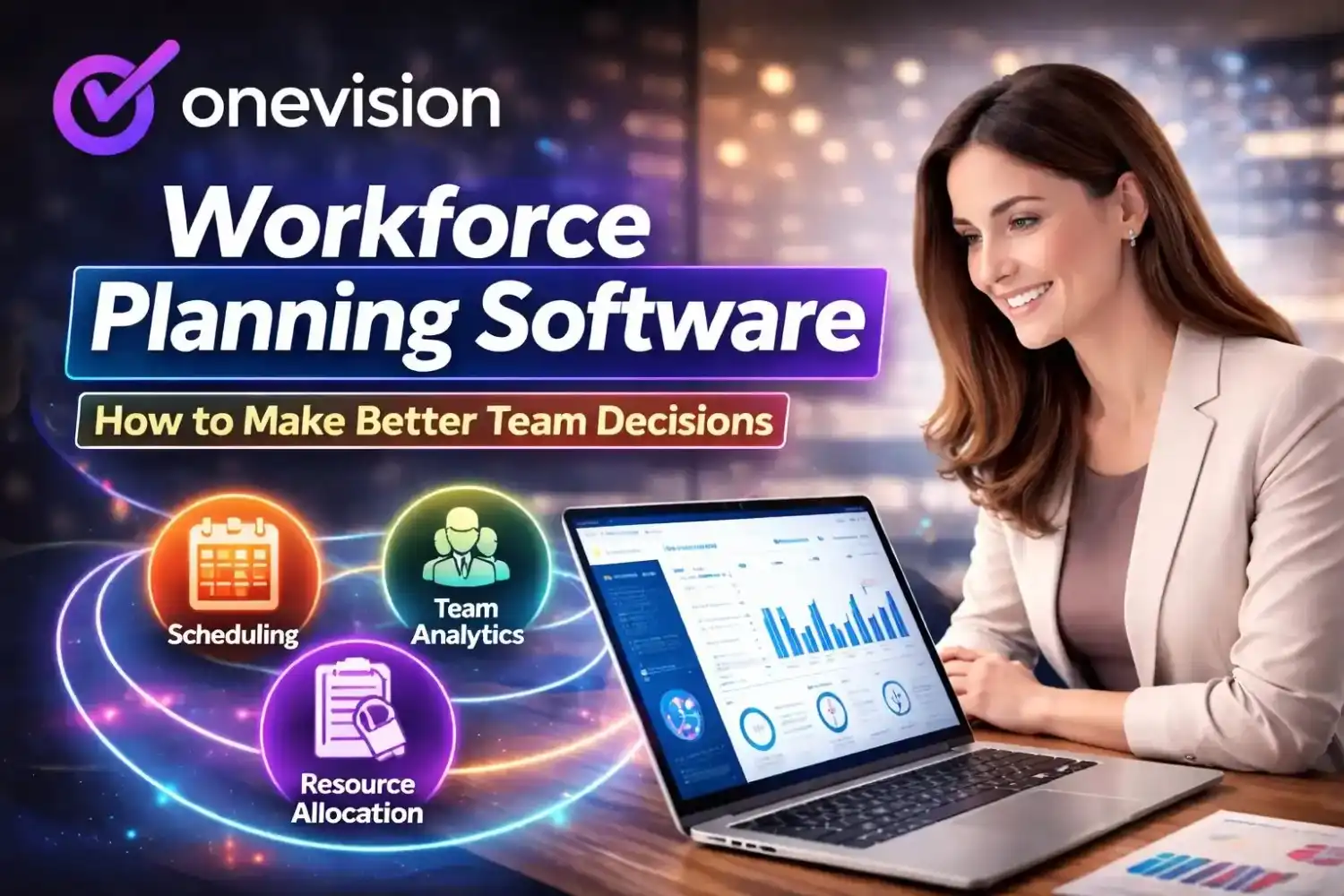
Is Your HR Database Software Actually Helping You Improve Workflow? HR database software tools aren’t just for storing records anymore. Now they do a lot more. You can onboard new employees, manage schedules, track performance, and handle training all in one place. Because everything is connected, you don’t have to switch between different tools. OneVision is one of these platforms. In this guide, we’ll go over what to look for, what these tools actually do, and how to figure out if one is right for you.
So, what does HR database software actually do?
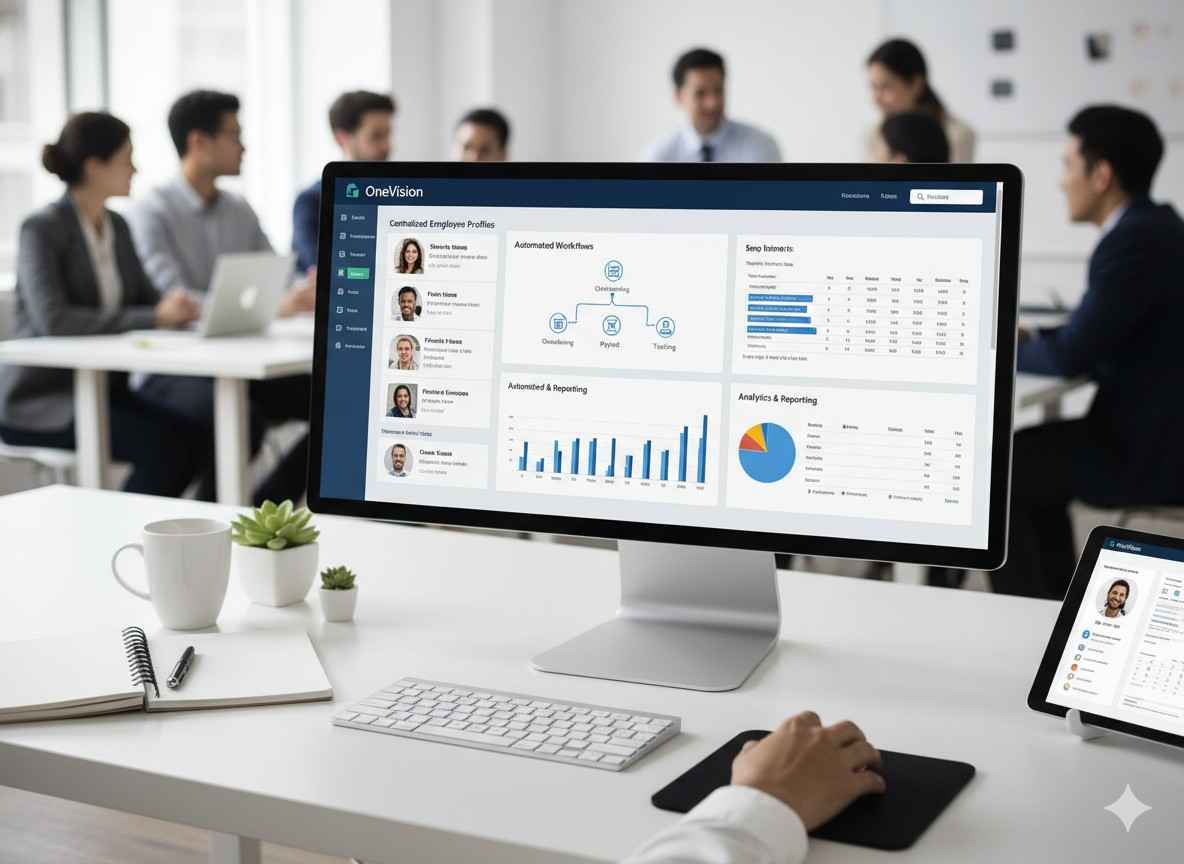
Basically, it keeps all your employee information in one place. Instead of checking emails, folders, or random spreadsheets, you can just search and find what you need. Things like employee details, contracts, attendance, performance records, payroll, and training are all stored together. So overall, it just makes everything easier to manage and less messy.
Why Do So Many Businesses Still Use Spreadsheets for HR?
Mostly because they’re familiar. People already know how they work; they’re easy to set up, and you don’t have to spend anything to get started. So at first, they feel like the easiest option.
But then things start to slip once the team grows. What worked for five people doesn’t really work for fifty. For example, there’s no real control over who sees what, so sensitive things like salaries can end up in files that too many people can open. At the same time, version issues start popping up. One person edits one file, someone else edits another, and suddenly nothing matches.
On top of that, everything has to be done by hand. Whether it’s updating records, putting together reports, or checking compliance, someone in HR has to sit and do it all manually. So over time, what felt simple at the start just turns into extra work.
What Should Good HR Database Software Include?
Before evaluating any platform, it helps to know what the baseline looks like. A well-built HR database software should cover:
Centralised employee profiles so things related to employees are in one place, with records always up to date
Document management for sorting out documents like contracts, certifications, and HR files, and having them stored securely, so you can easily retrieve them.
Role-based access control so that only the people who have authorized access can see the sensitive data.
Automated onboarding and offboarding for structuring workflows that do not rely on manual checklists
HR tracking database software, for compliance tracking with built-in tools to make sure the HR processes align with current labour laws
Analytics and reporting by using real-time data.
Does Your Business Really Need a Workforce Management System?
This is the question a lot of growing businesses ask, usually after they have already outgrown their current setup. The short answer is yes, but the reason matters more than the answer.
A workforce management system goes further than an HR database. It connects your employee records to scheduling, time tracking, payroll, and training so that all of those functions share the same data rather than running in parallel. That connection is where most of the operational value comes from.
What Problems Does a Workforce Management System Solve?
The most common pain points it addresses are:
Scheduling conflicts when shifts are built on real availability data rather than guesswork, conflicts drop significantly
Payroll errors when time tracking feeds directly into payroll reports; manual re-entry errors disappear
Compliance gaps when certifications and labour law requirements are tracked automatically, nothing slips through
Visibility blind spots when all workforce data lives in one system, managers can see what is actually happening, rather than waiting for a report
OneVision brings all of this together under one dashboard.
How Does Employee Database Software Change Day-to-Day HR Work?
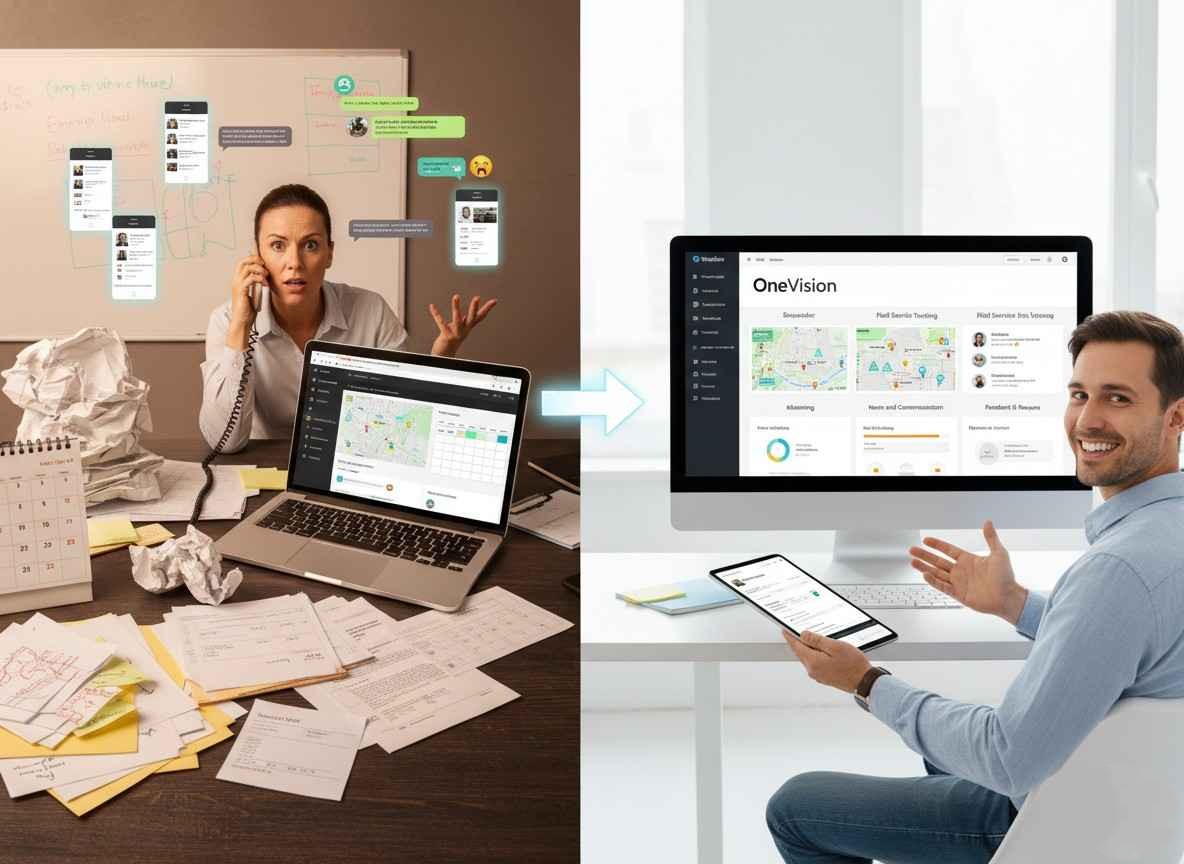
The difference between managing employees with scattered tools versus hr employee database software becomes obvious within the first week of switching. Tasks that used to take hours take minutes. Information that used to require three emails to find is available in seconds.
More importantly, the quality of HR decisions improves. When data is current, complete, and consistent across the system, HR managers spend less time reconciling records and more time acting on what they see.
What Does This Look Like in Practice?
With OneVision's HR module, here is what changes:
Employee profiles stay updated in real time, so HR always works from accurate information
Org charts reflect the actual reporting structure, making hierarchy management straightforward
Onboarding workflows run automatically, cutting setup time from weeks to days
Documents are stored, tracked, and accessible without anyone having to hunt through folders
Performance records accumulate consistently over time rather than being reconstructed before each review cycle
Compliance tools flag issues before they become violations rather than after
That last point matters more than most businesses realise. Reactive compliance is expensive. Proactive compliance is a feature of good employee database software.
Is There Free HR Database Software Worth Using?
This comes up often, especially for small businesses and startups, watching their budgets carefully. Free HR database manager software does exist, and for very early-stage teams, it can cover the basics.
The limitation is always the same, though. Free tools handle storage, but they do not handle the connected workflows that make HR database software genuinely useful. You get a place to put data, but you do not get onboarding automation, payroll integration, compliance tracking, or analytics. Those capabilities require a proper platform.
So, a platform like OneVision pays for itself quickly because it saves a lot of time on manual admin work, especially for most businesses that move past the startup stage.
What About Employee Onboarding Software? Does It Come Separately?
A lot of employee onboarding tools get sold on their own. Because of that, they don’t connect directly with your HR system, scheduling, or training tools. So someone still has to move the onboarding data into the main system by hand after it’s done.
Why Built-In Onboarding Changes Everything
When onboarding software lives inside your HR database software, as it does in OneVision, the entire process flows automatically. A new employee completes their onboarding steps, and every action updates their HR profile in real time. Documents land in document management. Training assignments route through the eLearning module. Schedule access gets set up based on their role.
Nothing requires manual transfer because nothing is separate. That is the difference between onboarding software as a standalone tool and onboarding as a feature of a unified HR system.
How Does HR Database Software Handle Payroll?
Payroll is one of the most sensitive and error-prone parts of workforce management, and most of those errors trace back to the same cause: data that does not flow automatically between systems.
When HR database software integrates with payroll system software properly, attendance data, shift records, and time-off approvals feed directly into payroll calculations without manual re-entry. OneVision's Scheduler module handles this connection. GPS-verified clock-in and clock-out records translate into payroll-ready reports that update in real time.
Shift changes, overtime hours, and absences are captured as they happen, so the payroll report at the end of the period reflects what actually occurred, not what someone estimated or remembered to record.
Does HR Database Software Work for Small Businesses?
Yes, and arguably small businesses benefit from it more than larger ones do. Larger organisations have dedicated HR teams and processes built over the years. Small businesses often have one person handling HR alongside three other responsibilities, which means the right software does a lot of the heavy lifting that would otherwise fall entirely on them.
What HRIS for Small Business Should Actually Deliver
A good HRIS for a small business should be straightforward to set up, cover the core functions without requiring a technical team to configure it, and scale without forcing a platform change when the headcount grows.
OneVision fits that description. Small businesses can start with HR management and scheduling, then expand into analytics, eLearning, and feedback as the team grows. The pricing is transparent, the setup does not require an IT department, and the platform grows with the business rather than against it.
What Is an HRIS System, and Is It the Same as HR Database Software?
These terms are often used interchangeably, but there is a practical distinction worth understanding. An HRIS Human Resource Information System is the broader system that manages HR data and the processes that run on that data. HR database software is the component that handles the data storage and organisation layer.
In practice, modern platforms combine both. OneVision functions as a full HRIS system because it not only stores and organises employee data but also automates the workflows onboarding, scheduling, payroll integration, training, and performance management that operate on top of that data.
The result is a platform where the HR database and the processes that depend on it are never out of sync.
How Do Workforce Management Tools Handle Teams Across Different Locations?
This is one of the more practical challenges for businesses with more than one site. When employees work across multiple locations, the risk of inconsistent data increases, as different managers keep different records, attendance is tracked differently in each place, and HR documentation is scattered across sites.
Workforce management tools solve this by centralising everything regardless of location. OneVision's Scheduler uses GPS-verified attendance, so clock-in records are accurate no matter where an employee is working. Those records feed into the same central HR database as everyone else in the organisation, keeping data consistent across every location.
For retail chains, healthcare networks, and hospitality groups managing staff across multiple sites, this kind of consistency is not optional it is what makes the system trustworthy.
What Role Does eLearning Play in HR Database Software?
Training and development sit inside the HR function, but most businesses manage them in a completely separate system. That separation means certification records have to be manually transferred into the HR database, progress tracking is fragmented, and compliance with required training is harder to enforce.
When eLearning is built into the HR database software, as it is in OneVision, every training action updates the employee record automatically. Course completions, quiz results, certification achievements, and progress milestones all flow into the central database without manual input. For industries where training compliance is regulated, such as healthcare, manufacturing, and logistics, this integration is a meaningful risk reduction.
How Does HR Software Support Recruitment and Employment Agency Workflows?
Recruitment is often treated as the stage before HR begins, but in practice, the handoff between recruitment and HR onboarding is one of the most common places for information to get lost or duplicated.
Recruitment software and employment agency software that connect directly to an HR database eliminate that gap. When a candidate is moved to be hired, their information transfers into the HR system automatically no re-entry, no transcription errors, no delay in starting the onboarding process. OneVision's onboarding workflows activate as soon as a new employee is created in the system, making the transition from recruited to onboarded a smooth, structured sequence rather than a scramble.
What Industries Benefit Most From OneVision?
OneVision is designed to handle workforce complexity across a range of industries:
Retail: multi-location scheduling, staff compliance, and centralised HR records across stores
Healthcare: certification management, rotating shift schedules, and compliance-first HR workflows
Hospitality: shift coordination across departments without the administrative overhead
Manufacturing: shift rotation management, safety certification tracking, and production team performance
Education: faculty scheduling, administrative HR, and training programme management
Corporate: performance management, employee engagement, and scalable HR operations
Conclusion
Your HR team wastes hours fixing records, chasing documents, and rebuilding reports. So instead of driving growth, they get stuck in repetitive tasks. That’s exactly where good HR database software makes a difference. It cuts down that extra work in a clear, consistent way.
OneVision handles this across your whole workflow. You manage HR records, schedules, payroll, training, analytics, and communication all in one place. Because everything stays connected, your data stays accurate. As a result, the processes built on that data run more smoothly too.
So if your current setup still depends on too much manual work, it might be time to switch. In that case, onevision.io is worth checking out.
FAQs
What is HR database software?
It’s a system that keeps all employee information in one place. This includes things like profiles, contracts, attendance, performance, and compliance records. It also helps run basic HR tasks automatically.
Is free HR database software good enough for small businesses?
Free tools can work when a team is small and needs only basic storage. But as things grow, like payroll, onboarding, and reporting, a full platform like OneVision becomes more useful.
Does OneVision work as both an HR database and a workforce management system?
Yes. OneVision keeps employee records and also handles scheduling, payroll reports, training, communication, and feedback in one system.
Can HR database software handle payroll?
Yes. OneVision turns attendance data into payroll-ready reports, so you don’t need to enter things manually.
Is OneVision suitable for businesses with multiple locations?
Yes. It tracks attendance through GPS and keeps all data in one system, so every location stays in sync.
How does HR database software support compliance?
It keeps track of documents, expiry dates, and HR records, and it helps control who can access what, so compliance stays organized.
Read Other Blogs
Explore more insights and tips on business management


How Does the Best HR Software Help Businesses Make Better Financial Decisions?
Discover how the best HR software helps businesses reduce hidden operational costs, improve workforce efficiency, and make smarter financial decisions through automation, analytics, and better workforce management.








Why Use Software That Helps in Managing a Business?
When running a company, you need software that helps in managing a business, as its tasks, teams, customers, and finances all need your attention. Discover why companies are adopting all-in-one business management systems.