Businesses are turning to software for workforce management since everything is so fast paced these days that you can't keep track of employees properly. Honestly, keeping track of who's working when, what they're doing, and if everything's on track can get messy fast. That's why more and more companies are turning to these tools to make operations simpler, save time, and also to become more efficient.
It's not just about scheduling shifts. The right workforce management software is there for you to see that the right people are in the right place, at the scheduled time, doing their work. And the best part? No matter the size of your company, you'll benefit from these tools, and they will greatly impact your outputs.
In this article, we'll dive into why workforce management software is so useful, the different types you can choose from, and how it can actually transform the way your team works.
Why Choose Software for Workforce Management?
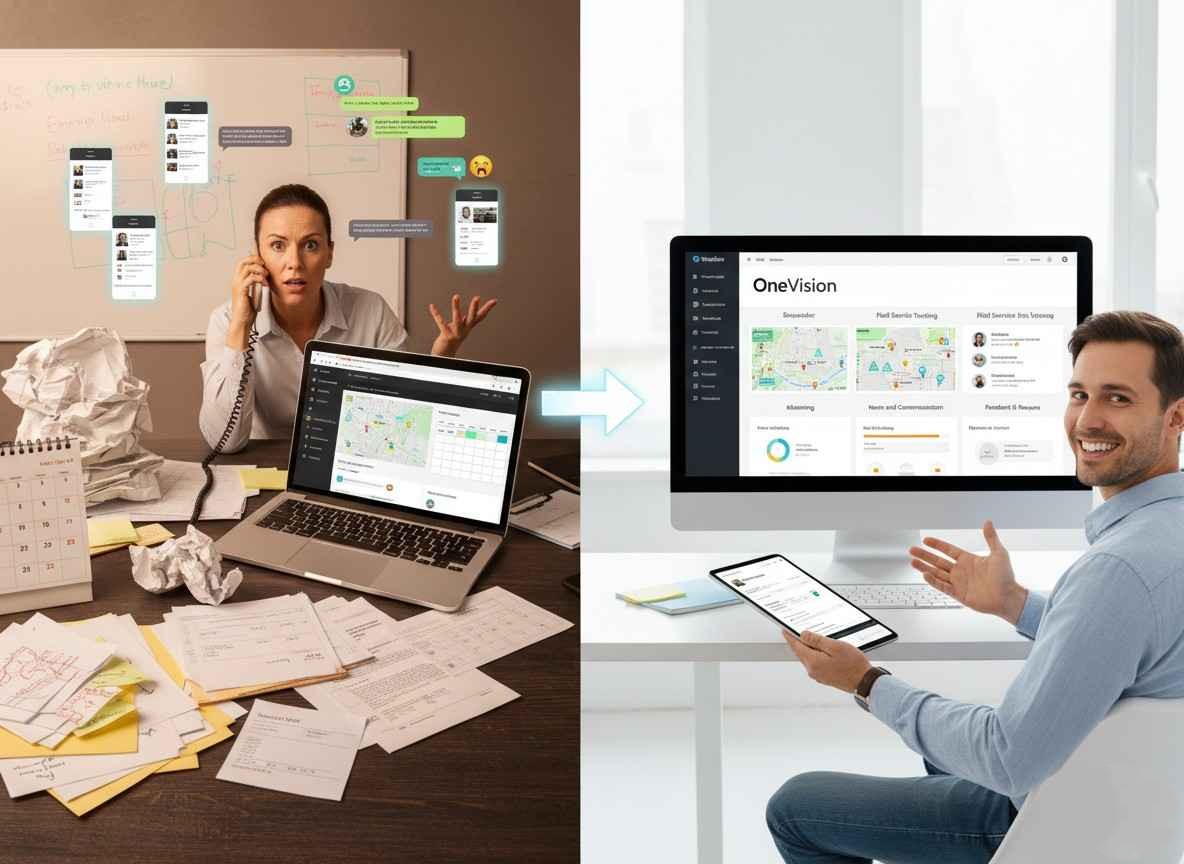
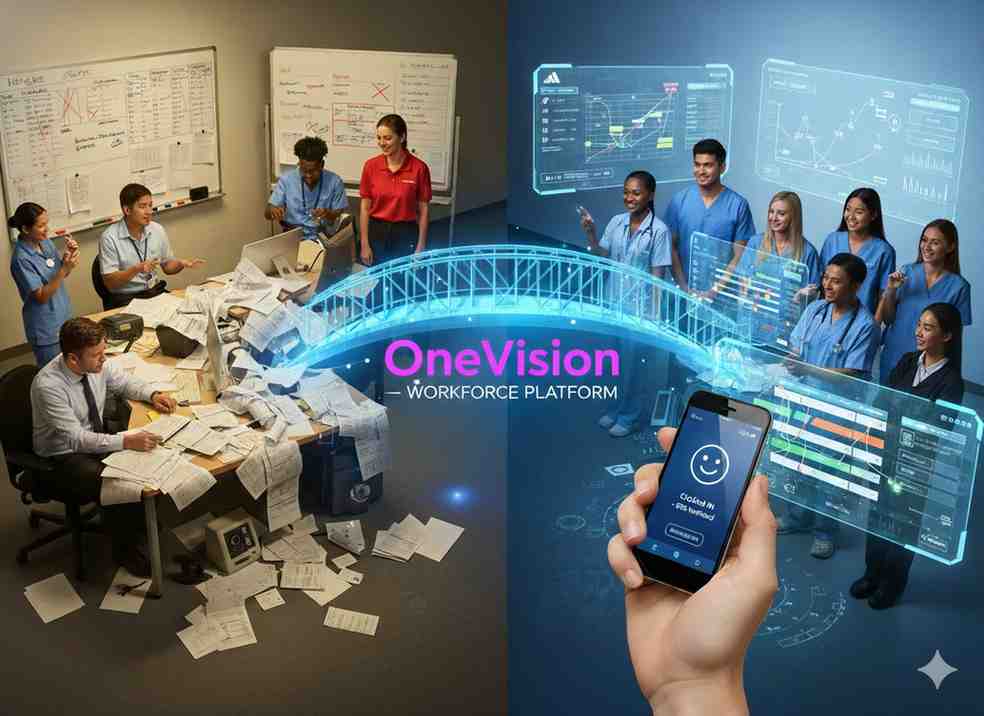
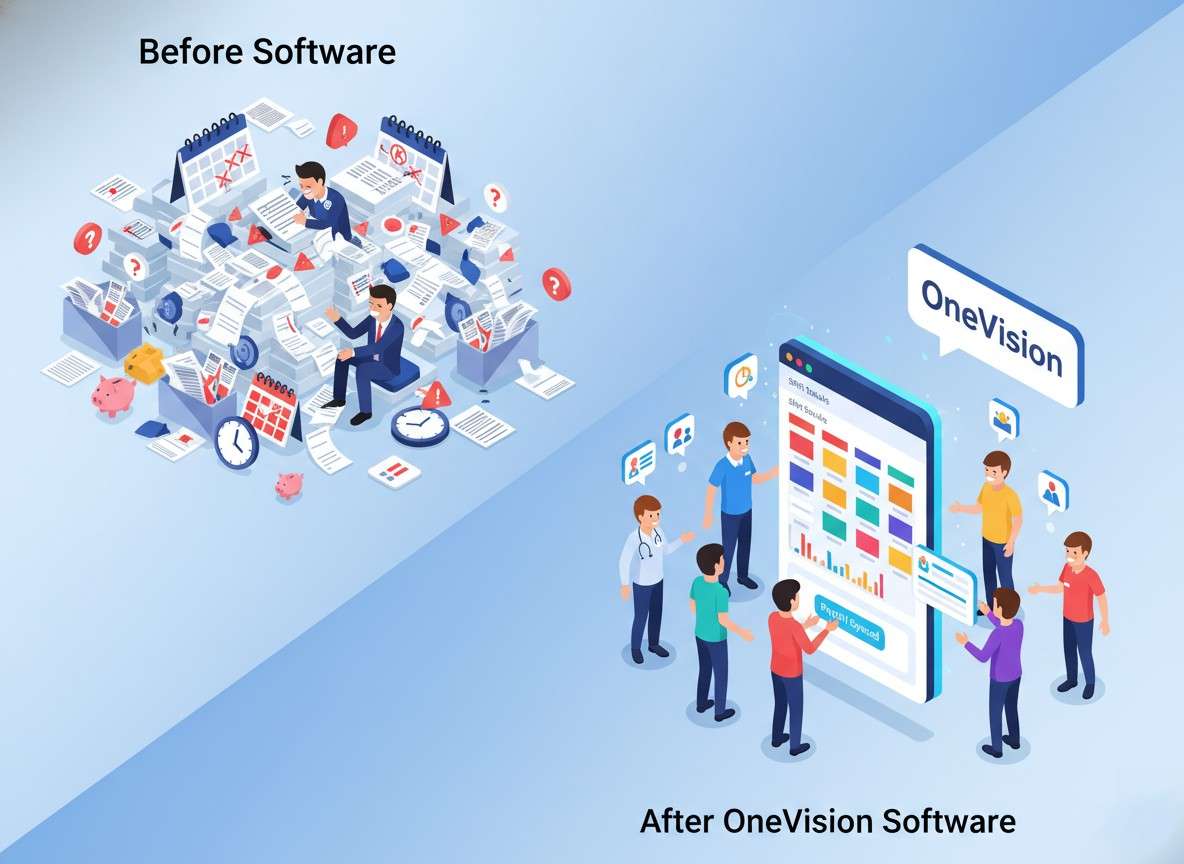
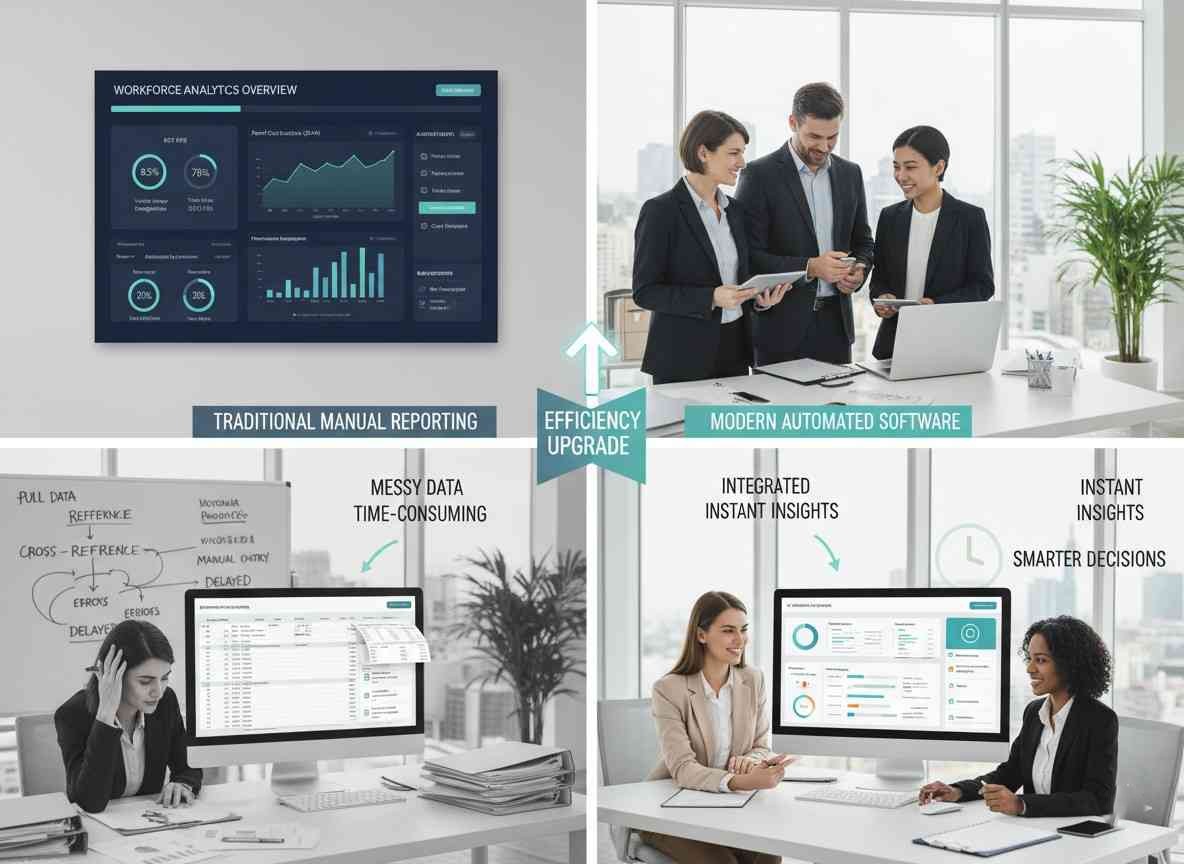
Trying to run a business manually? It's very exhausting and overwhelming. It takes forever to track who's working when, who's getting time off all while tracking how they're performing. But all these processes become really simple with Workforce management software.
With the right tools, managers can:
• Reduce human errors in scheduling • Check if employees are being productive • Make sure what staff they need • Keep everything according to labour laws and regulations
Cloud workforce management software makes things way more flexible. This means wherever your team is, they can easily check schedules and updates. As a result, employees can check their shifts on mobile devices, and managers can approve requests instantly.
Apart from that, this software isn't just for large companies. Even workforce management software for small businesses can make things smooth and save a lot of time.
Key Features of Workforce Management Software
Choosing the right system can feel overwhelming. Let's break down some features most businesses need:
1. Workforce Scheduling Software
Scheduling is at the heart of workforce management. That's where workforce scheduling software comes in. It helps make sure the right staff are working at the right time. Plus, it can adjust shifts automatically, track who's available, and avoid any problems related to scheduling.
For example, a retail store can avoid having too many staff on slow days, while still covering busy hours. Similarly, a restaurant can keep kitchen and service staff balanced without any stress.
2. Employee Workforce Management Software
Beyond just schedules, employee workforce management software helps track how people are performing, their attendance, and their skills. This way, managers can assign tasks based on what each person is good at, not just when they're free.
On top of that, moving to a digital system makes collecting data much easier. Reports can show trends, point out training needs, and even help reduce staff turnover.
3. Workforce Analytics Software
Decisions are usually made by looking at all the data. So, for that workforce analytics software shows you how your team is really doing. For example, it can spot problems, track overtime, and even predict when you'll need more staff.
With this kind of insight, managers can plan smarter, cut unnecessary costs, and keep employees happier. Plus, it makes decision-making much easier.
Types of Workforce Management Software
Every business needs something different. Choosing the right type ensures you maximize benefits.
Cloud Workforce Management Platform
So, a cloud workforce management platform is basically your team's hub, and the best part is that it's all online. Because of that, employees and managers can log in from anywhere, without having to be at a desk.
On top of that, everything updates in real-time, so there's no waiting or confusion. Plus, most platforms come with mobile apps, which makes messaging, scheduling, and updates super quick. All in all, it just keeps work smooth and communication faster.
Cloud solutions can grow with your business. So, whether you have ten people or thousands, the system adjusts easily. Because of this, a lot of companies prefer it over old-school on-site software.
Enterprise Software for Workforce Management
Big companies usually go with enterprise workforce management software. Since these systems can handle tricky schedules, work despite location, and also keep up with rules and regulations. Plus, they often connect directly with payroll and HR tools.
On top of that, enterprise software comes with advanced features like predictive scheduling, AI insights, and portals where employees can manage things themselves. It really helps large teams run more smoothly.
Workforce Management SaaS Platform
Workforce management SaaS platforms usually work on a subscription model. Because of that, you don't have huge upfront costs.
On top of that, updates are handled automatically, so you're always on the latest version.
Before committing, most platforms let you try a demo or a free trial.
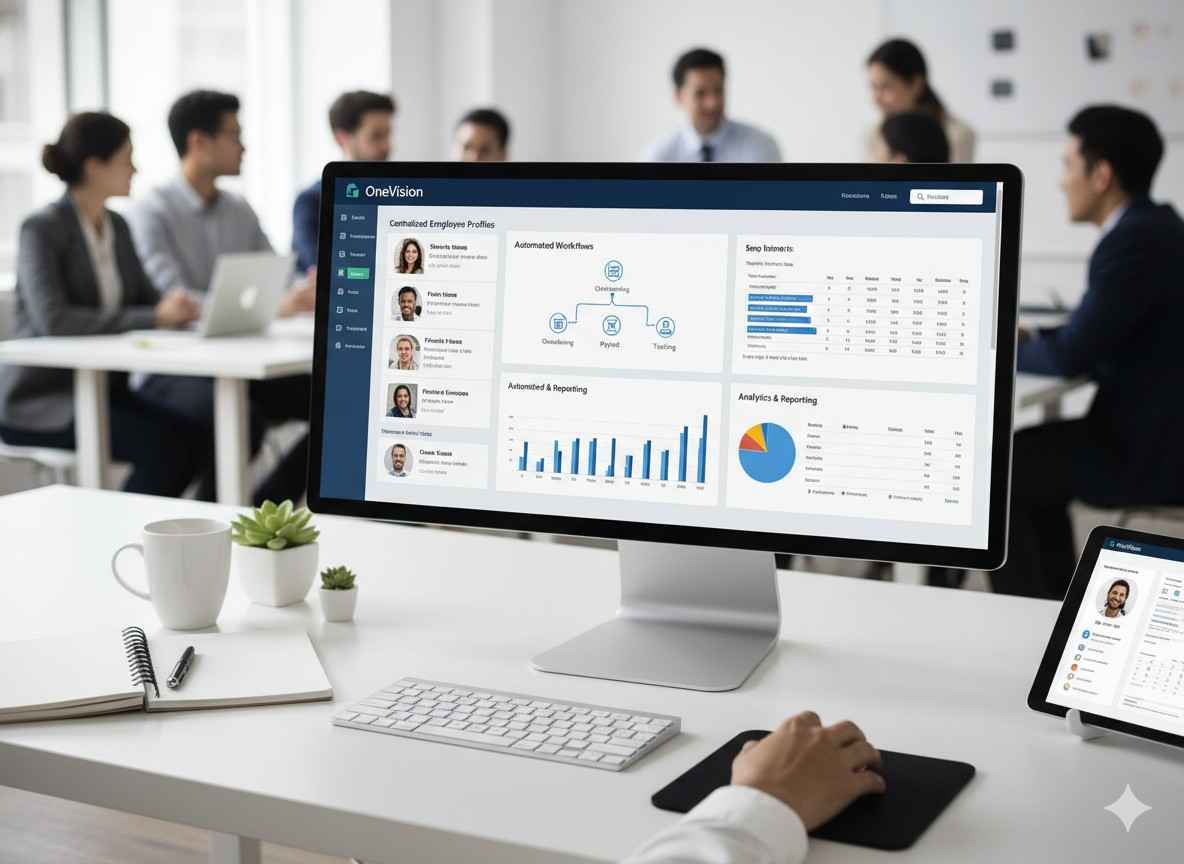
And the best part? They often include analytics dashboards, reporting, and mobile access, making sure everything is in one place.
Benefits of Using Workforce Management Software
The benefits of workforce management software go way beyond just making life easier. Let's take a closer look:
Teams become productive
Because with workforce management software, all employees know their schedules and tasks. Along with that, managers can also check progress regularly.
You can use staff smartly
This software helps place employees based on their skills, not just when they're free. This makes everything more efficient for you.
Save money
You'll have less overtime and fewer scheduling mistakes, which means you can spend less and save money. Plus, manual tracking is cut out completely.
Ensure compliance
Many systems keep an eye on labor rules. This makes it easier to follow laws and avoid fines, ensuring compliance.
Improve employee experience
Self-service tools make things easier for employees. Especially when they have to swap shifts, put in some requests, or when changing their schedules. This makes life easier for everyone.
Real-World Use Cases
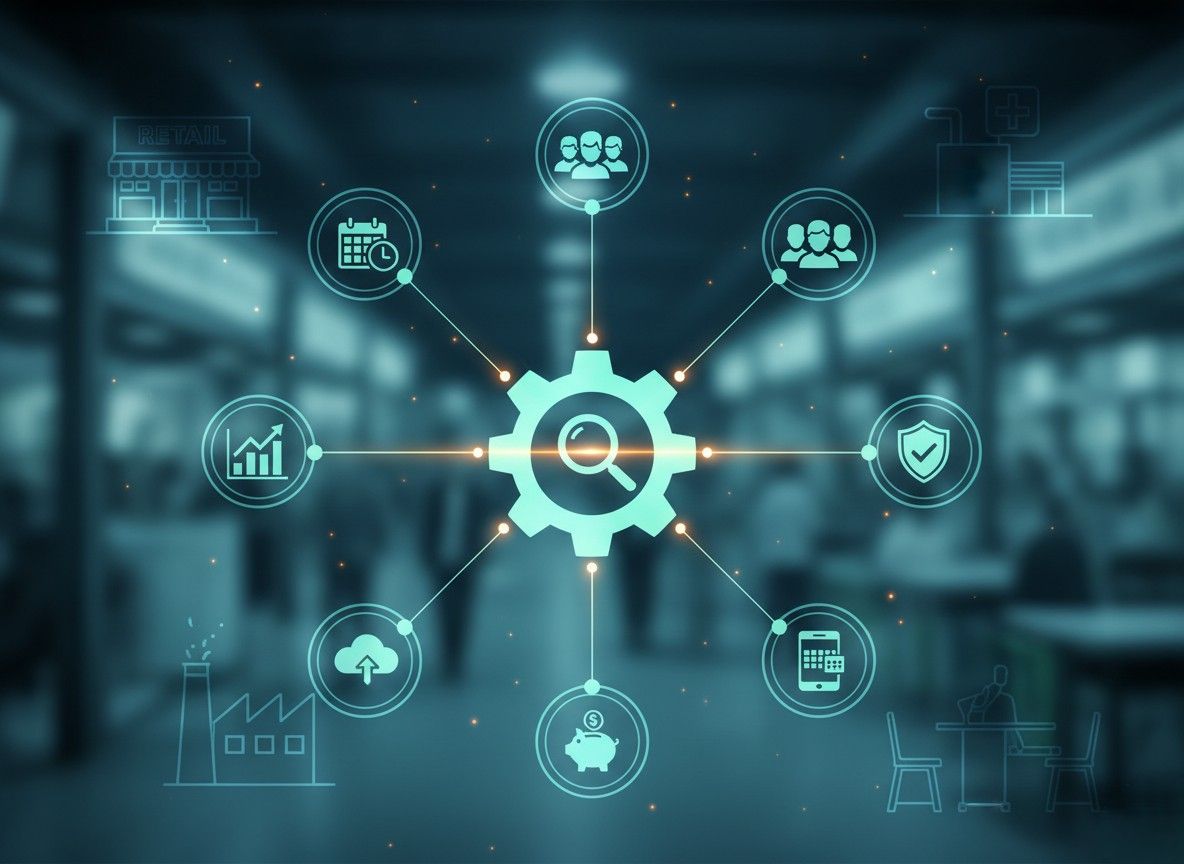
Businesses across industries benefit from workforce management software:
Retail: Stores can schedule seasonal staff effectively and track sales performance by employee.
Healthcare: Hospitals manage shifts, certifications, and compliance seamlessly.
Hospitality: Hotels and restaurants optimize staff for peak times and track service efficiency.
Manufacturing: Factories track employee output, attendance, and safety compliance.
Even small businesses gain value. A local cafe can manage baristas' shifts, track payroll, and forecast busy hours with minimal effort.
How to Choose the Right Software for Workforce Management
When choosing workforce management software for businesses, a few things really matter. Here's what to look at:
Ease of use
First of all, the software should be simple. Managers and employees should be able to use it without confusion.
Works with your current tools
Next, check if it connects with the systems you already use. For example, HR tools, payroll, or scheduling software.
Room to grow
Also, think about the future. The software should be able to grow as your business grows.
Helpful features
In addition, look at what the system offers. Things like scheduling, analytics, mobile access, and self-service tools can make daily work much easier.
Good customer support
Finally, make sure the provider offers reliable support. If something goes wrong, help should be easy to reach.
And before you decide, try the software first. Most providers offer demos or free trials. It's also a good idea to compare different workforce management software companies and read reviews. That way, you can choose a tool that truly fits your business.
Conclusion
Investing in software for workforce management is no longer optional. It's a smart business move. From scheduling and analytics to employee satisfaction, the benefits are clear.
Whether you're a small business exploring workforce management software for small businesses or an enterprise looking for cloud workforce management system, the right platform can transform your operations.
Start by evaluating your needs, exploring demos, and comparing providers. The right solution will save time, reduce costs, and boost productivity while keeping employees happy.
Instead of waiting around, take the first step toward smarter workforce management today.
Frequently Asked Questions
Read Other Blogs
Explore more insights and tips on business management


How Does the Best HR Software Help Businesses Make Better Financial Decisions?
Discover how the best HR software helps businesses reduce hidden operational costs, improve workforce efficiency, and make smarter financial decisions through automation, analytics, and better workforce management.








Why Use Software That Helps in Managing a Business?
When running a company, you need software that helps in managing a business, as its tasks, teams, customers, and finances all need your attention. Discover why companies are adopting all-in-one business management systems.