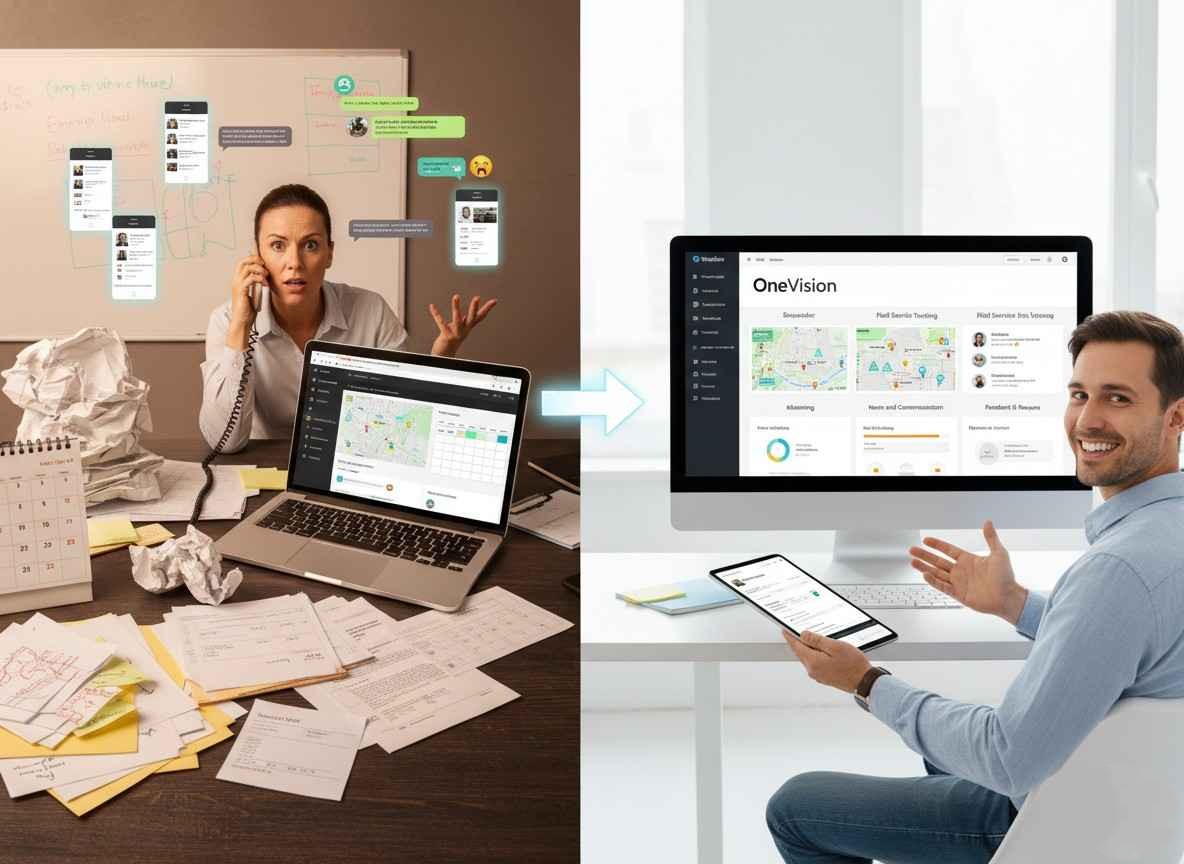
If you're managing a small business in 2026, you're probably doing the work of three people. Scheduling shifts, tracking who showed up, keeping employee records in order, training new hires, and staying on top of performance. And doing all of that across a patchwork of spreadsheets, group chats, and sticky notes? That's hard to manage.
Business management software for small businesses exists to cover all that. But not all platforms are built the same. Some do one thing well. Others try to do everything and end up doing nothing particularly well.
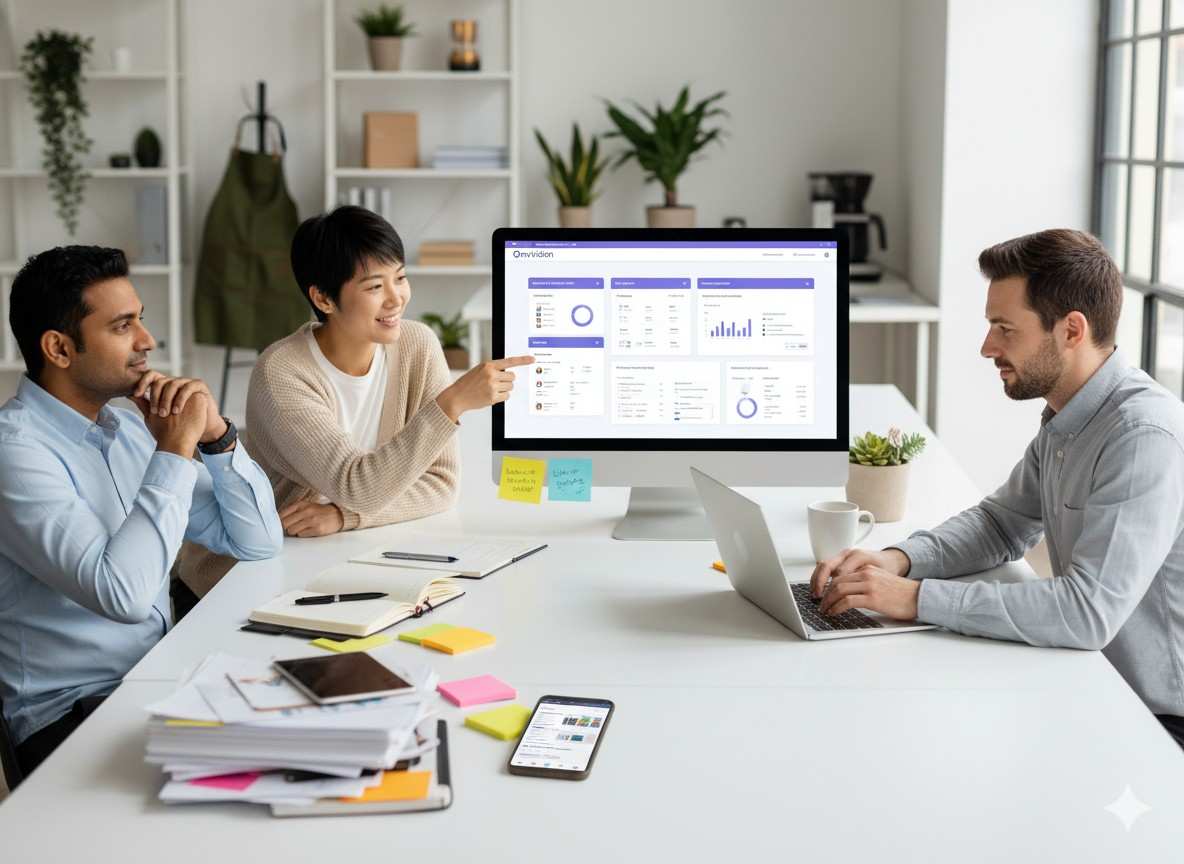
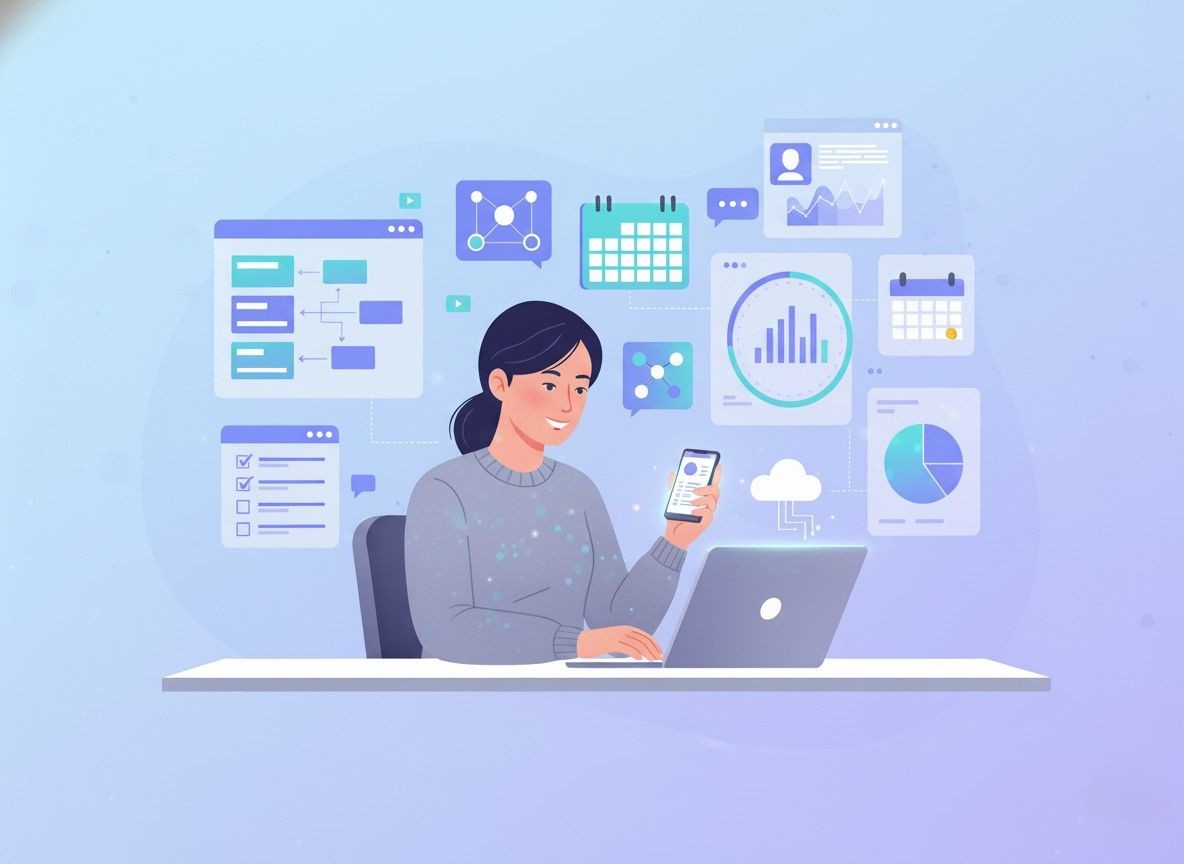
OneVision is built differently, with six modules and one dashboard, designed from the ground up for teams that need everything to work together. Let's walk through what that actually looks like in practice.
Key Takeaways
Managing a small business requires you to juggle scheduling, HR, training, and communication, and doing each of these on a separate platform creates gaps and wastes time.
OneVision brings all six workforce management functions into one dashboard, so data flows between modules without manual work.
GPS clock-in, automated attendance tracking, and conflict detection solve the scheduling chaos that grows with your team.
Built-in eLearning turns training into a repeatable system instead of a one-time walkthrough, with certification tracking included.
The Analytics Dashboard replaces gut feel with real KPIs, attendance trends, and productivity data.
Internal communication and structured 360° feedback keep teams connected and performance conversations on record.
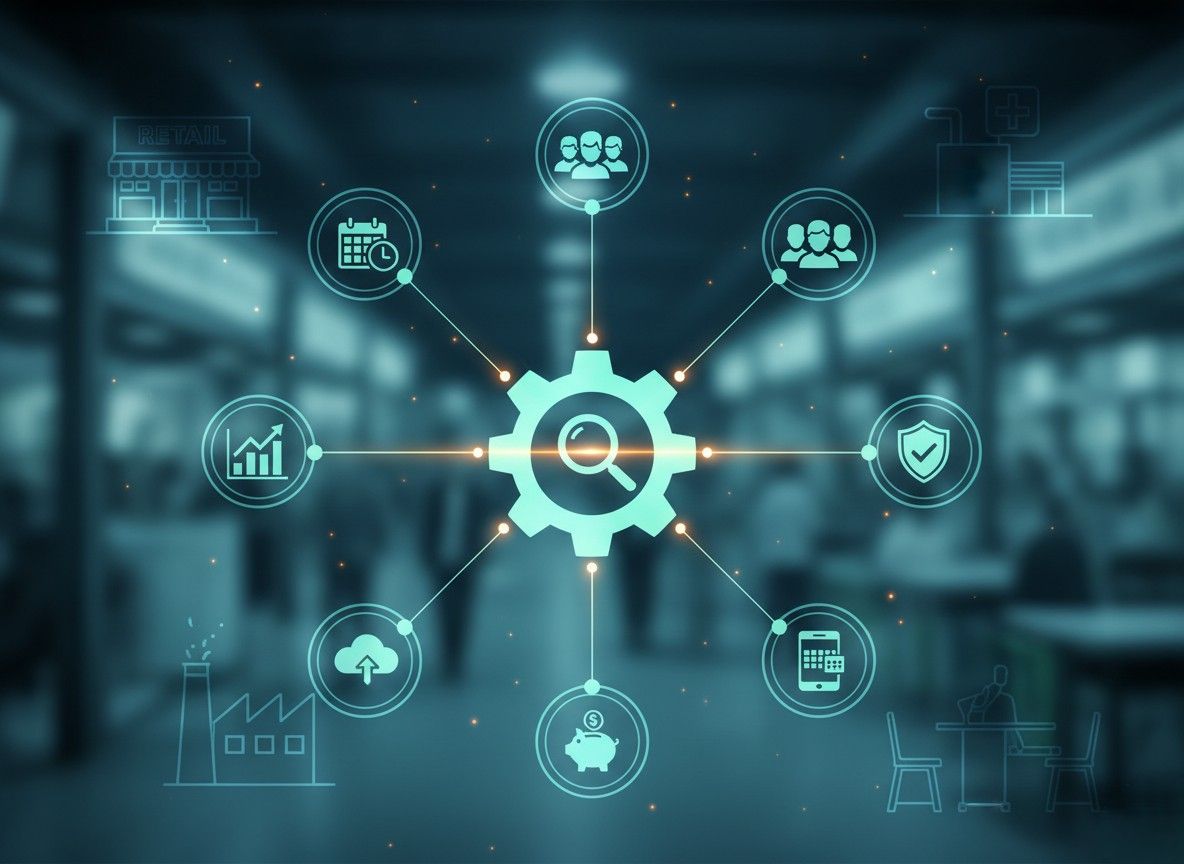
OneVision is built for industries where managing people is hardest: retail, healthcare, hospitality, and multi-location businesses.
It Starts With Scheduling and Attendance
For most small businesses, shift scheduling is where the chaos starts. Someone doesn't show up. A manager forgets to post next week's rota. Two people are booked for the same slot. It's manageable when you have five employees. It becomes a full-time problem when you have fifteen.
How to Manage Employee Shifts Online
OneVision's Scheduler module gives managers a visual shift planner that works exactly how you'd expect: drag, drop, done. You can build out weekly schedules, set recurring patterns, and publish them to the whole team in one click. No more group chats, no more 'did you see the schedule I emailed?' moments.
As a best shift scheduling app for small businesses, it also flags conflicts before they happen. Double-booked? Understaffed on a Friday? The system catches it. That's the kind of thing that used to require a manager with a sharp memory and a lot of caffeine.
How to Track Employee Attendance Automatically
Manual attendance tracking is one of those things that works until it really doesn't. OneVision handles this automatically; clock-ins are logged in real time, and the data flows straight into payroll-ready reports. No manual entry, no end-of-month scramble trying to piece together who worked which hours.
For teams that operate outside a fixed office, GPS clock-in/clock-out for remote teams is built right in. An employee clocks in from a job site, a second location, or a client's premises, and the system records exactly where they were. That kind of accountability is hard to achieve without the right tools, and it matters a lot for retail, healthcare, hospitality, and field service businesses.
How to Simplify HR Management and Employee Records for Small Teams
A lot of small business owners treat HR as an afterthought until something goes wrong — a missing document, an unclear org structure, or a new hire who slips through the cracks. Good digital employee management for a small business should make all of that invisible. Not easier to manage. Invisible.
How to Onboard New Employees Faster
Onboarding is one of the biggest hidden time drains in small businesses. When there's no defined process, every new hire gets a slightly different experience, and managers waste hours re-explaining the same things. OneVision's HR module gives you a structured onboarding flow with documents to complete, tasks to check off, and access to assign, so new employees hit the ground running instead of waiting around for instructions.
If you've been looking for a better way to handle how to onboard new employees faster, a standardized digital flow beats ad-hoc every single time.
How to Manage Employee Records Online
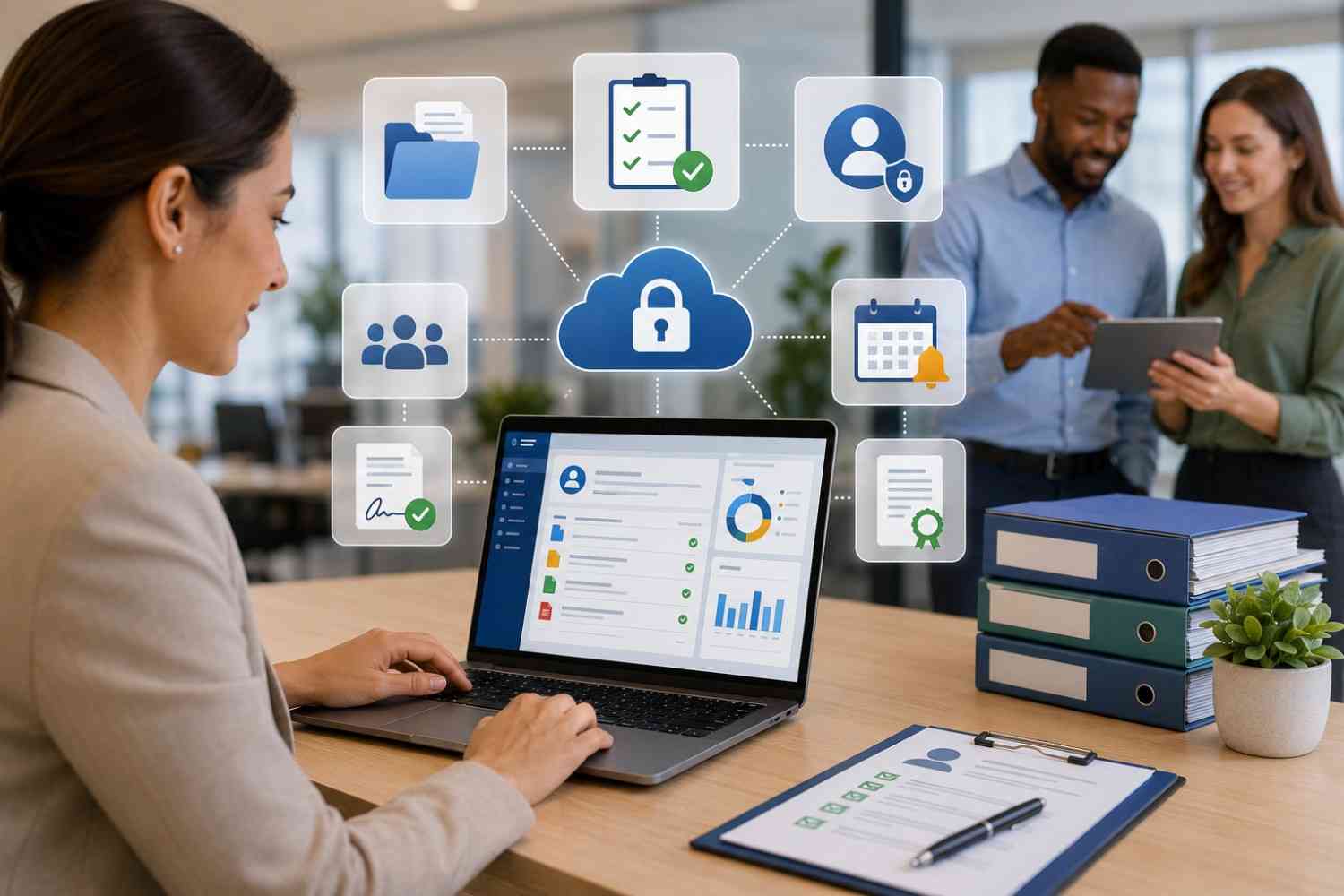
Contracts, certifications, performance notes, emergency contacts, tax forms — keeping all of this organized in a filing cabinet (or worse, scattered across email attachments) is a liability. OneVision's employee document management system keeps everything in one place, with role-based access so the right people see what they need to and nothing more.
You can also build out your org structure visually. The how to create an org chart for your team question comes up constantly as small businesses grow, including who reports to whom, which departments exist, and how the hierarchy works. OneVision handles this natively, so it's always current and visible to everyone who needs to see it.
This is what real HR software for small business owners should look like — not a standalone tool for HR admin, but something integrated with the rest of how your business runs.
Build Consistent Employee Training Without Manual Effort
Most small businesses handle training the same way: someone walks a new hire through everything on day one, hopes they remember it, and then wonders why mistakes keep happening. That's not training. That's orientation followed by trial and error.
How to Train Employees Online
OneVision's eLearning module lets you build proper training courses — structured modules, quizzes, videos, whatever your team needs — and assign them to specific employees or departments. As the best employee training platform for small businesses, it means your training content exists somewhere permanent, not just in one person's head.
New hire? Assign the onboarding course. New product launch? Push a training module to the sales team. Compliance update? Make it required and track who's completed it.
How to Create Online Training Courses for Staff
You don't need to be a learning designer to build good training content. OneVision's course builder is straightforward: add content, add a quiz, and publish. The platform handles how to create online training courses for staff without requiring any technical background from the manager setting it up.
It also tracks completion and scores, so you can see who's engaged and who's been ignoring their assigned modules for two weeks.
Employee Certification Tracking Software
Some industries — healthcare, food service, and safety-sensitive roles — require active certifications. Letting those lapse is a compliance risk. OneVision's employee certification tracking software keeps a running record of what certifications each employee holds, when they expire, and when someone needs to re-qualify. It's one of those features that seems minor until you need it urgently.
The broader picture here is how to improve employee skills with eLearning — not as a one-time training event, but as an ongoing system. An online learning management system for teams that's integrated with everything else means skills development is part of the workflow, not a separate initiative that gets deprioritized.
How Do Analytics Help in Understanding Team Productivity?
Gut feel runs a lot of small businesses, and that works until it doesn't. At some point, you need data. Not a spreadsheet someone built three years ago. Actual, current, meaningful data about how your team is performing.
How to Track Employee Productivity
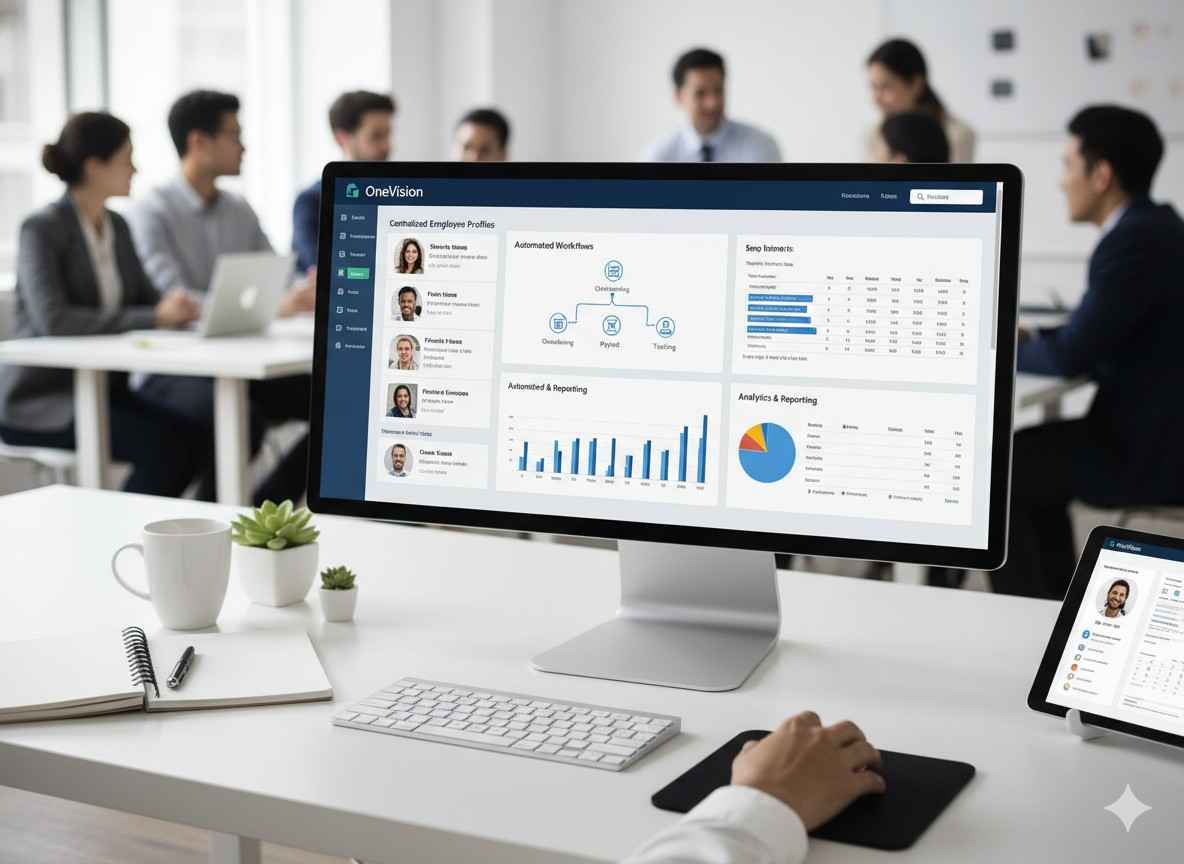
OneVision's Analytics Dashboard pulls data from across the platform — attendance, training completion, engagement with internal communications, and feedback scores — and surfaces it in a way that's actually readable. Managers can see who's on track and where things are slipping without digging through reports manually.
For tracking employee productivity, this kind of employee performance dashboard for managers is a step change from gut feel. You're not guessing. You're looking.
Best KPI Tracking Tools for Small Business
The Analytics module lets you set up KPIs relevant to your business, track them over time, and export the data when you need it. Whether you're measuring attendance rates, training completion, or team engagement, all of it lives in one dashboard.
This connects directly to how to use data to improve workforce efficiency. The data's only useful if it's visible and accessible. OneVision makes that the default, not the exception. And for businesses asking about the best KPI tracking tools for small businesses or how to measure team performance at work, this is where the platform earns its keep.
Communication and Feedback: The Glue That Holds Teams Together
You can have great scheduling, solid HR records, and thorough training, but if your team doesn't feel connected or heard, none of the rest of it matters as much as it should.
How to Improve Internal Communication at Work
OneVision's News & Communication module works like an internal announcement board where managers post updates, employees engage with comments, and files get shared. It's cleaner than a group chat and more persistent than a verbal briefing. For anyone exploring the best team communication tools for small businesses or trying to figure out how to keep remote employees engaged, this kind of structured internal feed helps enormously.
The platform tracks engagement — who's seen what, and who's interacted — so you actually know whether your communications are landing. That's a step above just posting into the void and hoping people read it.
Internal announcement software for teams sounds like a small thing, but for businesses where communication breaks down constantly, it's often where you see the biggest improvement.
How to Give Employee Feedback Effectively
The Feedback & Reviews module handles performance conversations in a structured, consistent way. Managers can run reviews, gather 360-degree input from peers, set ratings, and track action items — all without the awkward one-off conversation that goes unrecorded and gets forgotten three weeks later.
360-degree feedback for small business teams used to require a separate HR consultancy. OneVision makes it a native feature. How to conduct employee performance reviews becomes a repeatable process rather than something you stress about twice a year.
For anyone researching the best employee review software for managers or trying to figure out how to improve team performance with feedback, this module handles it in a way that's practical and not overly complex.
Business Management Software Built for Different Industries
OneVision isn't just built for generic office teams. It's built for businesses where workforce management is genuinely complicated.
Retail teams
Dealing with rotating staff across locations. OneVision handles how to manage multiple store locations from a single dashboard — one login, full visibility across all your sites.
Restaurants and hospitality
If you've ever tried to manage staff in a restaurant or coordinate housekeeping and front desk coverage in a hotel, you know how fast things fall apart without a proper system. OneVision's scheduling and communication tools are built for exactly that pace. It's genuinely useful team management software for hospitality industry operations.
Healthcare teams
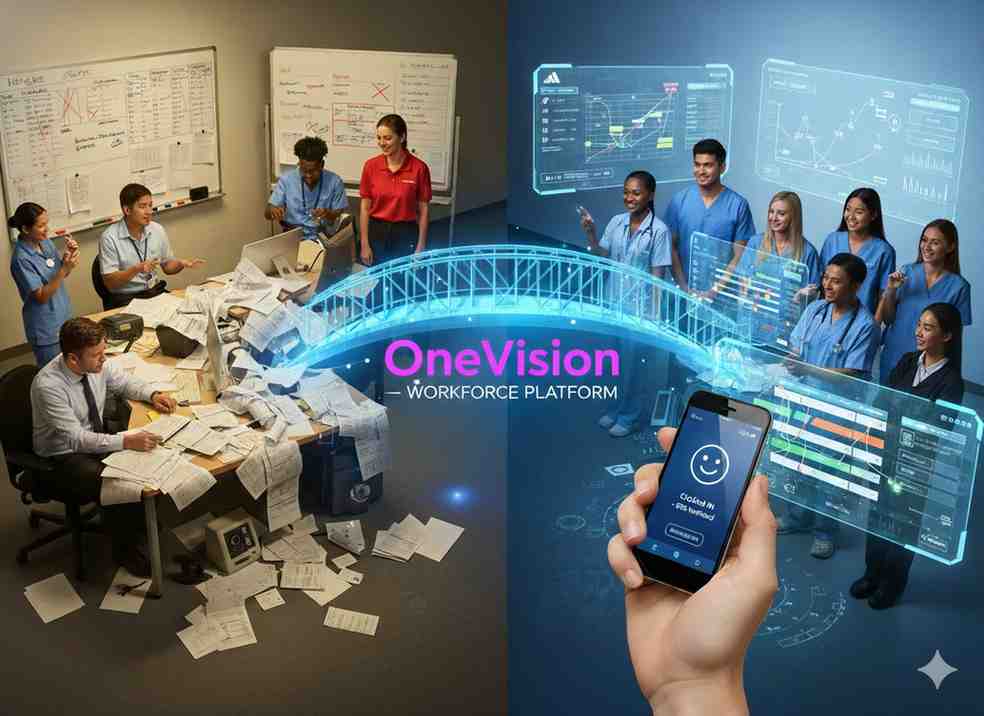
Complex rotating schedules, certification requirements, and compliance obligations. Employee scheduling for healthcare teams is one of the more demanding scheduling problems out there, and OneVision's Scheduler handles the complexity without requiring a dedicated admin to manage it.
Retail workforce management
The combination of scheduling, attendance tracking, and real-time analytics gives retail managers the visibility they need to make good staffing decisions before things go sideways.
How One Platform Handles Functions of Different Tools
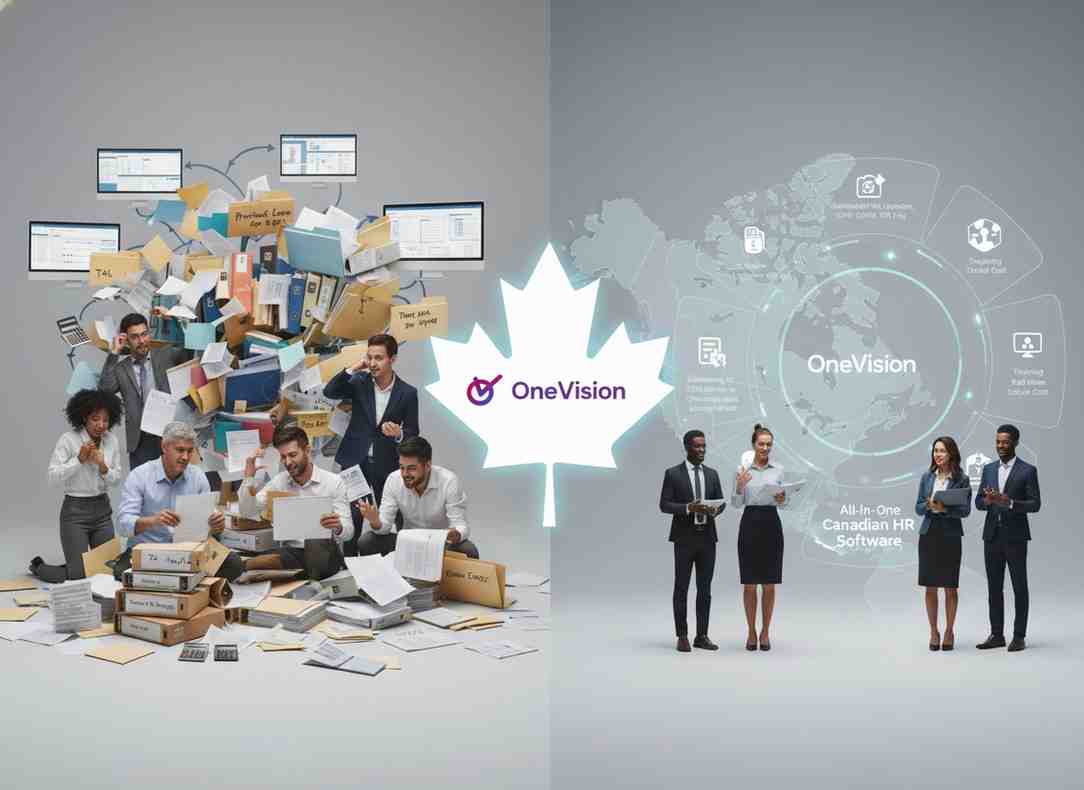
Here's the honest argument for business management software for small businesses like OneVision: every tool you add to your stack is another login, another subscription, another training curve, and another place where data gets siloed.
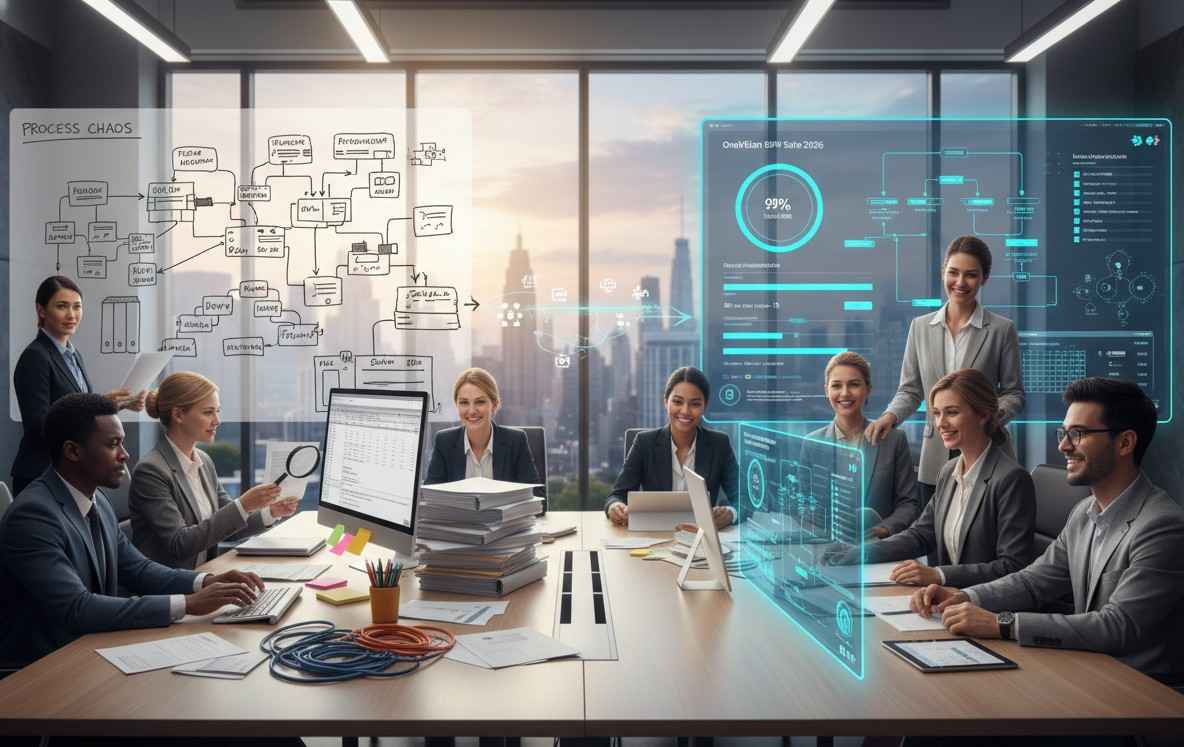
When your shift scheduler doesn't talk to your HR records, and your HR records don't connect to your training platform, and none of it feeds your performance reviews, you end up doing a lot of manual work to fill the gaps. That work costs time. And for small businesses, time is the thing you have least of.
OneVision's six modules — Scheduler, HR, Analytics, eLearning, News, and Feedback — are designed to work together. The attendance data from Scheduler feeds the Analytics Dashboard. The training records from eLearning show up in HR profiles. The Feedback module connects to the same employee profiles that HR manages. Nothing lives in a silo.
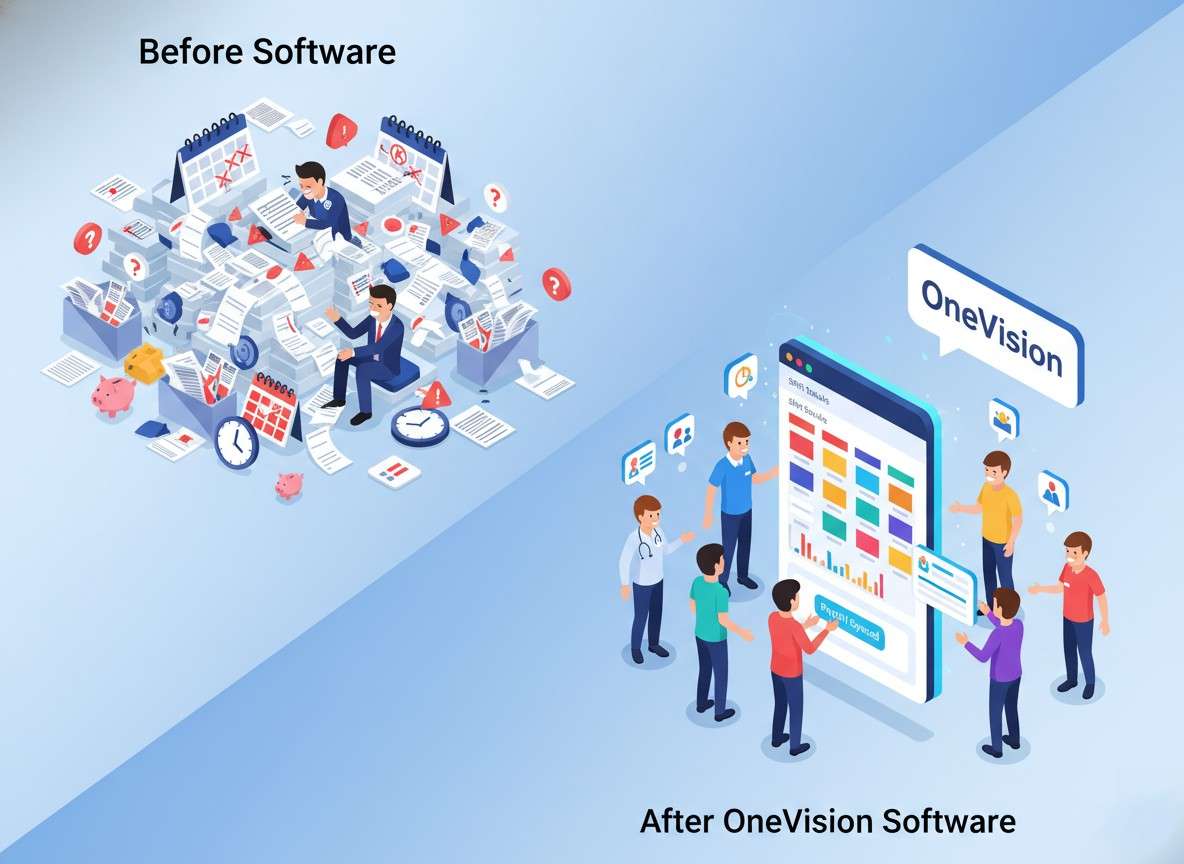
That's the difference between business software that reduces admin and software that just moves it somewhere else.
Conclusion
Business management software for small businesses should make your operation run better, not add complexity to it. OneVision is built around that idea. Six modules, one dashboard, real integration between all of them.
Whether you're a retail manager dealing with shift conflicts, a healthcare administrator trying to stay on top of certifications, or a small business owner who just wants their team to know what's happening, OneVision gives you the tools without the enterprise price tag or the enterprise complexity.
Explore OneVision at onevision.io and see what your team looks like when everything's in one place.
Frequently Asked Questions
Read Other Blogs
Explore more insights and tips on business management

How Does the Best HR Software Help Businesses Make Better Financial Decisions?
Discover how the best HR software helps businesses reduce hidden operational costs, improve workforce efficiency, and make smarter financial decisions through automation, analytics, and better workforce management.





Why Use Software That Helps in Managing a Business?
When running a company, you need software that helps in managing a business, as its tasks, teams, customers, and finances all need your attention. Discover why companies are adopting all-in-one business management systems.