
HR document management software has become one of those tools that businesses don't think about until something goes wrong. A compliance deadline gets missed. An employee contract is nowhere to be found. Imagine if a new hire's onboarding paperwork gets lost in someone's inbox. By that point, the damage is already done.
So, to avoid such situations from happening, this guide walks through what this software actually does, why it matters, and what to look for when choosing one.
Key Takeaways
If your HR team is manually chasing signatures, hunting for documents, or checking spreadsheets for expiry dates, you're already losing time and creating compliance risk.
Role-based access isn't optional. Not everyone should see every document, and the right software enforces that automatically.
Onboarding requires a lot of documentation processes in HR. Managing it through a dedicated platform means new hires can complete everything before day one, and your team knows exactly what's pending.
Compliance isn't a one-time task. Certifications expire, policies get updated, and laws vary by region. The software should be tracking all of that in the background so your team doesn't have to.
Small businesses need this just as much as large ones. Disorganized records aren't just an enterprise problem, and the cost of getting it wrong scales with how long you wait.
Audit readiness should be a default state, not something you scramble for. A centralized system with a full audit trail means you're always prepared, not reactive.
What Is HR Document Management Software?
HR document management software is a centralized system for storing, organizing, and managing all employee-related documents. Contracts, policies, performance reviews, certifications, onboarding forms, all of it, in one place. Instead of digging through a shared drive or a stack of folders, HR teams can find what they need quickly, share it with the right people, and know it's secure.
But it goes beyond just storage. Good HR records management software comes with version control, access permissions, audit trails, and automated reminders. It's what separates an HR team that's always catching up from one that's actually ahead of things.
How Is It Different from General Cloud Storage?
A lot of companies try to make Google Drive or Dropbox work for employee records. It doesn't work well. General cloud storage has no understanding of HR workflows. It won't flag when an employee's certification is about to expire. It won't restrict sensitive files to the people who should actually see them. And it won't produce a clean compliance report when an auditor asks for one.
Employee file management software built specifically for HR understands what it's storing. It treats an offer letter differently from a disciplinary notice, and it handles both appropriately.
Who Actually Needs It?
Any business with employees can benefit, but the pain is felt most by:
Small and mid-sized businesses
Teams that don't prefer using spreadsheets and shared drives but haven't made the switch yet.
HR teams managing staff across multiple locations
Visibility and access consistency become critical when teams are spread out.
Industries with strict compliance requirements
Healthcare, retail, and finance all carry specific documentation obligations.
Growing companies with constant onboarding
When hiring is ongoing, a structured document process saves significant time.
Key Features to Look for in an Employee Document Management System
Not all platforms are built the same way. Some are built around compliance, others around onboarding, and some try to cover everything. Here's what actually matters when you're comparing options.
Centralized Employee Documentation
The most basic thing a system needs to do is give everyone one place where all employee records live. No duplicate files, no confusion over which version is current, no hunting across multiple platforms. Centralized employee documentation means HR teams, managers, and employees can access what they need without sending emails back and forth.
It also makes audits significantly less painful. When everything is in one system with a clear structure, pulling a compliance report takes hours rather than days.
Cloud-Based HR Document Storage
Cloud-based HR document storage has largely replaced on-premise systems, and for good reason. Your team can access files from any device, anywhere. You don't need an IT team maintaining servers. And reputable cloud HR software comes with built-in security, automated backups, and disaster recovery built into the service.
For businesses with remote employees or offices in different cities, cloud storage isn't just convenient. It's the only practical option.
HR Compliance Document Tracking
Compliance is where a lot of businesses quietly get into trouble. HR compliance document tracking takes the manual work out of it. The system monitors expiry dates, flags missing documents, and sends automated reminders before deadlines arrive. For industries where staff certifications and licenses need to stay current at all times, this feature alone often pays for the software.
Role-Based Access and Security
Not everyone in an organization should see every document. A line manager might need access to their team's performance notes but not payroll records. Secure employee records software handles this through role-based permissions. You decide exactly who can view, edit, or download each type of document, which protects sensitive data and keeps you on the right side of privacy regulations.
HR Workflow Automation
Manual HR processes are slow, and they create mistakes. HR workflow automation software fixes that by letting you set up automated processes for document approvals, e-signature collection, onboarding checklists, and policy acknowledgments. When a new hire accepts an offer, the system can automatically kick off a sequence of tasks without your HR team manually tracking each one.
HR Document Management Software and Employee Onboarding
Onboarding is one of the most document-heavy processes in any business. It's also one of the first real experiences a new employee has with your organization. A disorganized onboarding process sends a message you probably don't want to send. Employee onboarding documentation managed through proper software makes the whole thing smoother on both sides.
What Documents Are Typically Part of Onboarding?
A standard onboarding package usually includes:
Employment contracts and offer letters
The foundational legal documents every hire needs to sign.
Tax forms and payroll setup documents
Required before the first paycheck can be processed.
Company policies and employee handbooks
Acknowledgment that the employee has read and understood the rules.
Health and safety acknowledgments
Particularly important in regulated industries.
Role-specific training materials
Documents tied to the job function and expected performance.
IT access and equipment agreements
Covering device usage, data handling, and acceptable use policies.
When these are all managed through an all-in-one HR platform, new hires can complete everything digitally before their first day. That's a better experience for them and less admin burden for your HR team.
Tracking Completion Across the Team
One of the practical problems with onboarding paperwork is knowing who has actually completed what. With employee onboarding software built into a document management system, you can see at a glance which forms are signed, which are still pending, and which need a follow-up. No spreadsheets, no chasing people down over email.
HR Compliance Software: Staying on the Right Side of the Law
Most businesses don't think much about HR compliance until there's a problem. But employment law changes regularly, and the documentation requirements that come with it change too. HR compliance software keeps your records in order and your team aware of what needs attention before it becomes an issue.
What Does Compliance Look Like in Practice?
Compliance in HR documentation covers quite a bit of ground. Every employee needs to have signed the most current version of your policies, not the one from two years ago that nobody updated. Certifications and licenses need to stay current, especially in industries like healthcare or construction, where an expired credential is a real liability. Performance reviews and disciplinary records need to be documented properly and stored in a way that would hold up if someone ever challenged a decision.
And all of this needs to be kept for however long the law in your region actually requires, which varies more than most people realize.
That's a lot to track manually. The right HR compliance software runs all of that in the background. Your team gets notified before something expires, not after it already has.
Compliance Across Multiple Locations
For businesses with staff in different regions, compliance gets complicated. Employment law varies by state or country, and what's required in one location can be completely different somewhere else. Workforce document management software that supports multi-location teams can apply different compliance rules by region, so nothing gets missed.
Workforce Analytics Software and HR Reporting
Modern workforce management software goes beyond just storing files. The better platforms also include workforce analytics software features such as dashboards showing headcount trends, document completion rates, compliance status, and onboarding progress across the organization.
That kind of visibility is useful for HR managers who need to report upward. Instead of manually pulling data from different places, you can generate real-time reports and share them with leadership in a few minutes.
What Kinds of Reports Actually Matter?
The most useful reporting features in HR admin software typically include:
Document compliance status
Across departments or locations at a glance.
Onboarding completion rates
Average time to complete and what's still outstanding.
Certification expiry timelines
So nothing lapses without prior warning.
Employee data completeness
Missing documents or unsigned forms flagged automatically.
Audit history
Who accessed or changed a document and when.
Choosing the Right HR Document Management Software for Your Business
The market is full of options, from lightweight tools aimed at small teams to large enterprise workforce platforms with every feature you can think of. The right choice comes down to the size of your organization, your industry, and what you actually need day to day.
HR Document Management Software for Small Business
Small businesses often have simpler needs, but they're also the ones most likely to run into trouble from disorganized records. The best HR document management software for small businesses is cloud-based, easy to set up without technical support, and priced per employee. Look for something that covers the core functions well: storage, compliance tracking, e-signatures, and onboarding. You don't need every feature on the market.
Scaling Up for Larger and Multi-Location Teams
For bigger organizations, the priorities shift. You need a scalable HR management platform that can handle large numbers of employee records, complex permission structures, and compliance requirements across multiple locations. Integration with existing payroll or workforce management software becomes important too, because you don't want your HR tools operating in isolation from everything else.
Security and audit capabilities also become more critical at scale. The more employees you have, the greater your exposure to data risks and compliance issues.
Questions Worth Asking Before You Commit
Is the system cloud-based, and what are the backup and recovery policies?
How does it handle different levels of access for managers, HR, and employees?
Does it integrate with existing payroll or HRIS systems?
Can it grow with the business as headcount increases?
What does compliance tracking look like for our specific industry?
How OneVision Supports HR Document Management
OneVision is a digital operations platform designed to simplify workforce document management for growing teams. It brings centralized employee documentation, HR compliance tracking, and workflow automation into a single, easy-to-navigate system. For HR teams wanting to build a proper documentation foundation, OneVision is worth exploring.
Conclusion
HR document management software is not a complicated category. It solves a real and specific problem: keeping employee records organized, compliant, and accessible without your HR team spending half their time chasing paperwork.
Whether you're running a ten-person team or managing hundreds of employees across different locations, the right system saves time, reduces risk, and removes the anxiety of not knowing whether your records would hold up under scrutiny. If you're still managing employee files manually or through a patchwork of cloud folders and email threads, that's the sign to make a change.
Start by looking at where the gaps actually are in your current process. From there, finding the right HR document management software is a much more straightforward decision.
Frequently Asked Questions
Read Other Blogs
Explore more insights and tips on business management
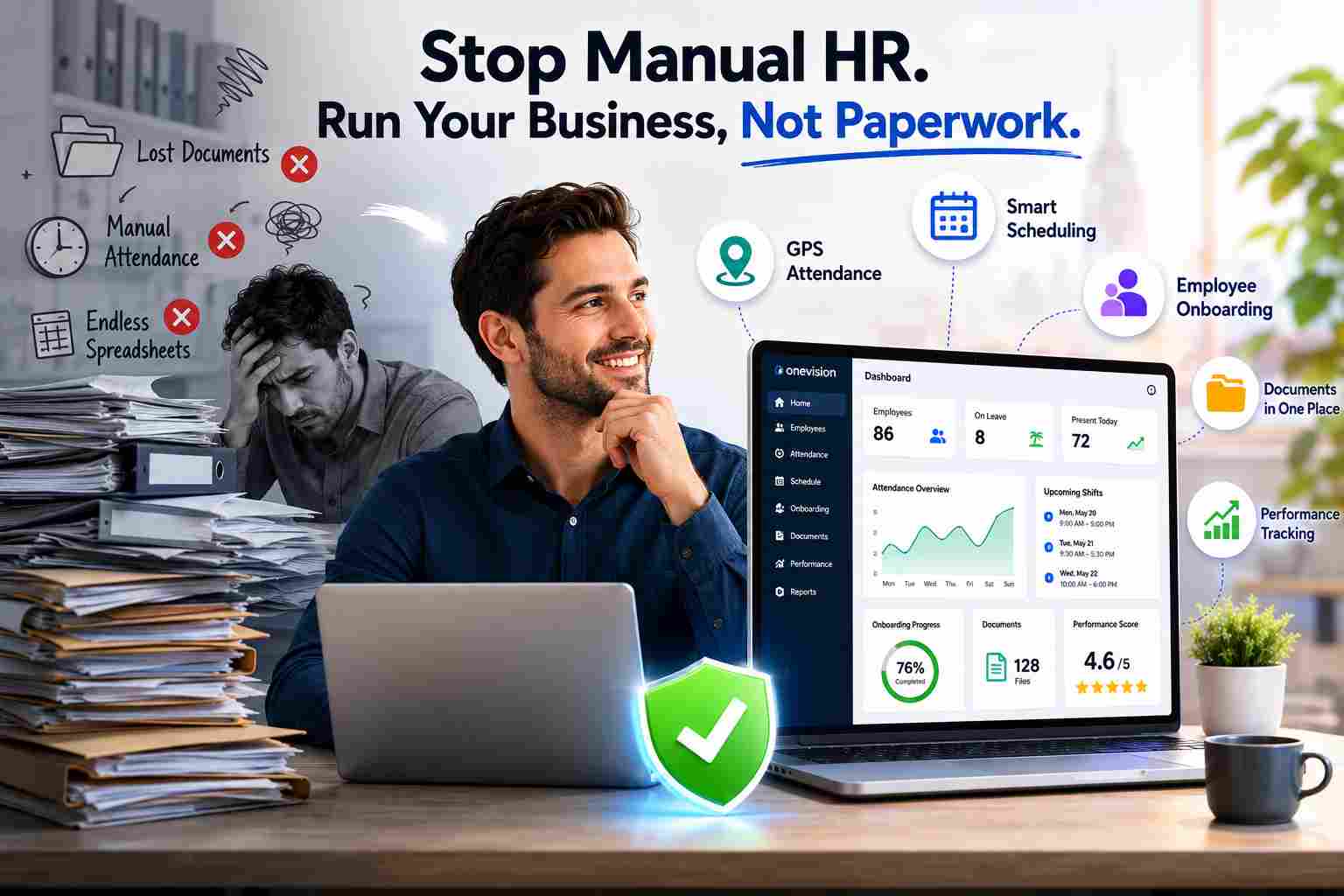


How Does the Best HR Software Help Businesses Make Better Financial Decisions?
Discover how the best HR software helps businesses reduce hidden operational costs, improve workforce efficiency, and make smarter financial decisions through automation, analytics, and better workforce management.


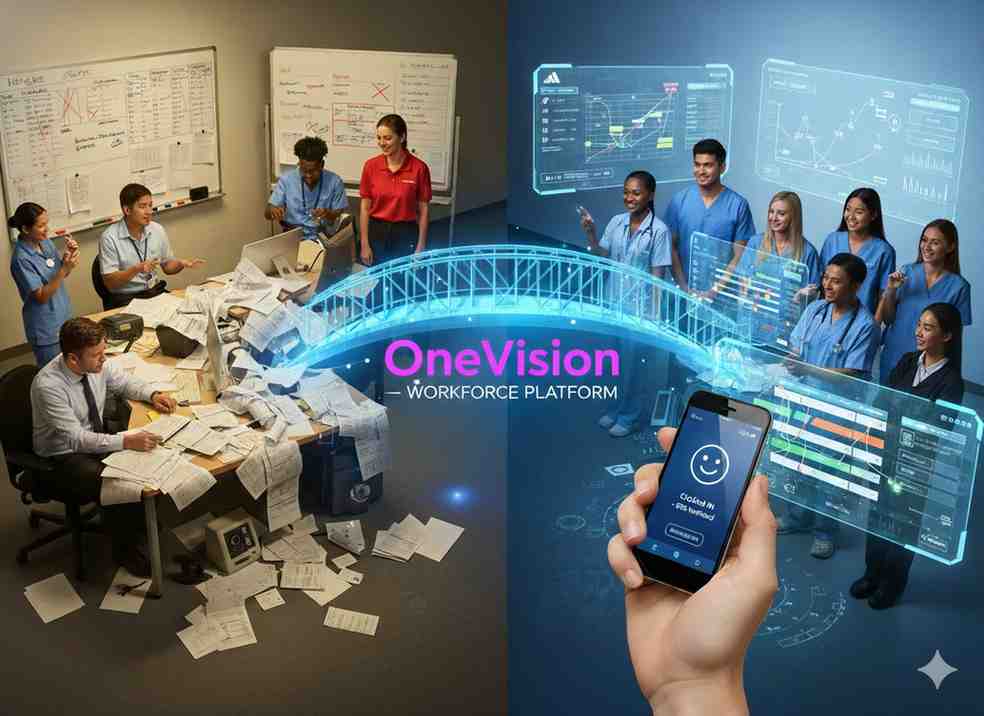


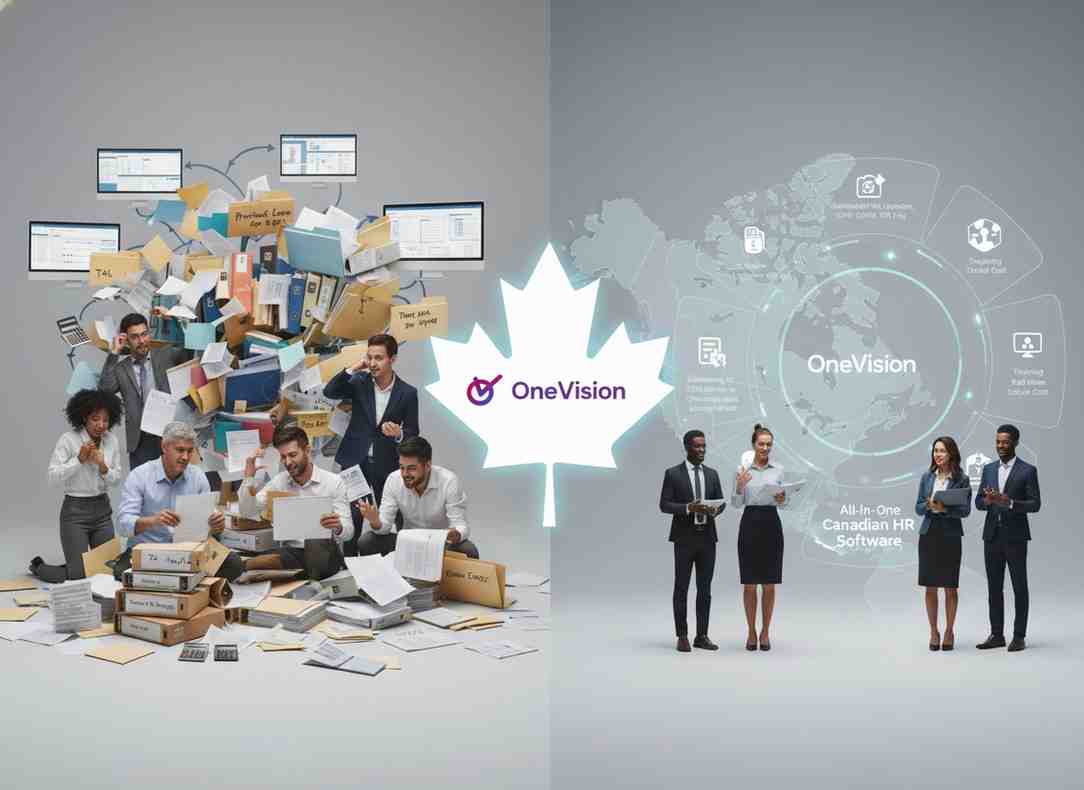
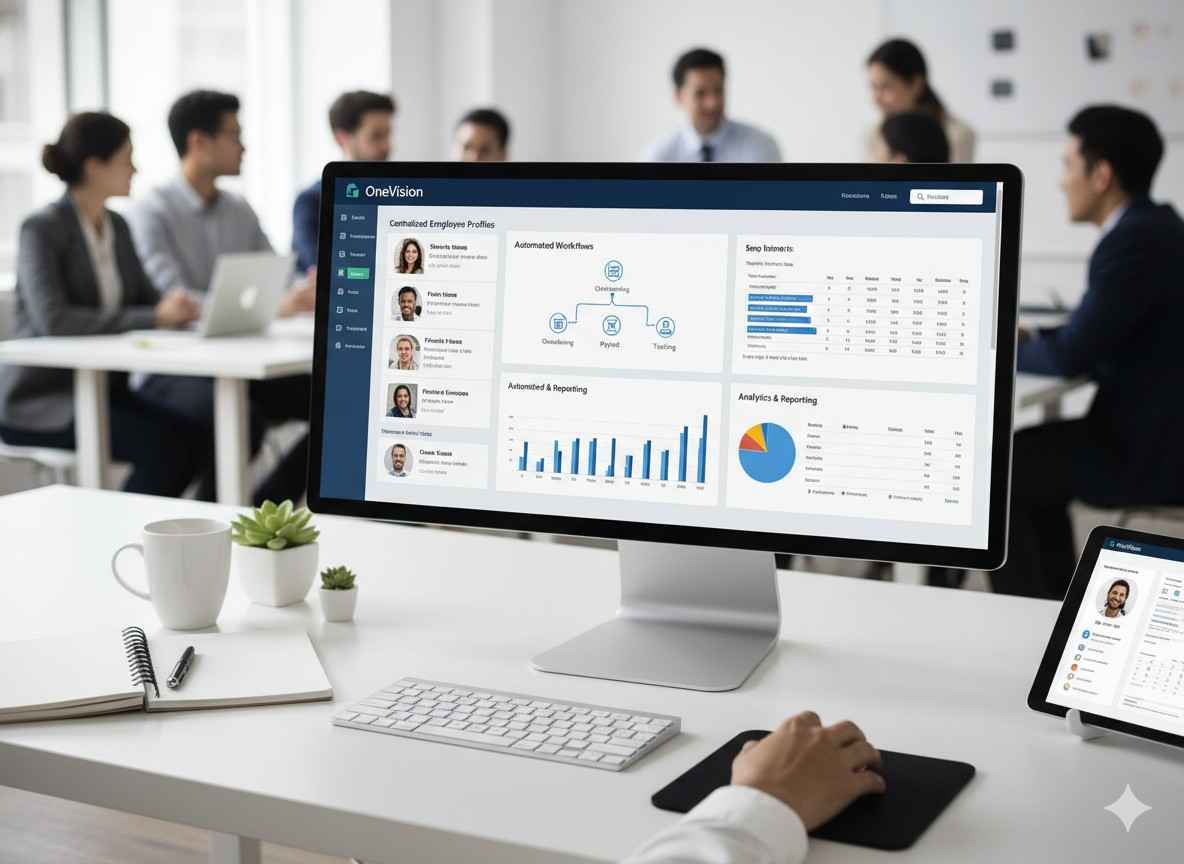




Why Use Software That Helps in Managing a Business?
When running a company, you need software that helps in managing a business, as its tasks, teams, customers, and finances all need your attention. Discover why companies are adopting all-in-one business management systems.