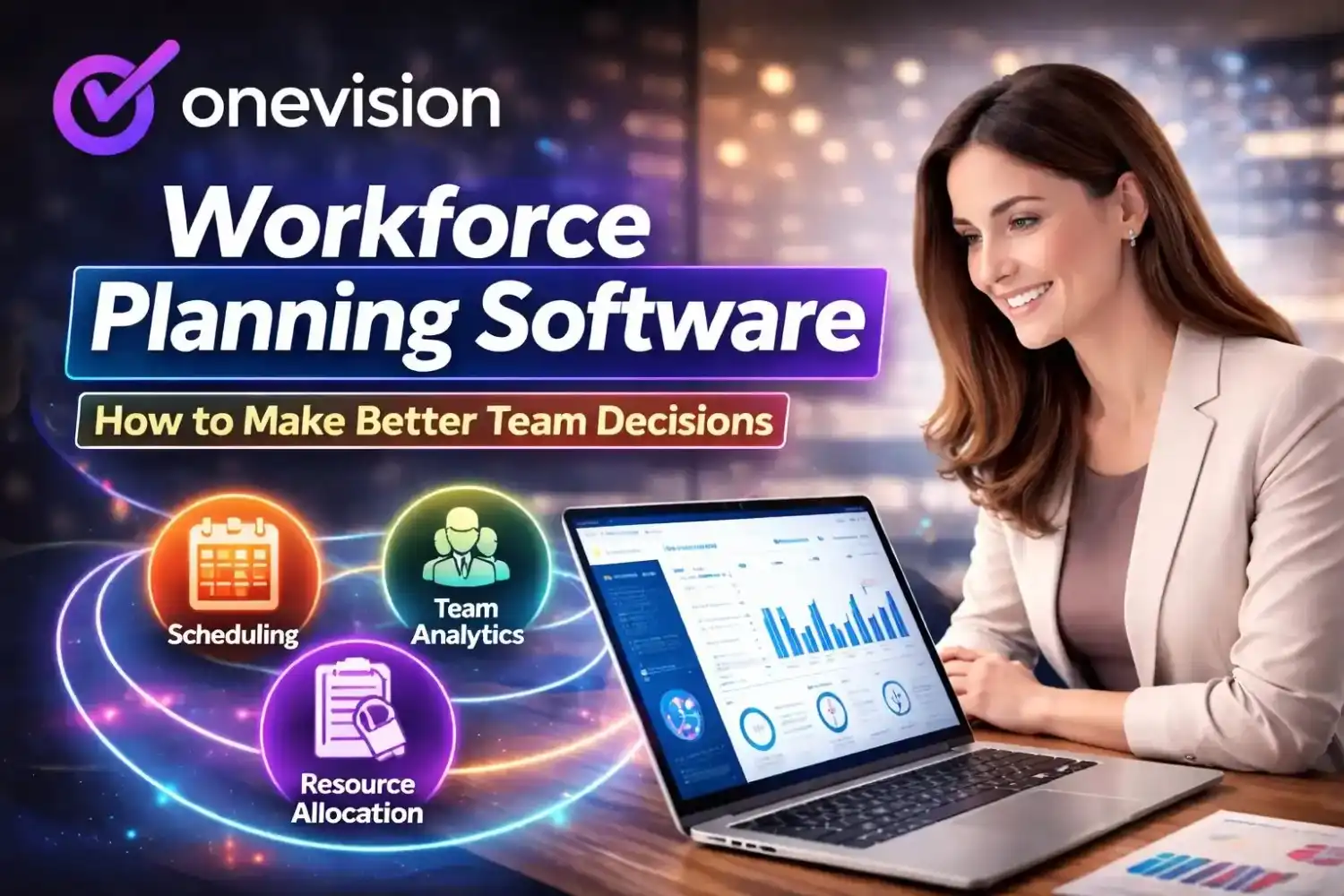
Workforce planning software is the backbone of smart team management today, and OneVision offers a unified solution that brings scheduling, HR, analytics, and training together in one platform. From the moment you start planning shifts to the moment you analyze performance trends, workforce planning tools like OneVision help you reduce mistakes, save time, and improve productivity without stress.
In this blog, we explain workforce planning meaning, look at workforce planning software pricing and cost factors, compare tools, and guide you on how to plan your workforce effectively.
What Is Workforce Planning Software?
Workforce planning software is a tool that helps HR teams plan and manage staff. First, it shows how many employees you will need. Then, it helps schedule shifts and assign the right people to the right jobs.
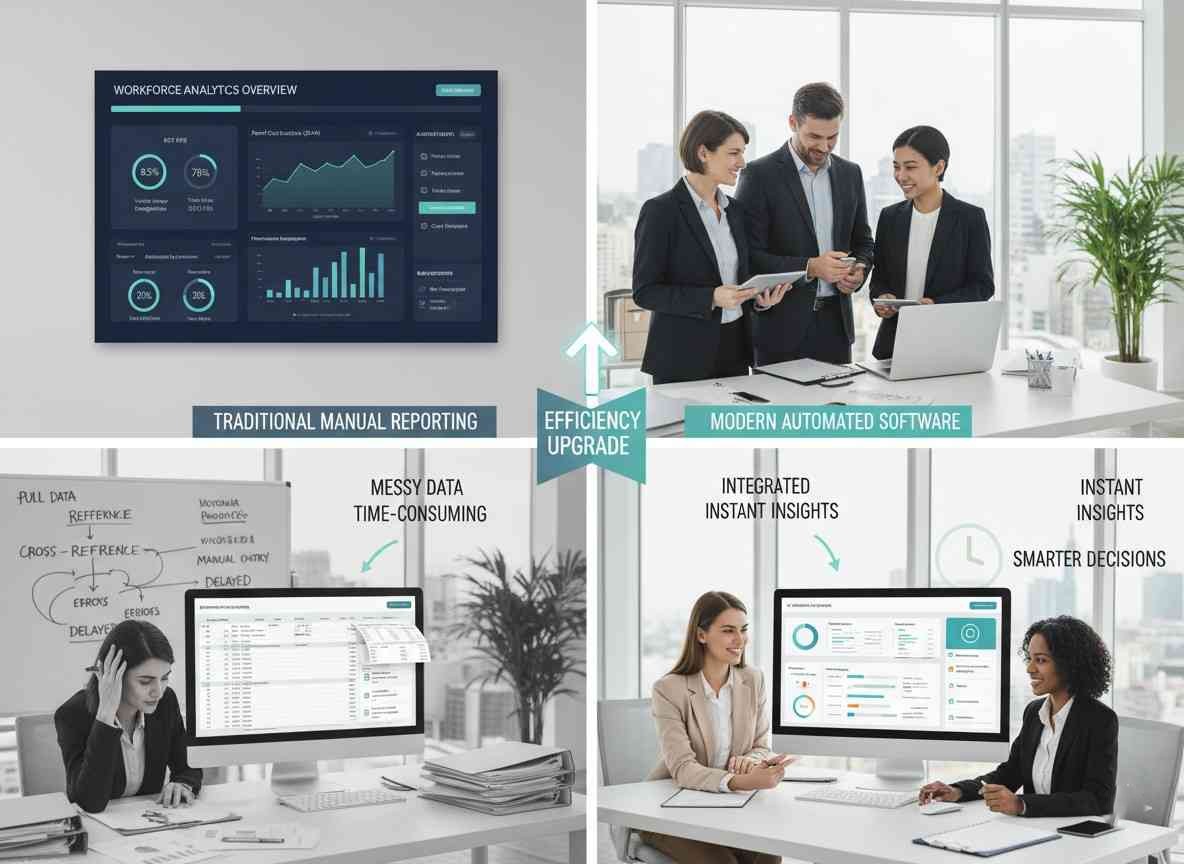
This software also uses workforce analytics, headcount forecasting, and predictive labor planning. Instead of relying on spreadsheets and guesswork, teams can make decisions based on real data and timely insights.
Why Workforce Planning Solutions Matter
Good workforce planning solutions do more than schedule shifts. They help businesses improve workforce optimization, predict staffing needs, plan training, track attendance and performance, and identify skill gaps before they impact output.
How Does OneVision Work as a Workforce Planning Platform?
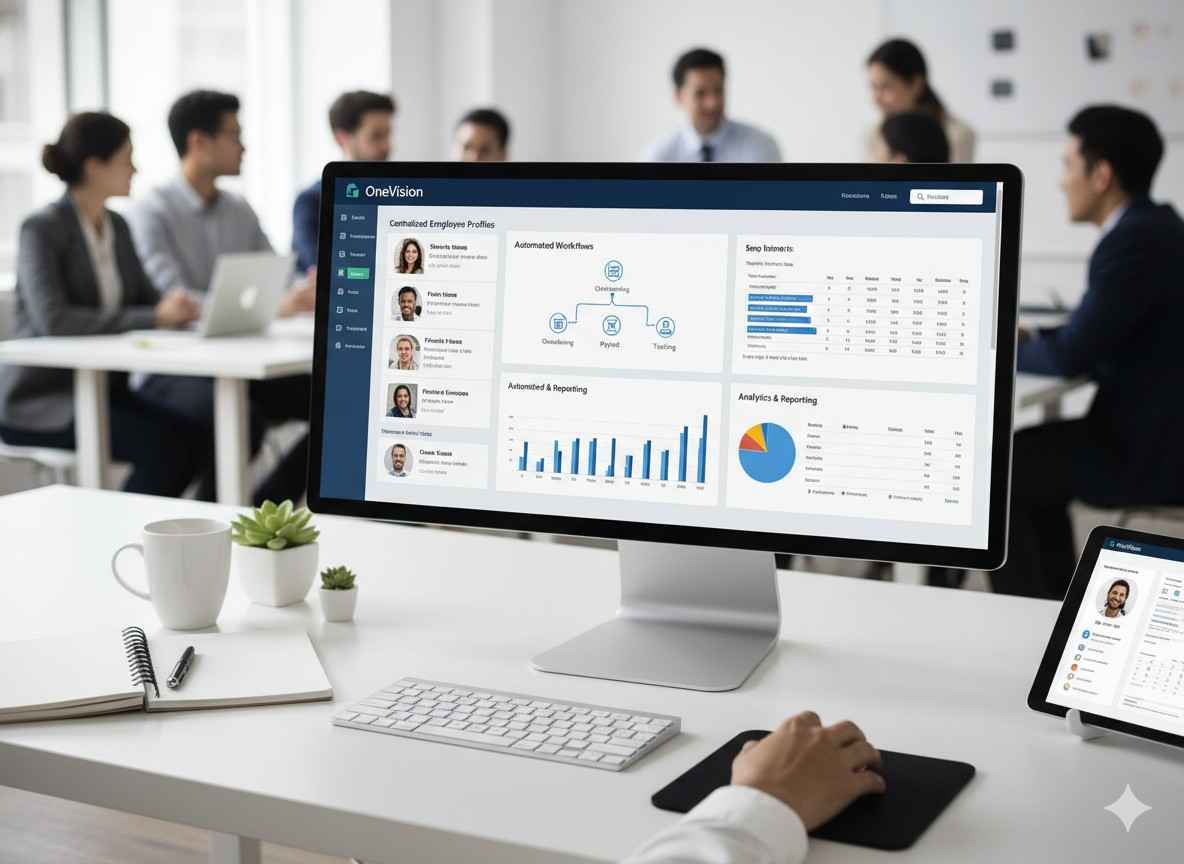
OneVision combines shift scheduling, attendance tracking, HR management, analytics dashboards, internal communication, and training in one place.
Because these modules are connected, managers do not need to switch between tools to find data. This helps teams make faster and smarter decisions as workforce needs change.
Workforce Planning Process Explained
Workforce planning follows a clear process. First, collect current staffing data and task coverage. Then, forecast future demand. After that, identify skill or training gaps, align schedules to workload, and review outcomes with analytics.
Each step helps leaders understand what is working and what needs adjustment.
What Workforce Planning Features You Need
Most HR teams look for an integrated feature set so they do not have to buy separate tools for HR, scheduling, and analytics.
Scheduling and planning tools
Build and adjust employee schedules quickly.
Real-time attendance visibility
See who is present and who is late instantly.
Performance tracking
Monitor goals and output trends across teams.
Centralized employee records
Keep people data and documents together.
Training progress tracking
Measure learning completion and development.
Communication and feedback
Share updates and collect team feedback in one place.
Headcount Forecasting and Predictive Workforce Analytics
Headcount forecasting helps you estimate how many people you will need in the future. Predictive workforce analytics reviews past patterns and warns about risks such as understaffing, too many shifts, or upcoming training gaps.
This approach helps managers plan ahead, reduce overtime, and avoid employee burnout.
Workforce Planning Software Comparison
When comparing workforce planning software, focus on total cost of ownership, core features, ease of use, analytics quality, and integration options.
OneVision does not publish a fixed price list, but it provides flexible pricing based on the number of locations and users with custom quotes.
What Is the Pricing for Workforce Planning Software
OneVision pricing depends on organization size and selected modules. Smaller teams can start with fewer seats and expand over time.
While a free trial is not listed publicly, you can request a platform walkthrough or appointment to evaluate the system before buying.
How to Buy Workforce Planning Software
A lower upfront price can still cost more in time and productivity if the tool is limited. A stronger all-in-one platform can return value faster.
List your needs
Define must-have capabilities for scheduling, HR, and analytics.
Compare tools
Review features and full ownership cost, not just base price.
Book a walkthrough
See product flow with real use cases before final decision.
Choose total value
Pick software that improves outcomes, not only short-term cost.
Workforce Planning and Scheduling Software
Scheduling is central to workforce planning because daily operations depend on balanced shifts. OneVision includes AI-assisted scheduling based on skills and availability, real-time schedule updates, GPS clock-in and clock-out tracking, and payroll-ready reports.
These features reduce scheduling errors and give employees clarity about work hours.
How Does Workforce Demand Prediction Work
Workforce demand prediction estimates future staffing needs using attendance history, performance trends, and business patterns.
With strong dashboards, managers can prepare for demand spikes instead of reacting after workload pressure builds.
How Can HR Workforce Planning Software Tools Help?
HR teams need more than employee record storage. They need tools to monitor performance trends, track training progress, run onboarding, and manage documents securely.
OneVision supports these employee lifecycle tasks in one place.
Workforce Optimization and Capacity Planning Tools
Workforce optimization means using staff capacity in the best possible way. Capacity planning tools help teams estimate the right staffing level as demand changes.
For example, managers can forecast peak periods and allocate more team members before service quality drops.
Tips on How to Plan Workforce Effectively
Track attendance daily
Maintain clean staffing data for reliable decisions.
Use forecasting tools
Model future demand and staffing requirements.
Measure skill gaps
Identify where training or support is required.
Communicate schedules clearly
Reduce confusion and last-minute shift issues.
Review plans weekly
Adjust quickly as operational needs change.
Workforce Planning Challenges and How to Fix Them
Common challenges include scheduling conflicts, staffing shortages, high overtime costs, and spreadsheet errors.
Scheduling conflicts:
Use automated conflict checks and availability rules.
Staffing shortages:
Use demand forecasts to plan staffing before busy periods.
High overtime costs:
Set scheduling controls and visibility alerts for overtime.
Manual errors:
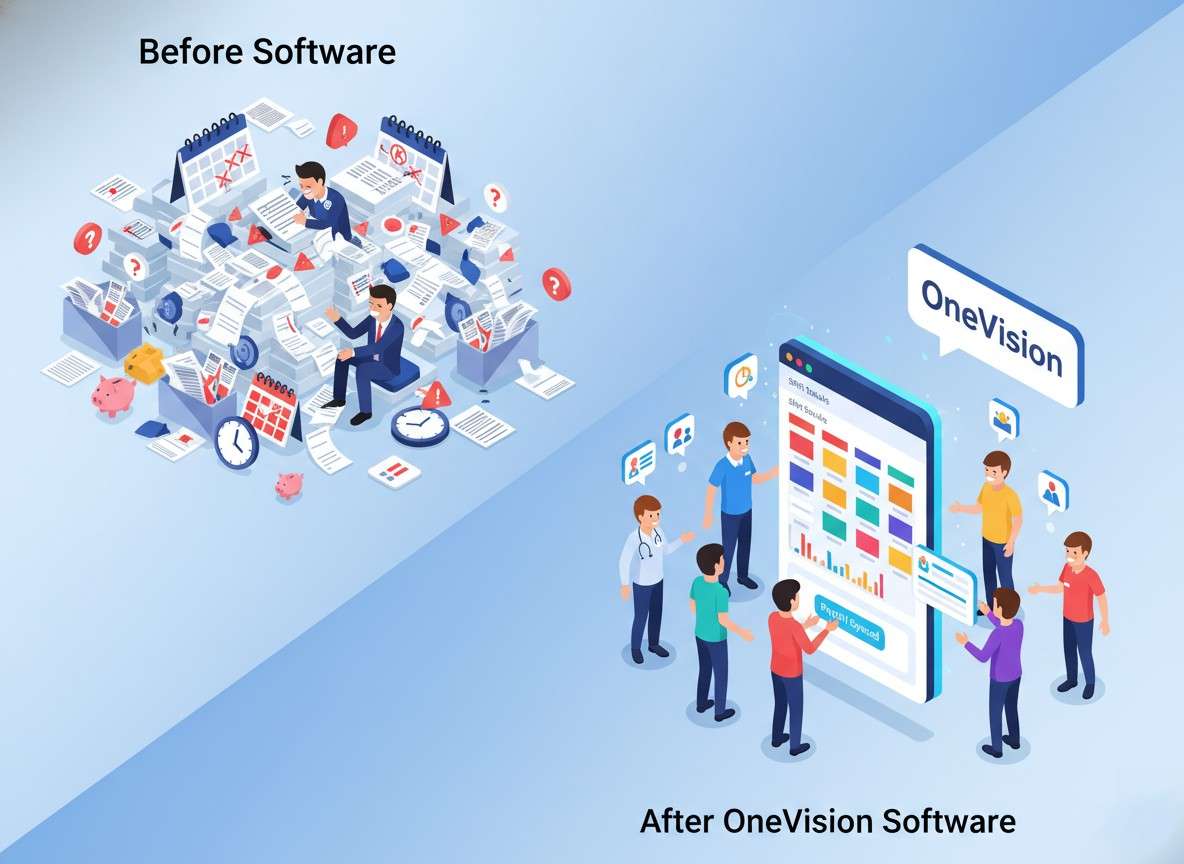
Replace spreadsheets with a single, connected planning system.
Workforce planning automation centralizes data, speeds up scheduling, and helps leaders plan ahead with less stress.
Workforce Planning Best Practices
Regular data reviews
Keep staffing assumptions accurate.
Clear team communication
Improve coordination and reduce uncertainty.
Predictive staffing insights
Use trends to make proactive decisions.
Consistent performance tracking
Measure outcomes and adjust plans quickly.
Cross-training staff
Close skill gaps and increase flexibility.
Workforce Planning Software Alternatives
If your requirements are limited, you may choose point tools for only scheduling or only HR. For an all-in-one approach, OneVision is a strong option because it unifies scheduling, HR, analytics, and training with one source of staffing insight.
Conclusion
Workforce planning software is a smart investment for businesses that want to prevent staffing issues and improve productivity. With scheduling, HR, analytics, and training in one platform, OneVision supports better decisions as teams grow.
By comparing tools carefully, evaluating costs, and aligning features to your real needs, you can choose a solution that reduces manual work and keeps the right people in the right place at the right time.
Frequently Asked Questions
Read Other Blogs
Explore more insights and tips on business management
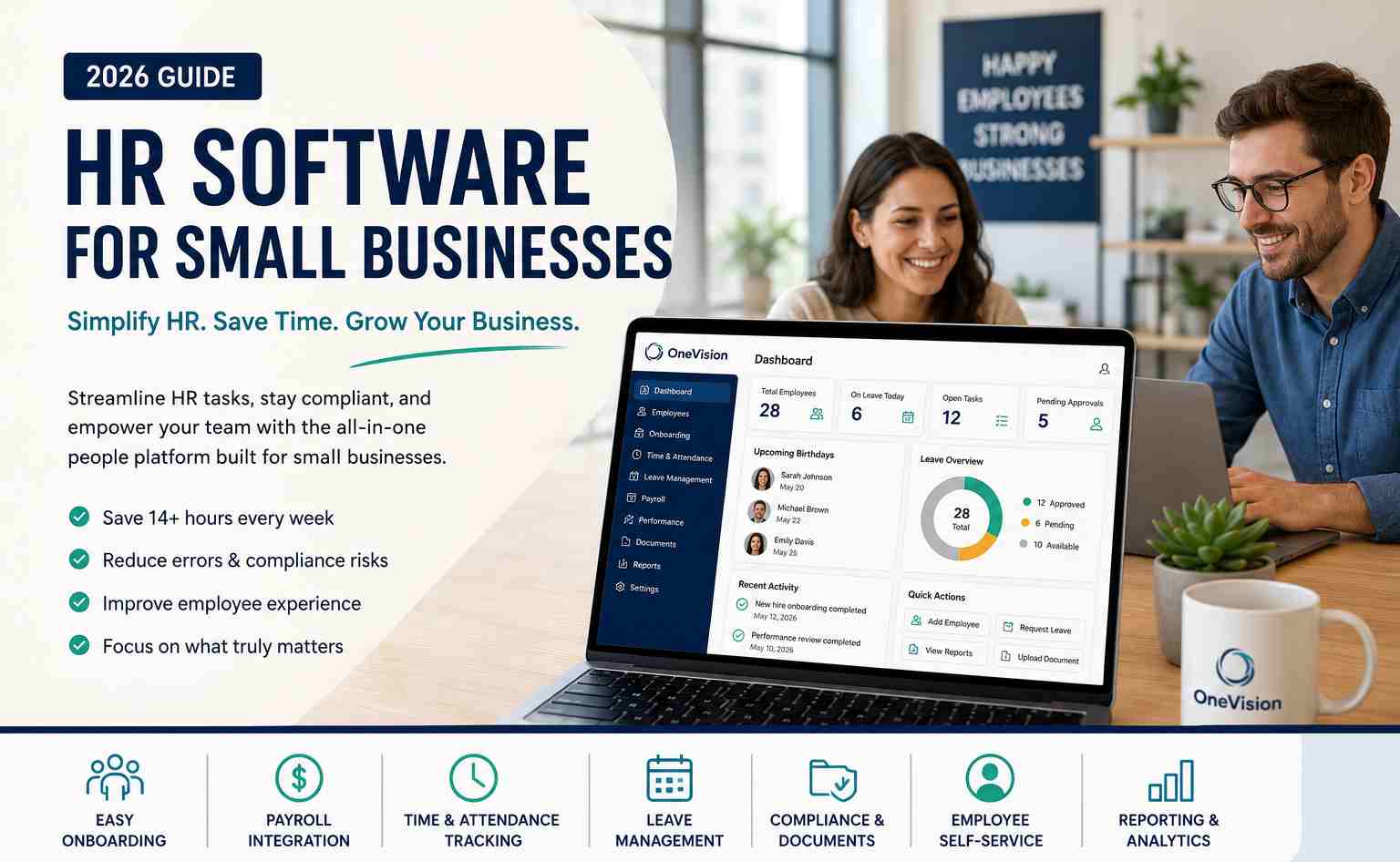



How Does the Best HR Software Help Businesses Make Better Financial Decisions?
Discover how the best HR software helps businesses reduce hidden operational costs, improve workforce efficiency, and make smarter financial decisions through automation, analytics, and better workforce management.












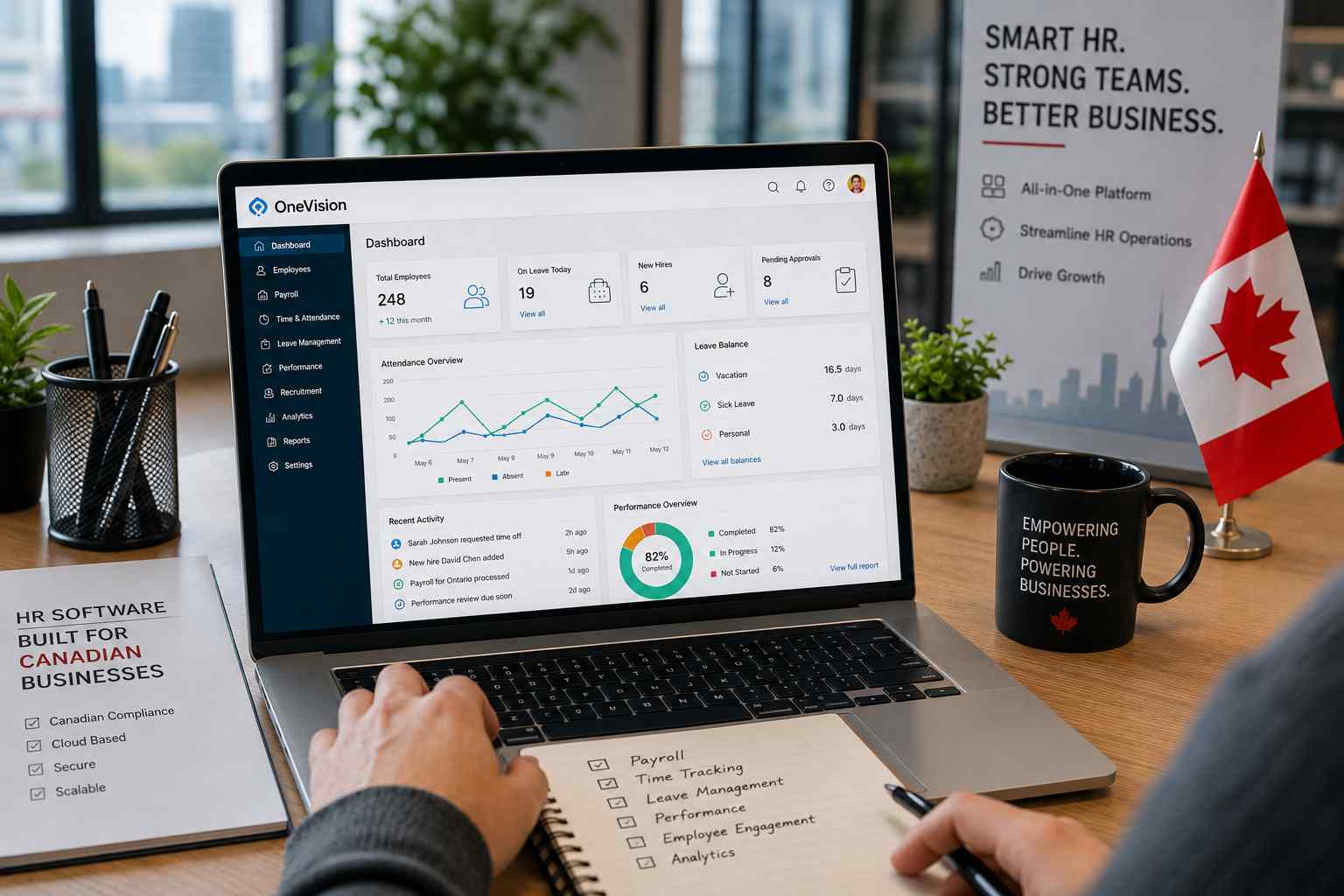
Why Use Software That Helps in Managing a Business?
When running a company, you need software that helps in managing a business, as its tasks, teams, customers, and finances all need your attention. Discover why companies are adopting all-in-one business management systems.