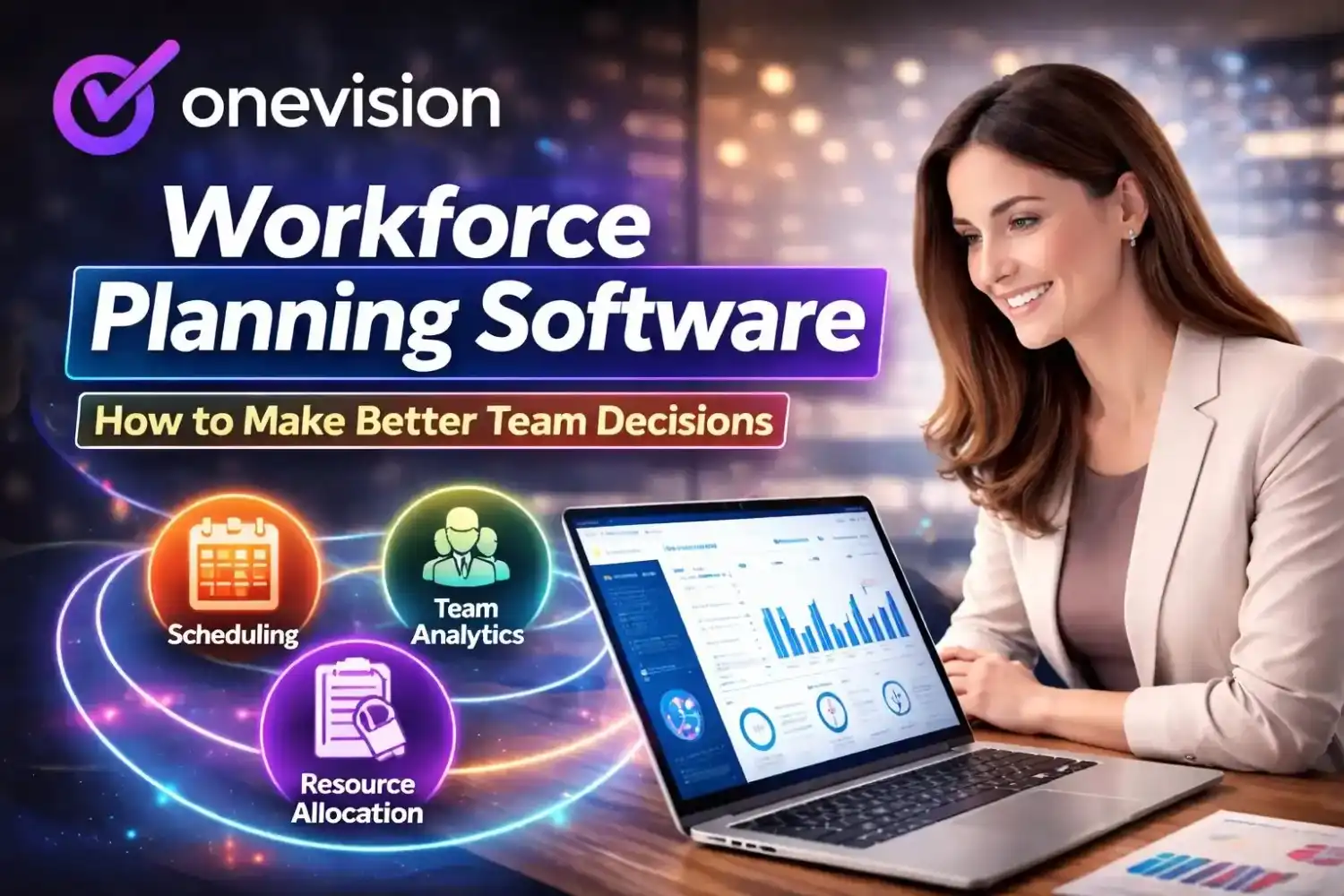
Workforce software is something most business owners look up after they've already hit a wall, like missed shifts piling up, timesheets going missing, and payroll full of errors. If that sounds familiar, you're in the right place. This guide walks you through what it actually is, what it does, and how to figure out if it's the right move for your team.
What Actually is Workforce Software?
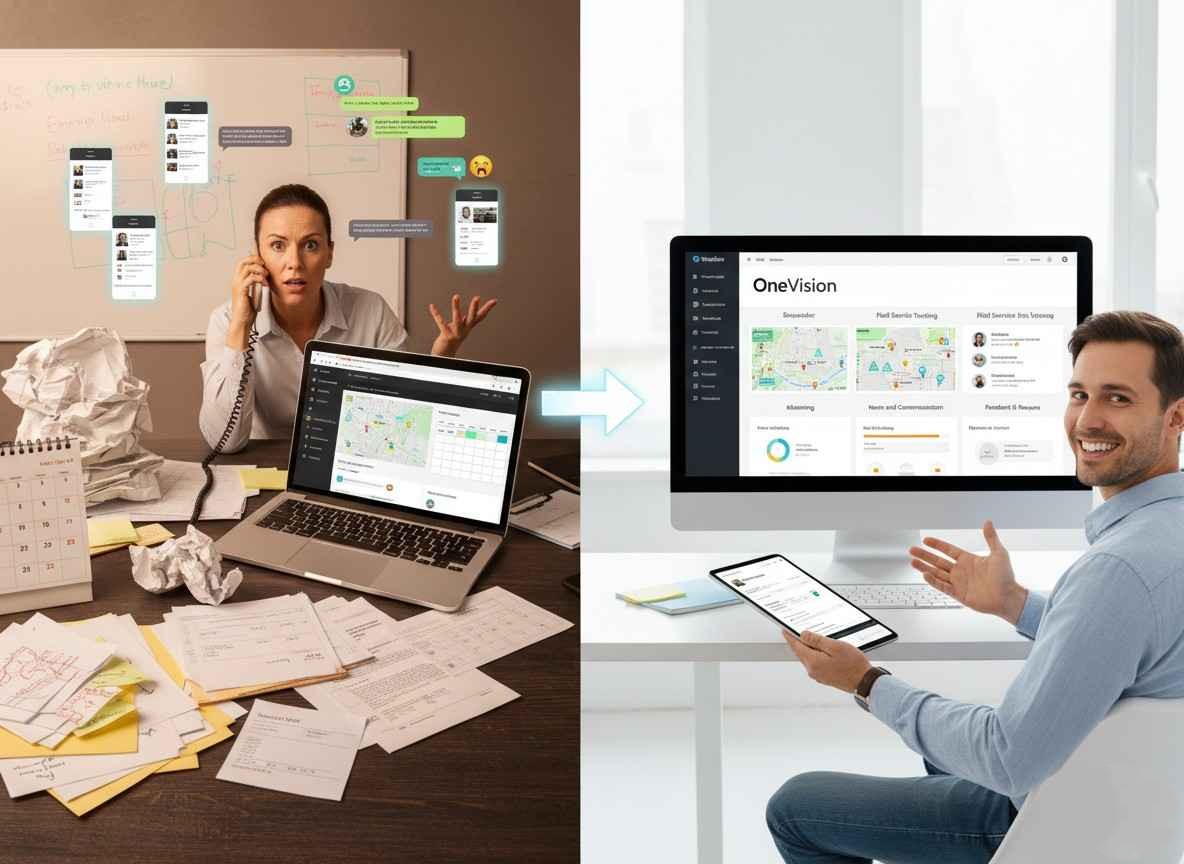
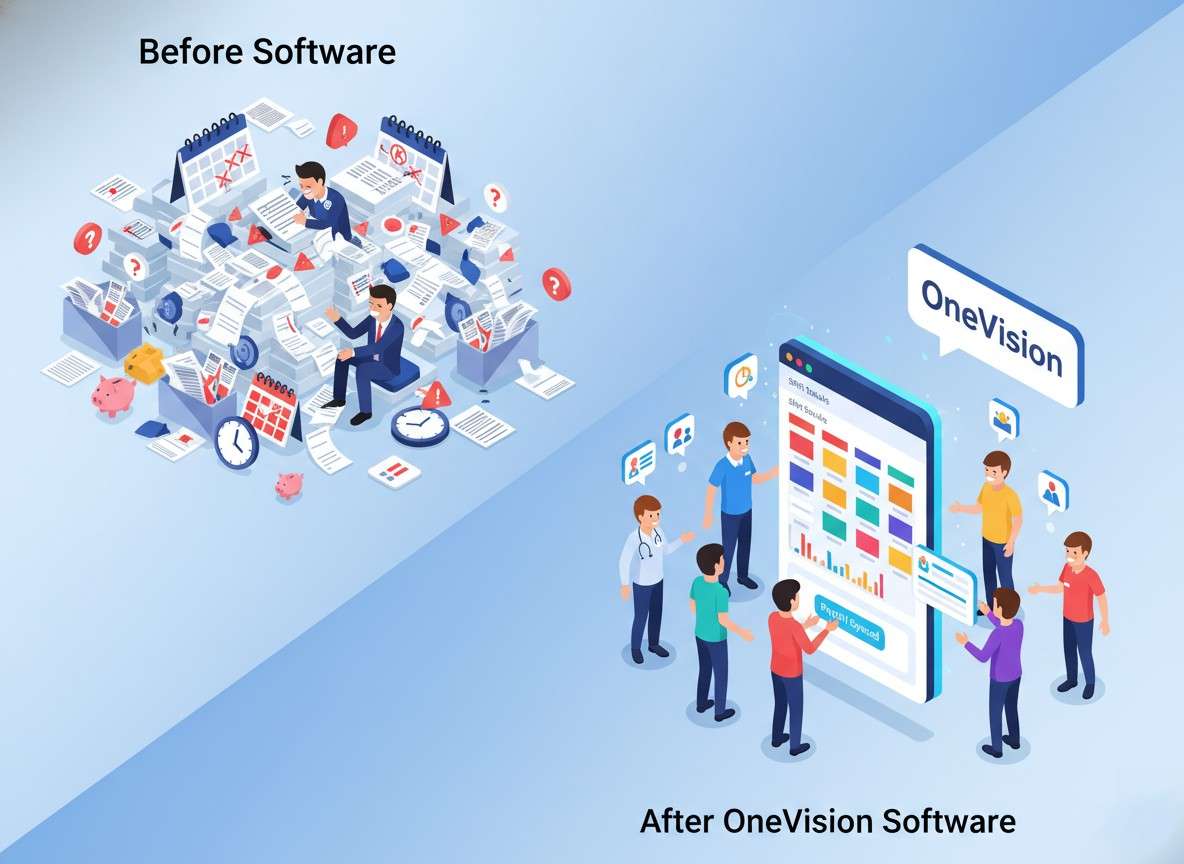
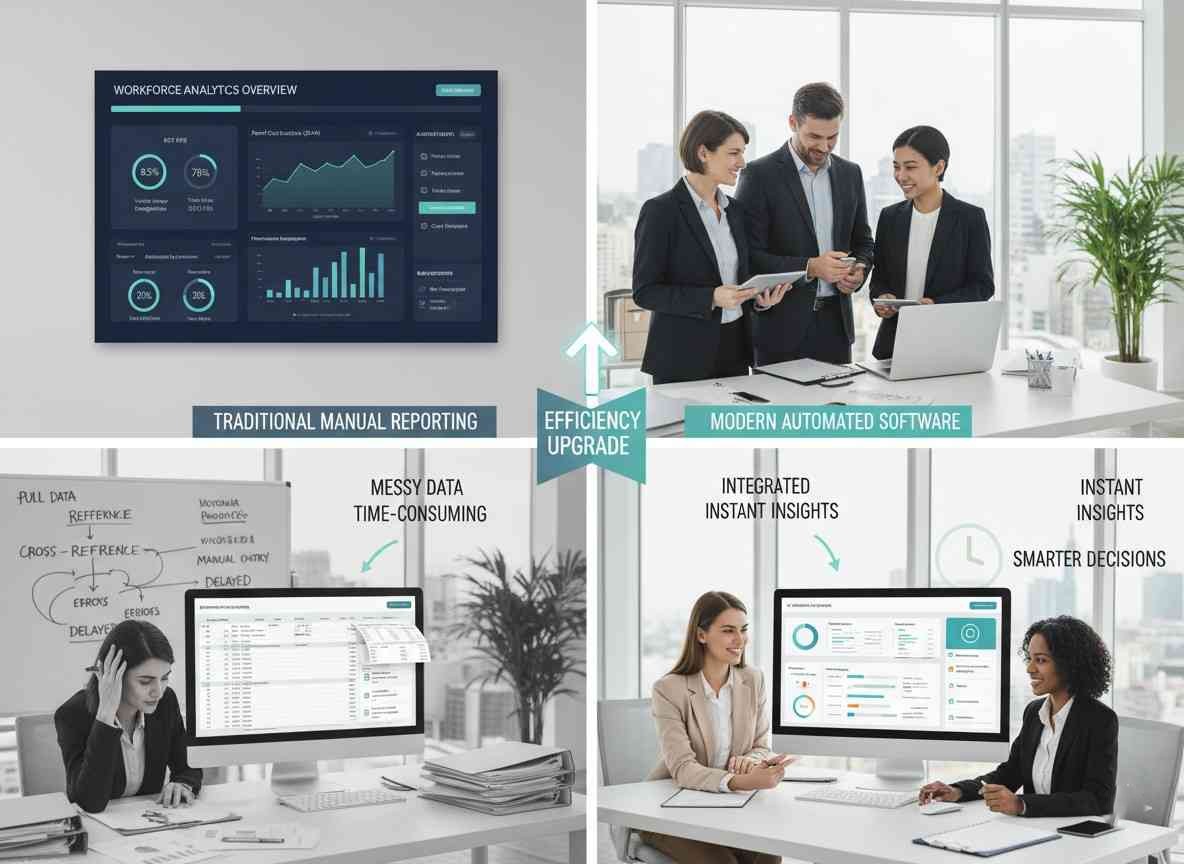
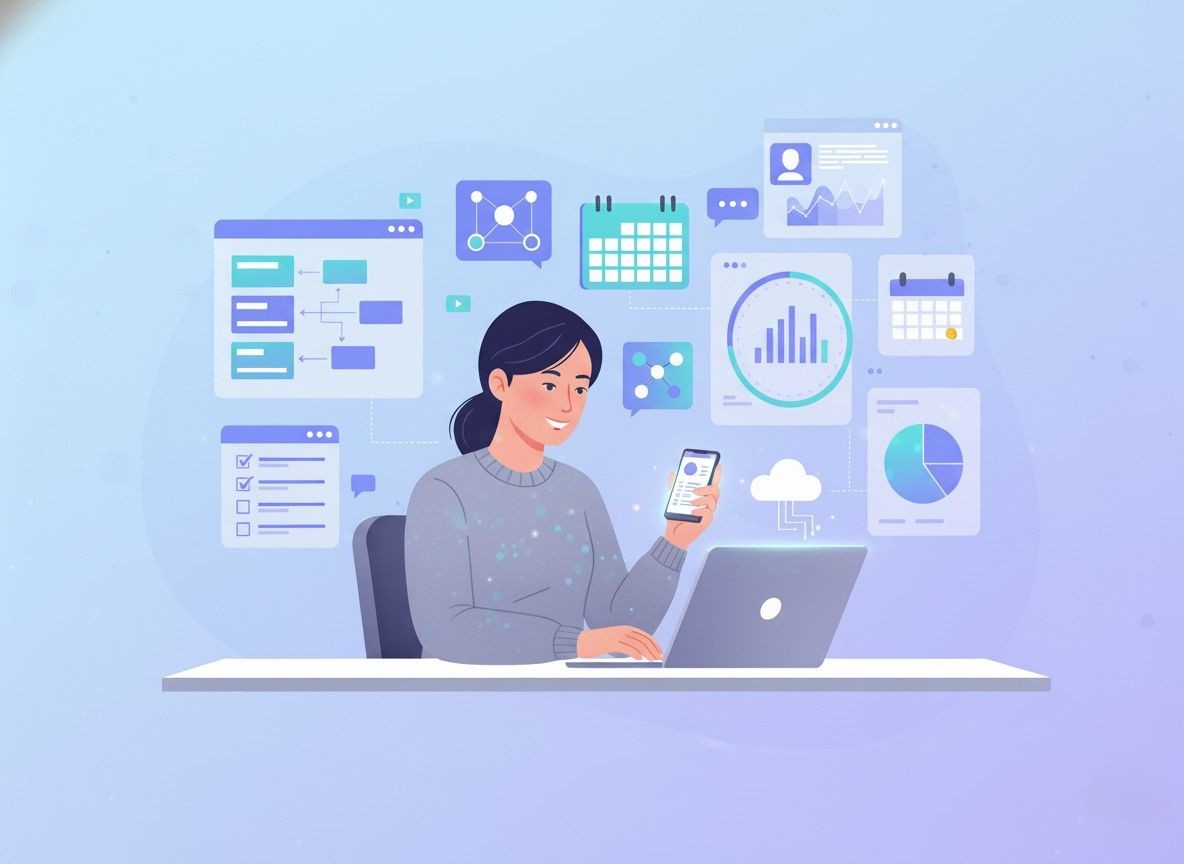
So, starting simple, workforce software is basically a tool that helps you manage your team, things like schedules, clock-ins, attendance, and overall labor tracking. Instead of switching between spreadsheets, WhatsApp messages, and manual timesheets, everything just sits in one place and updates as things happen.
Because of that, a lot of the repetitive work kind of disappears on its own. So, managers aren’t chasing people for their hours anymore, and employees don’t have to text every time they need a day off. It just runs in the background, and things feel a lot less messy.
What Is Workforce Software Used For Day-to-Day?
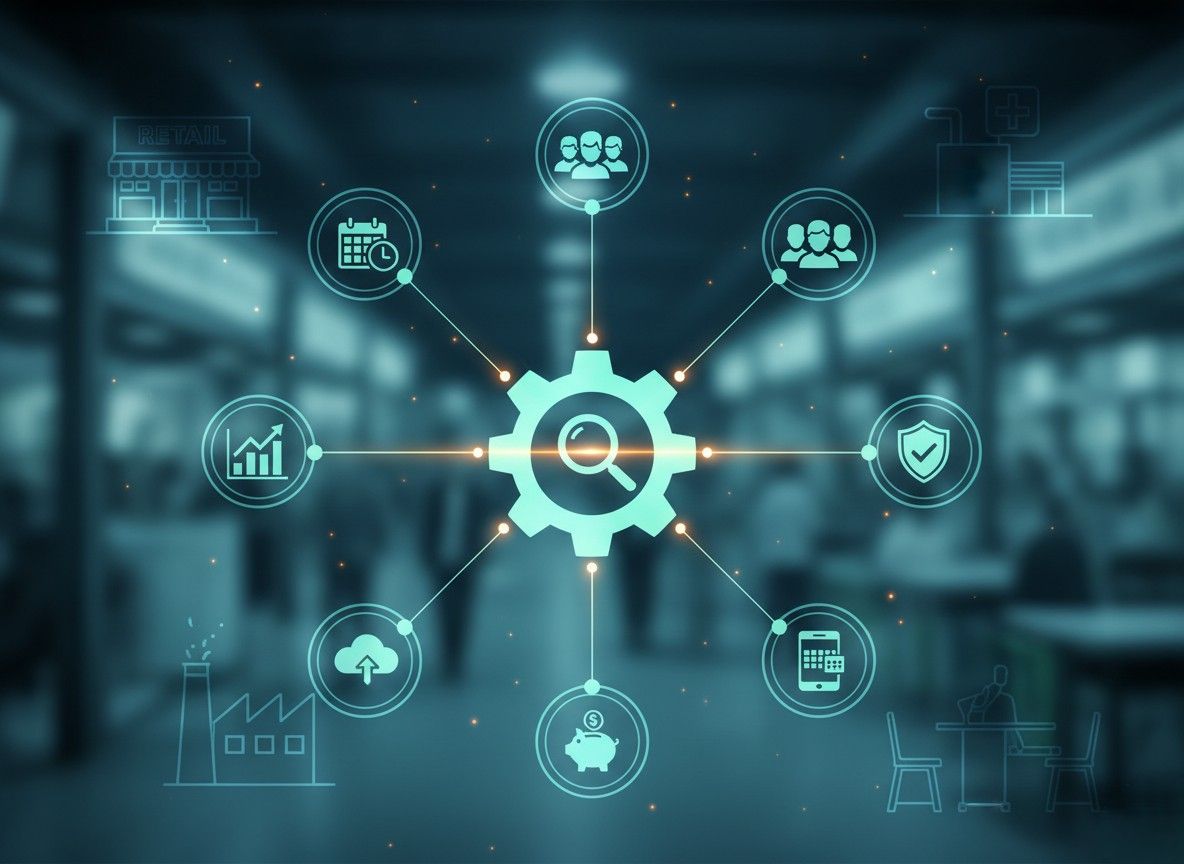
In practical terms, businesses are using it for their different operations, and here's what some of those are:
First and most important is tracking employee clock-ins, clock-outs, and breaks
Then there is building and publishing shift schedules
Also managing leave requests and shift swaps
After that, flagging absences and attendance issues automatically
Syncing worked hours directly into payroll
And lastly, pulling labor cost reports without manual effort
Hence, that's what workforce tracking software handles at the foundation. From there, more advanced platforms layer on workforce intelligence software capabilities, things like demand forecasting, burnout detection, and automated compliance checks.
What Is Workforce Optimization Software?
Workforce optimization software goes a level deeper than basic scheduling. It looks at how efficiently your team is being used and then helps you close the gaps. Too much overtime in one department, understaffing on peak days, roles that don't match demand optimization tools surface all of that so managers can fix it before it becomes a cost problem.
What Features Make a Workforce Management System Actually Useful?
There are a lot of workforce management software examples out there, and most list the same things. So instead, here's what each one actually solves.
Workforce Software Time and Attendance
This is the core of everything. Employees clock in through a workforce software app, a browser, or an on-site kiosk. Managers see it live, and the system automatically handles overtime calculations, break rules, and absence logs. Nothing falls through the cracks because nothing is entered manually.
Employee Scheduling Software
Good workforce scheduling software builds shifts around availability, skills, and your labor budget rather than someone doing it by hand on a Friday afternoon. Employees get notified the moment a schedule goes live, and they can request changes directly through the app without anyone needing to make a call.
Workforce Automation Tools
Workforce automation tools take the admin off your plate entirely. Routine leave approvals, schedule reminders, compliance flags, and overtime alerts, the system handles all of it without a manager needing to step in each time. Over a week, that adds up to hours saved.
Workforce Reporting Tools and Analytics
Workforce analytics software turns your time and attendance data into something you can actually use. You can see which teams are running over on hours, where absenteeism patterns are forming, and how your labor spend is trending week over week. Workforce reporting tools make it so managers aren't flying blind on costs.
Workforce Software with Integrated Payroll and HR Features
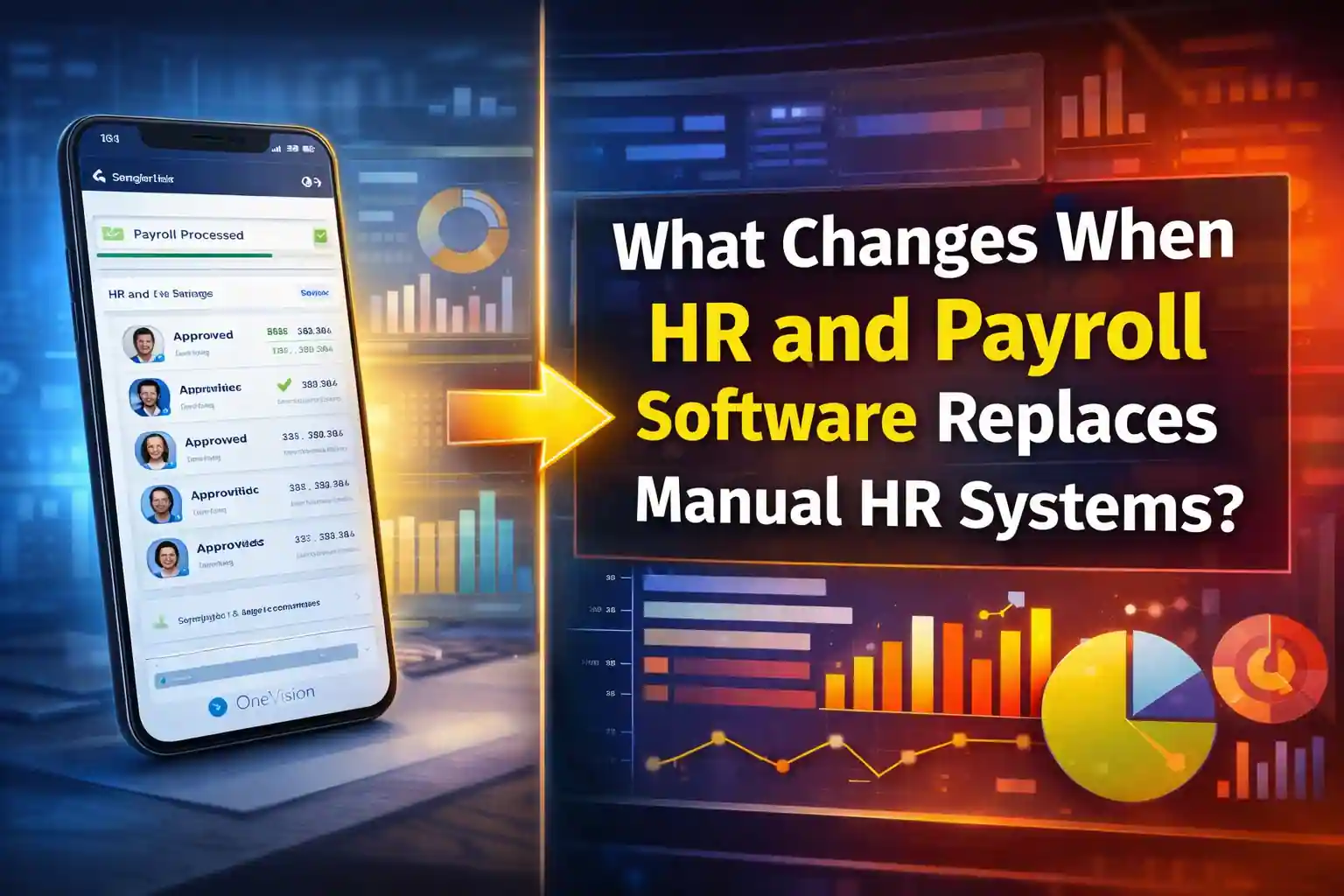
When time tracking connects directly to payroll, the errors that come from manual data entry just stop happening. Workforce software with integrated payroll and HR features means hours worked flow straight into pay runs, and for HR teams, employee records and compliance data live in the same system they're already using.
Which Industries and Teams Actually Use It
Workforce Management Software for Healthcare
Healthcare scheduling is genuinely complex, with rotating shifts, certification requirements, compliance rules, and very little room for gaps. Workforce management software for healthcare keeps all of that in one place, so scheduling managers aren't cross-checking five different documents to fill a single shift.
Best Workforce Software for Small Businesses and Startups
Here's something worth knowing: the best workforce software for startups doesn't look anything like enterprise software. It's lightweight, quick to set up, and priced per user. Affordable workforce software for small businesses, including the best workforce software options for small businesses in Canada, is widely available, and most platforms handle regional compliance rules out of the box.
The best software for small business employee scheduling in Canada specifically needs to account for provincial labor laws, and several cloud-based platforms already do that automatically.
Workforce Software for HR Teams and Remote Teams
For HR teams, it cuts down the time spent on leave approvals, attendance disputes, and scheduling queries. For distributed teams, workforce software for remote teams solves the visibility problem for managers to see who's working, when, and for how long, even across different time zones and flexible hours.
How to Actually Choose the Right One
How to Choose Workforce Management Software for Your Industry
The honest answer is that choosing workforce management software for retail industries is different from choosing one for healthcare or professional services. Retail needs demand forecasting and fast shift-filling. Healthcare needs compliance tracking. Services firms need project-based time logging.
Start with your actual problem, then work backward to the features. Here's what to check before committing:
Does it have a mobile app that employees will genuinely use?
Or does it connect with your existing payroll or HR system?
Then also check if workforce software training is included in the plan price?
Or does it offer workforce software certification for compliance needs?
After that, does workforce software pricing scale as your headcount grows?
And lastly, does it appear in a reliable workforce software comparison with verified reviews?
What Should Workforce Software Providers and Vendors Keep in Mind?
There are plenty of workforce management system software vendors, and the differences between them matter more at scale. When comparing top workforce scheduling software with mobile apps, look past the feature list and check support response times, onboarding quality, and how they handle integrations.
People often ask whether WorkForce Software is part of SAP or part of ADP; it isn't either. It's a standalone platform. That said, workforce software integration with SuccessFactors is available for businesses already running SAP's HR stack. As for why ADP acquired WorkForce Software, they didn't. The two are separate companies operating in the same space, which is a common mix-up.
Why Businesses Need Workforce Software And Why Now
Why Is Workforce Management Important?
Manual processes stop working the moment a team grows past a certain point. What worked for 10 people on a shared calendar completely falls apart at 40. Workforce software benefits for businesses show up fast, with less time spent on admin, fewer payroll mistakes, and actual visibility into where labor costs are going.
How Workforce Software Improves Productivity
When employees have their schedules in advance, can handle shift swaps without going through three people, and consistently get paid the right amount, they're more settled and more productive. Workforce software for employee productivity isn't about surveillance. It's about removing the small frictions that quietly drain time and morale.
AI in Workforce Software and Where It's Heading
AI in workforce software is already being used to forecast staffing needs, flag scheduling risks, and suggest optimizations before a manager even notices a problem. The future of workforce management software is less about recording what happened and more about helping businesses get ahead of what's coming.
Why You Should Go for OneVision
OneVision is built for businesses that want workforce management without the complexity that usually comes with it. Scheduling, time tracking, analytics, and HR integration all sit in one platform, and it's designed to be usable without a long onboarding process. Whether you're doing a workforce software comparison as a startup or replacing a legacy tool at a growing company, it's a solid place to start.
FAQs
What is workforce planning software?
It helps businesses forecast future staffing needs based on growth targets, seasonal demand, and current headcount, so you're hiring and scheduling ahead of the curve, not reacting to gaps.
What is workforce scheduling software?
A tool for building and managing employee shift schedules, with features for availability, shift swaps, and labor compliance built in.
Where to buy workforce time tracking software for hourly employees?
Directly through vendor websites, most of which offer monthly subscriptions and free trials. Look specifically for geofencing and kiosk clock-in if you have on-site hourly staff.
How to choose payroll software for a growing company?
Find one that connects directly to your time tracking tool, handles your regional tax rules, and doesn't charge per-feature as you scale.
What are the essential features of a modern workforce management system?
Scheduling, time and attendance, leave management, payroll integration, a mobile app, and analytics reporting.
Workforce software vs HR software: what's the difference?
HR software covers the employee lifecycle, including hiring, onboarding, and performance management. However, Workforce software focuses on daily operations, who's working, when, and what it's costing.
Is workforce software worth it for small businesses?
Once you're past 10-25 employees, the time saved on scheduling and payroll admin alone usually covers the cost within the first few weeks.
Read Other Blogs
Explore more insights and tips on business management


How Does the Best HR Software Help Businesses Make Better Financial Decisions?
Discover how the best HR software helps businesses reduce hidden operational costs, improve workforce efficiency, and make smarter financial decisions through automation, analytics, and better workforce management.






Why Use Software That Helps in Managing a Business?
When running a company, you need software that helps in managing a business, as its tasks, teams, customers, and finances all need your attention. Discover why companies are adopting all-in-one business management systems.