Running a small business is no small feat. Between serving customers, managing cash flow, and trying to grow, the last thing any business owner wants is to drown in paperwork. Yet HR tasks — onboarding, payroll, time tracking, compliance — eat up hours every single week. That's exactly why HR software for small businesses has become one of the smartest investments a company can make in 2026.
This guide walks you through everything you need to know: what HR software actually does, why small businesses need it, what features matter most, and how to choose the right platform for your team. Whether you have 5 employees or 50, the right HR tool can transform the way you operate.
What Is HR Software for Small Businesses?
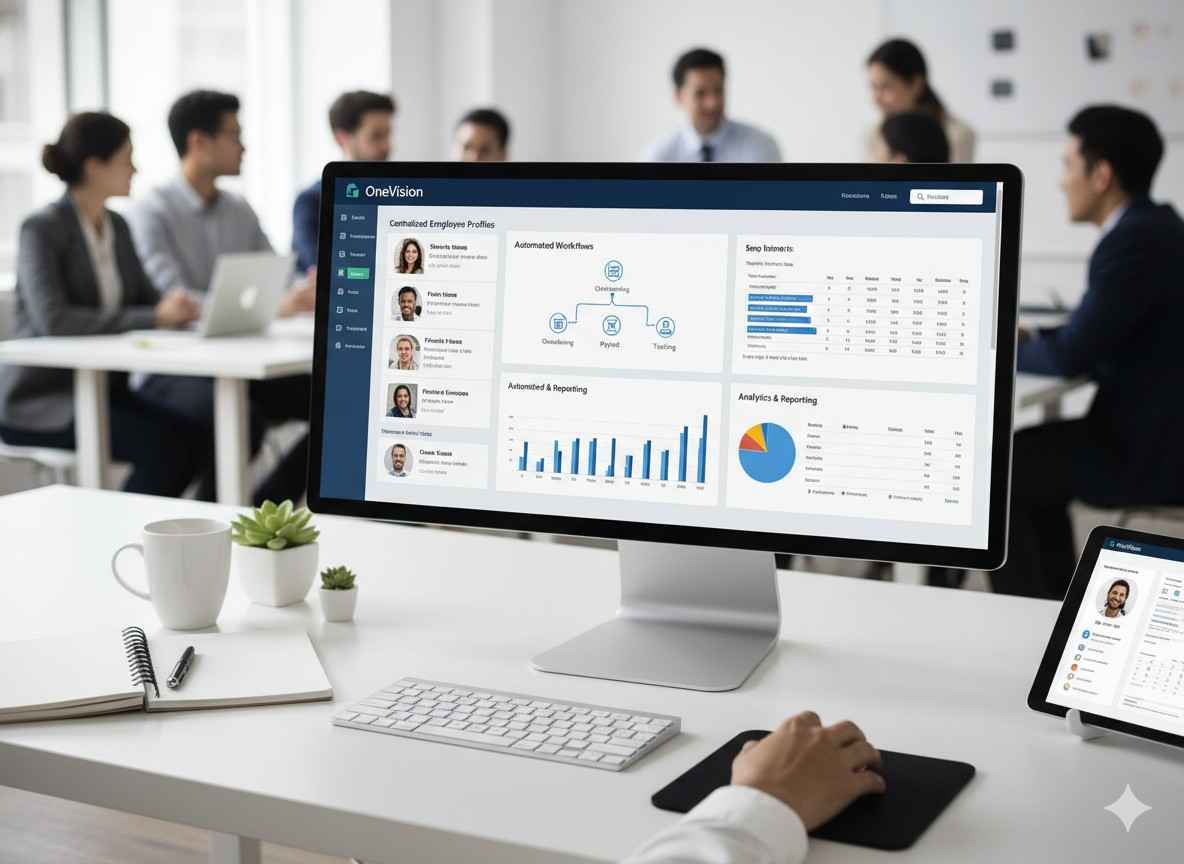
HR software — sometimes called Human Resource Management Software (HRMS) or Human Capital Management (HCM) — is a digital platform that centralizes all your people-related processes in one place. For small businesses, it doesn't need to be complicated. The best small business HR software is designed to be simple, affordable, and quick to set up.
Think of it as your all-in-one people hub: it stores employee records, automates repetitive admin tasks, keeps you legally compliant, and gives you clear visibility into your workforce — without requiring an entire HR department to manage it.
Core Functions Typically Include:
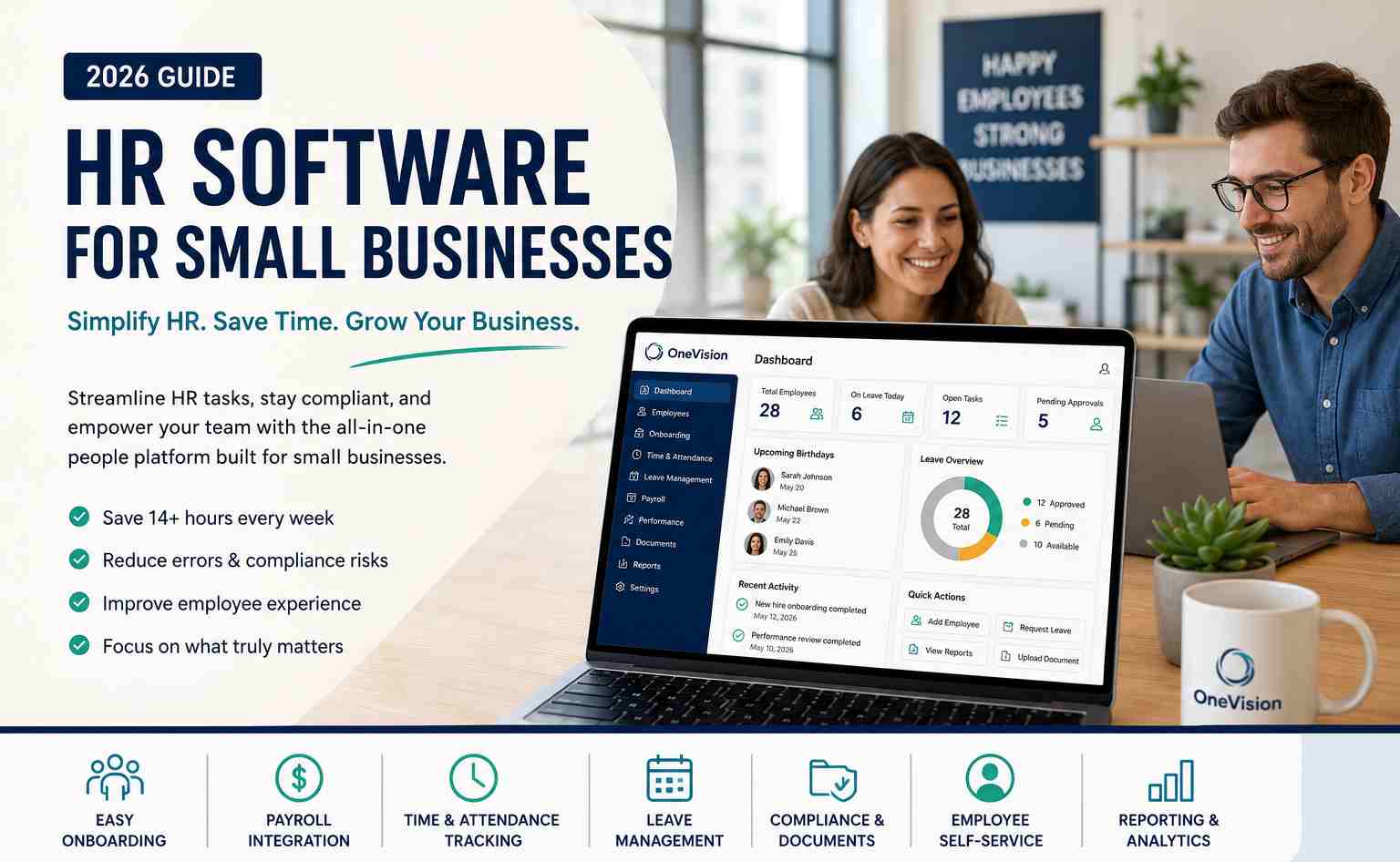
Employee database and digital records management, payroll processing and tax calculations, time and attendance tracking, onboarding workflows for new hires, leave and PTO management, performance reviews and goal tracking, compliance and labor law documentation, and employee self-service portals.
Why Small Businesses Need Dedicated HR Software
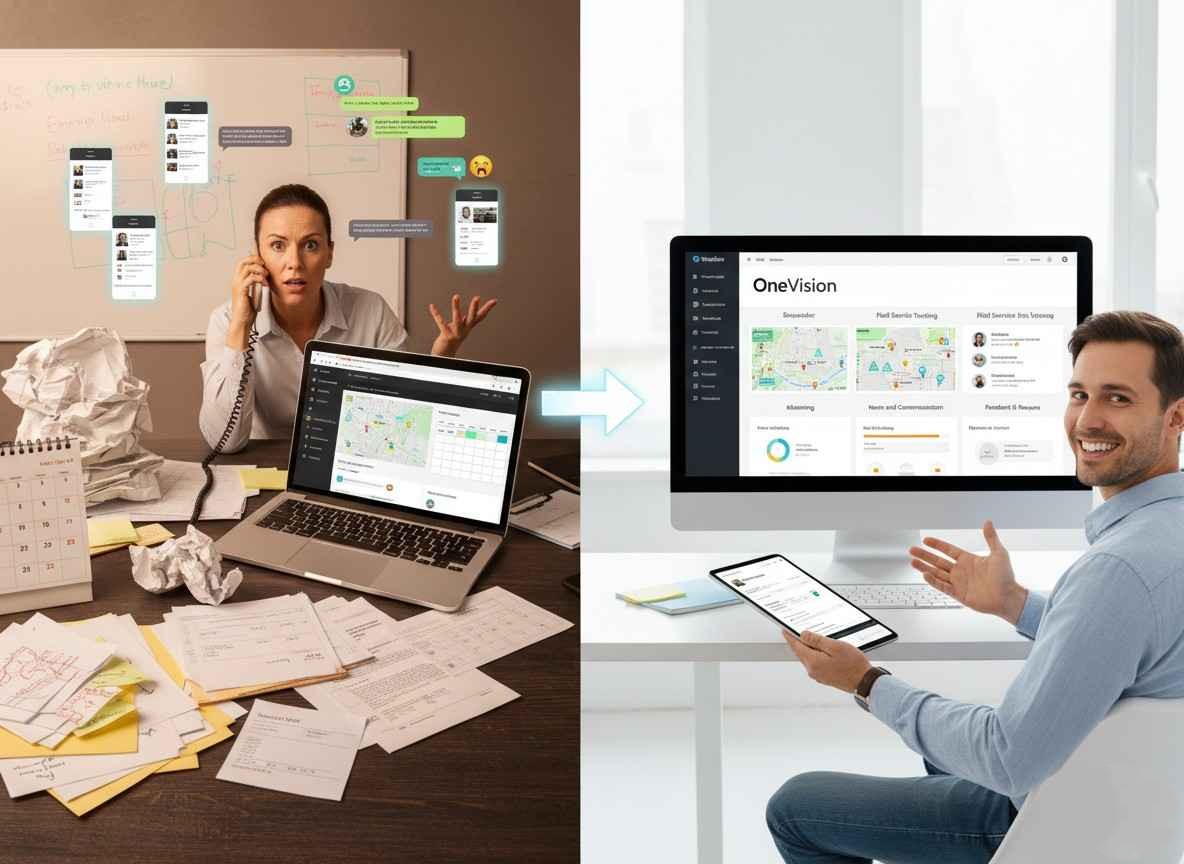
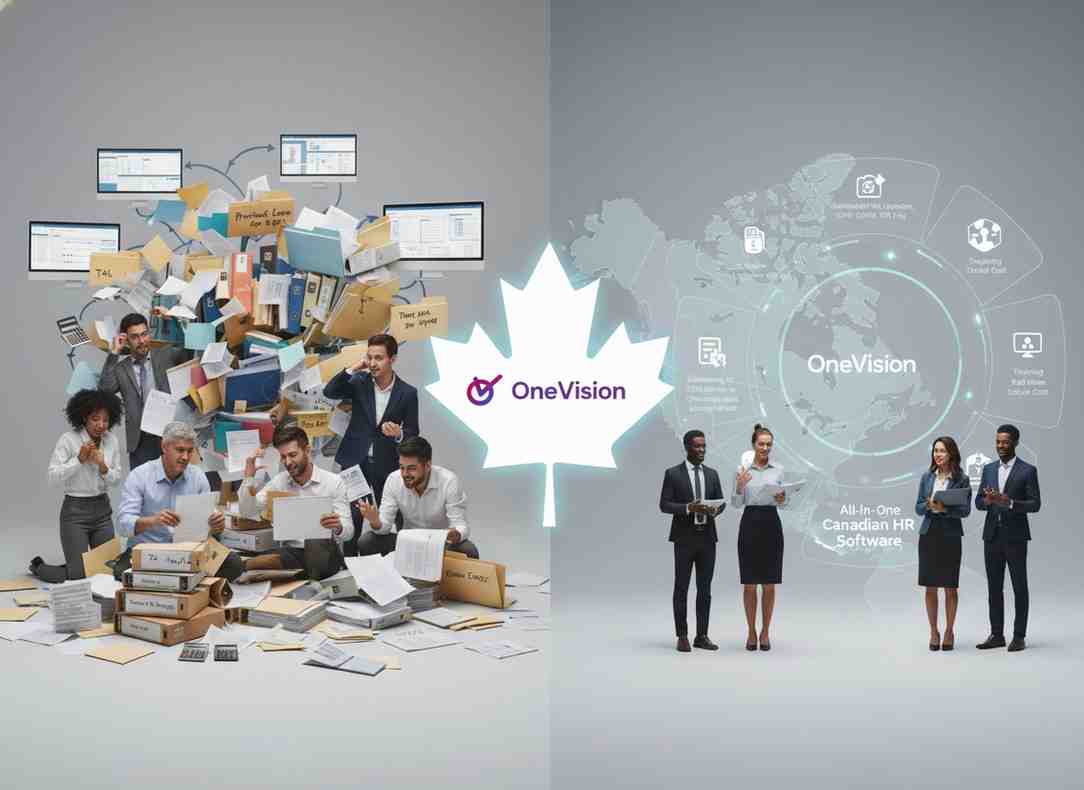
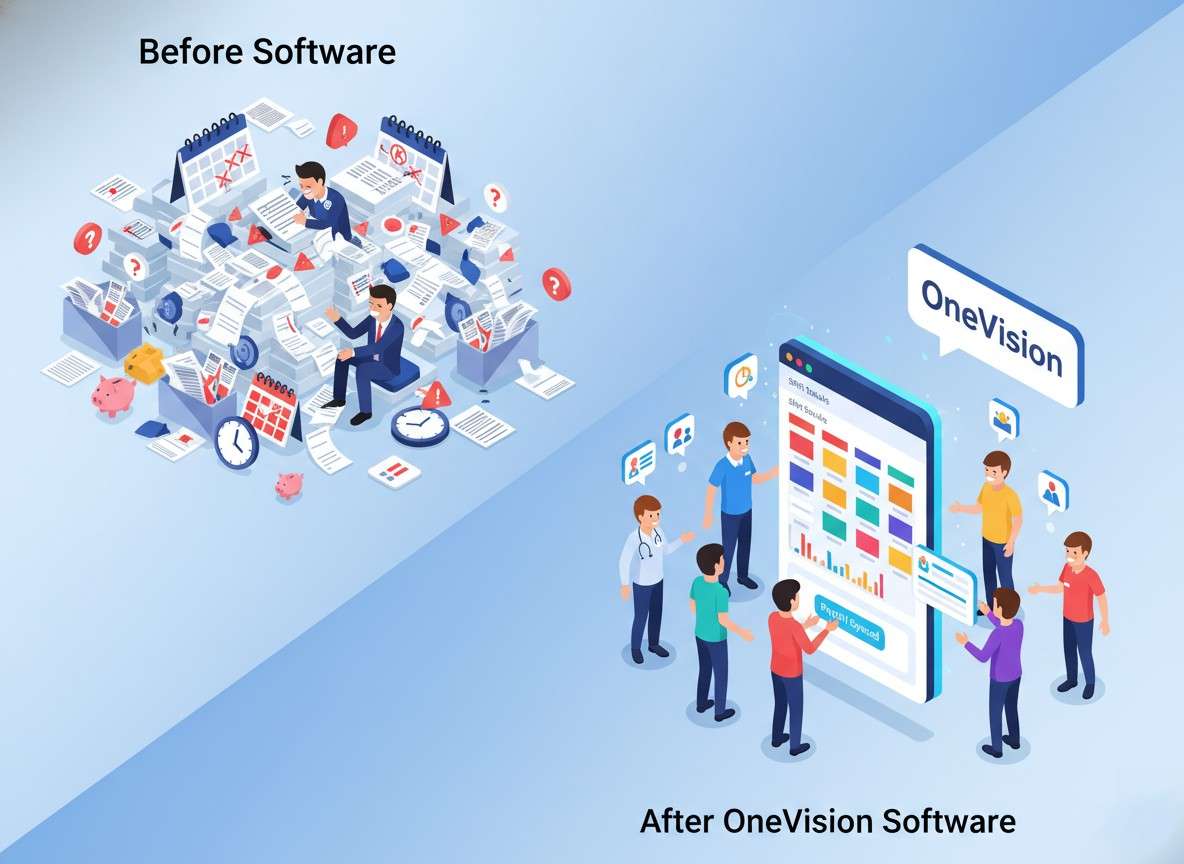
Many small business owners start out managing HR with spreadsheets, email threads, and manual paperwork. It works — until it doesn't. As your team grows, the cracks start to show: missed compliance deadlines, payroll errors, inconsistent onboarding, and frustrated employees who can't find their own pay stubs.
Here's the reality: you don't need 100 employees to benefit from HR software. Even teams of 5 to 10 people can save significant time and avoid costly mistakes with the right platform. Companies that adopt HR software report saving an average of 14 hours per week on administrative tasks — time better spent on growth.
Manual payroll errors
Leading to employee dissatisfaction, late filings, and costly corrections.
Paper onboarding
Causing slow starts, missing forms, and compliance gaps from day one.
Spreadsheet tracking
Resulting in data loss, version confusion, and wasted hours every week.
No self-service portal
Meaning constant admin interruptions for basic employee queries.
Manual compliance tracking
Creating fines, legal exposure, and missed regulatory deadlines.
Key Features to Look for in Small Business HR Software
Not all HR platforms are built with small businesses in mind. Enterprise tools can be bloated, expensive, and complex to manage. When evaluating HR software for small businesses, prioritize these must-have features:
Easy Onboarding Tools
First impressions matter. Look for software that lets you create digital onboarding checklists, collect e-signatures, assign equipment, and introduce new hires to company policies — all before their first day. A smooth onboarding experience increases retention and sets the tone for your culture.
Payroll Integration
Payroll is where errors are most costly. The best small business HR platforms either include built-in payroll or integrate seamlessly with tools like QuickBooks, Xero, or Gusto. Automated calculations, tax filing, and direct deposit save hours and eliminate manual mistakes.
Time and Attendance Tracking
Whether your team is in-office, remote, or hybrid, time tracking is essential. Look for clock-in/out functionality, overtime alerts, and scheduling tools. Accurate time data feeds directly into payroll, reducing discrepancies and disputes.
Leave Management
Managing vacation requests, sick days, and other time off through email chains is a recipe for confusion. A proper leave management system lets employees submit requests digitally, gives managers real-time visibility, and keeps accurate records automatically.
Compliance and Document Storage
Labor laws change. HR software keeps your documentation in order — offer letters, contracts, performance reviews, disciplinary records — so you're always audit-ready. Automated reminders for contract renewals and compliance deadlines are a valuable bonus.
Employee Self-Service
Empower your team to update their own details, download payslips, request leave, and access company policies without pinging HR for every little thing. Self-service portals are a game-changer for small teams where everyone wears multiple hats.
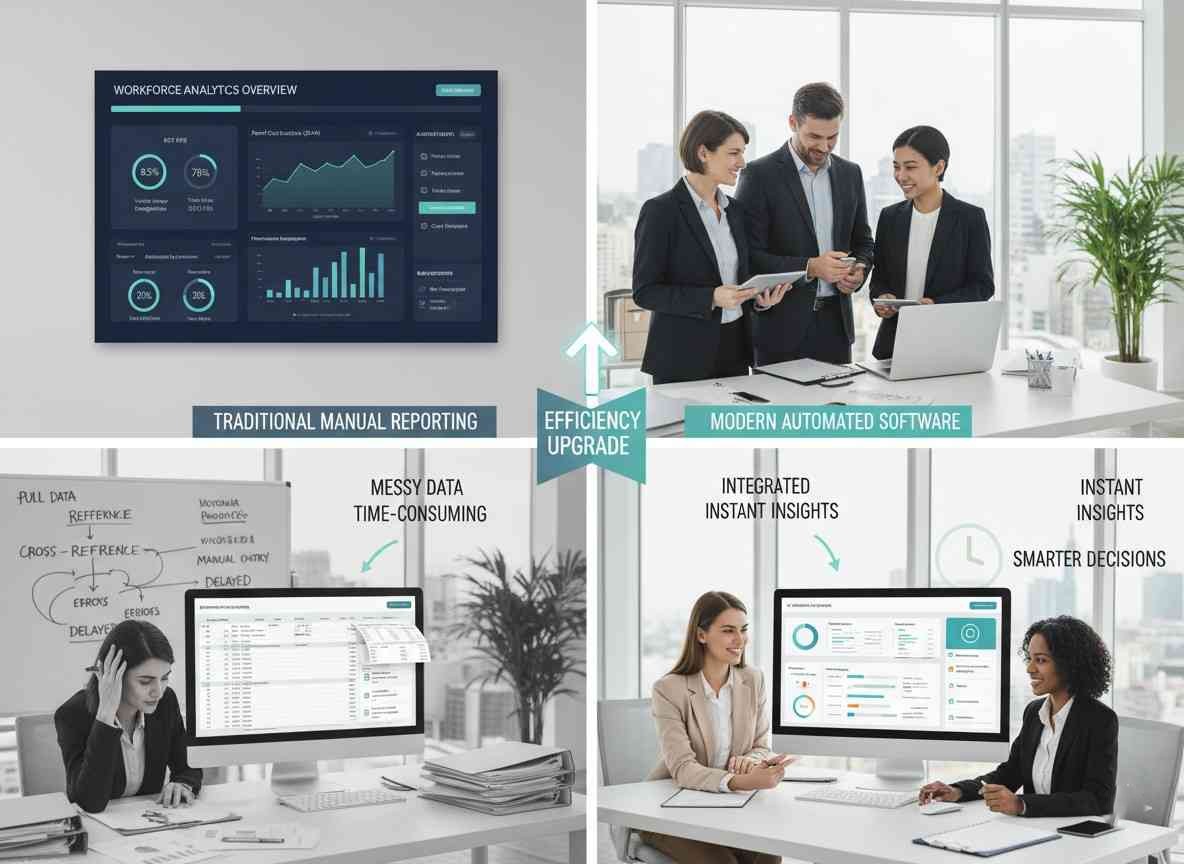
Reporting and Analytics
Data-driven decisions make better businesses. Even basic reporting — headcount trends, turnover rates, absenteeism, payroll costs — helps you spot issues early and plan smarter.
How HR Software Supports Business Growth
Here's something many business owners overlook: HR software isn't just about admin efficiency — it's a growth enabler. When your people processes are organized and automated, you free up time and mental bandwidth to focus on what actually moves the needle.
Research shows that small businesses lose an average of $4,000 per bad hire. Structured onboarding, clear performance tracking, and proper documentation — all made easier by HR software — directly reduce this risk. Organizations with strong HR processes are also significantly more likely to outperform competitors in revenue growth.
Scale confidently
Grow your team without proportionally scaling admin work or HR overhead.
Retain top talent
Better employee experiences and transparent processes reduce costly turnover.
Hire faster
Make quicker decisions with organized applicant tracking and structured workflows.
Reduce compliance risk
Stay protected as you enter new markets or hire across different regions.
Build a people-first culture
Consistent, fair processes signal to employees that they matter.
How to Choose the Right HR Software: A Practical Checklist
With dozens of options on the market, selecting the right HR management software for small businesses can feel overwhelming. Work through these steps before making a decision:
1. Define Your Must-Haves
List the top 3 to 5 problems you need solved today. Payroll? Onboarding? Leave management? Don't pay for features you won't use.
2. Set a Realistic Budget
Most small business HR platforms charge per employee per month. Factor in your current team size and expected growth over the next 12 to 24 months.
3. Prioritize Ease of Use
If your team won't use it, it won't help. Look for intuitive interfaces, mobile apps, and good onboarding support from the vendor.
4. Check Integrations
Your HR software should connect to your existing tools — payroll, accounting, project management, communication platforms. Siloed systems create more work, not less.
5. Look for Scalability
Choose a platform that can grow with you. Migrating HR systems is painful; pick something that handles both 10 and 100 employees without a complete overhaul.
6. Evaluate Support
Small businesses rarely have in-house IT. Look for vendors with responsive support, solid documentation, and ideally a dedicated onboarding specialist.
7. Test With a Free Trial
Most reputable HR software providers offer a free trial or demo. Use it, get your team involved, and gather real feedback before committing.
Common HR Mistakes Small Businesses Make
Even with the best tools, some common pitfalls trip up small business owners. Being aware of these can save you time, money, and headaches down the line.
Waiting Too Long to Get Organized
Many businesses only invest in HR software after something goes wrong — a compliance fine, a payroll dispute, a bad hire. The best time to set up proper HR processes is before you need them.
Choosing Enterprise Software for a Small Team
A platform built for 500-person companies will overwhelm a 10-person team. Overly complex tools lead to low adoption and wasted money. Match the tool to your actual size and needs.
Neglecting Employee Experience
HR software isn't just for managers. If employees find the self-service portal confusing or unhelpful, you lose one of the biggest benefits. Involve your team in the selection process.
Underestimating Compliance Requirements
Employment law is complex and jurisdiction-specific. Don't assume your current approach is compliant — use your HR software's compliance features actively and stay up to date with local labor regulations.
Why OneVision Is Built for Small Businesses
At OneVision, we built our platform from the ground up with small businesses in mind. We know you don't have a dedicated HR team. We know you're juggling ten things at once. And we know that every minute spent on admin is a minute not spent on your customers, your product, or your people.
That's why OneVision is designed to be set up in hours, not weeks — with an intuitive interface your whole team will actually use, transparent pricing, and support that treats you like a person, not a ticket number.
Complete employee records and document management
Everything in one searchable, secure place.
Automated onboarding workflows with e-signatures
New hires hit the ground running from day one.
Leave and time-off management with manager approvals
No more request tracking through email chains.
Payroll-ready time tracking and attendance tools
GPS clock-in/out and clean timesheet exports.
Performance reviews and goal-setting templates
Consistent feedback that happens year-round.
Compliance tracking and automated reminders
Stay audit-ready without manual chasing.
Employee self-service portal on any device
Employees access what they need without bothering HR.
Dedicated support team for every plan
Real help when you need it, not just documentation.
Final Thoughts
Investing in HR software for small businesses isn't a luxury — it's a strategic decision that pays dividends in time saved, errors avoided, and employees retained. The right platform grows with you, keeps you compliant, and frees you up to focus on what you do best.
Whether you're a founder managing your first hire or a growing team looking to bring structure to your people processes, there's never been a better time to get organized. The tools are more accessible, more affordable, and more powerful than ever before.
Start small. Start smart. Start with OneVision.
Frequently Asked Questions
Read Other Blogs
Explore more insights and tips on business management


How Does the Best HR Software Help Businesses Make Better Financial Decisions?
Discover how the best HR software helps businesses reduce hidden operational costs, improve workforce efficiency, and make smarter financial decisions through automation, analytics, and better workforce management.








Why Use Software That Helps in Managing a Business?
When running a company, you need software that helps in managing a business, as its tasks, teams, customers, and finances all need your attention. Discover why companies are adopting all-in-one business management systems.