
To juggle multiple tasks and to streamline them, there are management software small business should adopt. Running a business requires having to handle a lot of tasks, projects, employees, payroll etc., all at once. It can be pretty overwhelming, especially when you use outdated methods like spreadsheets or sticky notes. This is why you need to centralize operations and streamline communication, so there's less room for error.
But with so many tools on the market, how do you know which one will truly help your business? In this guide, we'll explore why small businesses need management software, what features matter most. We'll also look into the comparison and differences between modern tools and traditional methods.
Management Software Small Business Needs and Why?
Many small business owners still use spreadsheets, long email chains, or just memory. At first, it might work. However, mistakes soon appear. Deadlines are missed. Payroll gets messy. Communication breaks down.
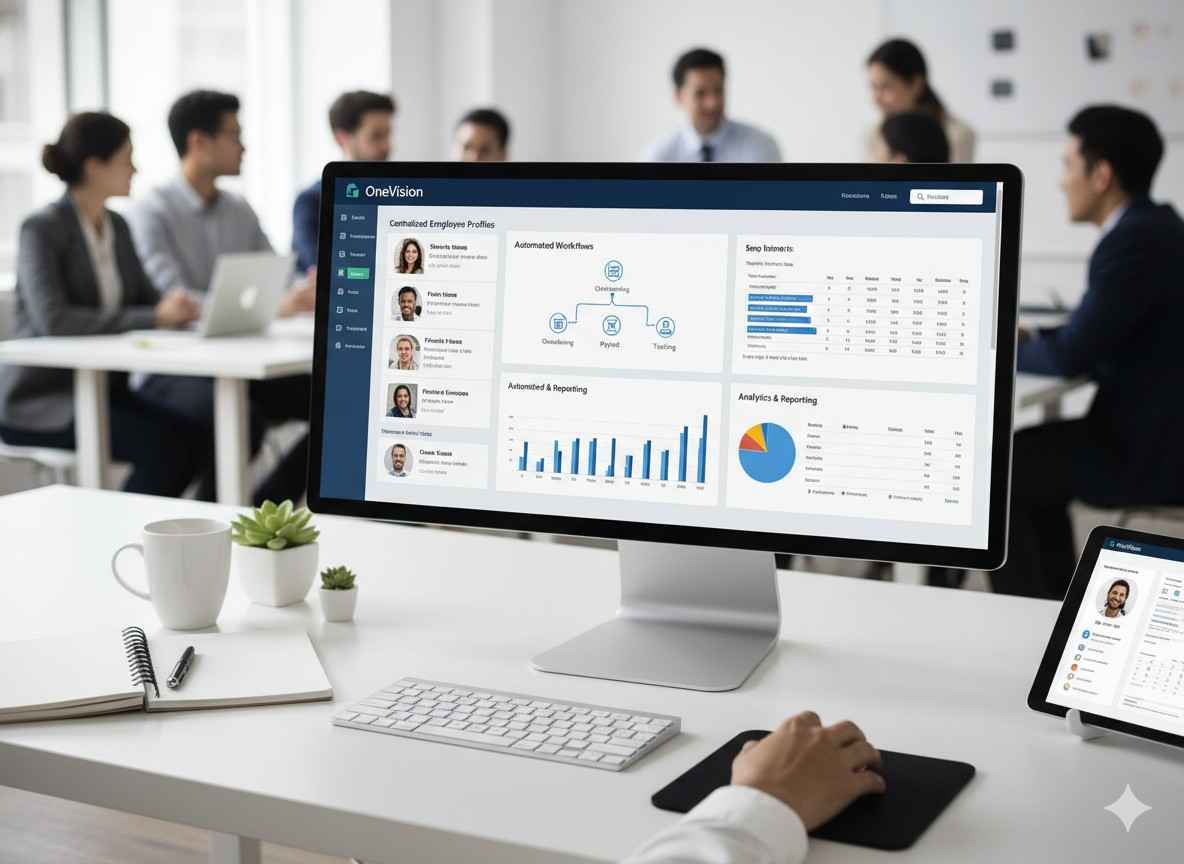
That's why management software for small business is so helpful. For example, business management software lets your team plan projects, assign tasks, and track progress easily. At the same time, payroll software for small businesses handles salaries, deductions, and taxes automatically. Also, mobile apps for business let employees and managers stay connected anywhere.
As a result, repetitive tasks take less time. Your team can focus on important work. Errors drop. Productivity rises. Plus, if your business is in Canada, tools like payroll software Canada or small business payroll software Canada make sure everything is legal and compliant.
In the end, using the right software makes your business run more smoothly. Everyone knows what to do. Work feels easier. And you spend less time fixing small mistakes.
Key Features of Management Software Small Businesses Should Look For
Not all tools are the same. So, when you choose management software, focus on features that actually help your team and make work easier.
1. Project Planning in Project Management Software Small Businesses Use
Good project management software lets you plan tasks, assign responsibilities, and track progress quickly. For example, look for task dependencies, visual timelines, and automatic reminders. Also, tools called the best project management software often have dashboards that show your entire project at a glance. This keeps everyone on the same page and prevents missed deadlines or overlapping work.
In addition, project management application tools let you integrate calendars, share files, and keep a history of all project updates. This way, collaboration becomes much smoother. Service businesses benefit a lot, especially if they use service business management software.
2. Payroll and HR Integration
Handling payroll by hand can be stressful and full of mistakes. Luckily, payroll management software or HR and payroll software automates everything—from salary calculations to deductions and benefits. For Canadian businesses, using small business payroll software Canada or payroll for small business Canada keeps you compliant with local laws.
Moreover, the best payroll software for small business works with project tracking and other business apps for business, so all your processes are connected. Employees can check payslips, submit requests, or see schedules in one place. This not only reduces stress but also improves accuracy.
3. Cloud-Based Access and Mobile Apps for Business
Most management software services today are cloud-based. This means your team can log in from anywhere. Plus, cloud systems back up your data automatically and update themselves.
At the same time, having mobile apps for business gives your team extra flexibility. Managers can approve tasks or check progress from their phone. Employees can submit timesheets or collaborate instantly. As a result, work keeps moving smoothly even if your team is remote or out in the field.
Comparing Traditional vs Modern Business Management in Small Business
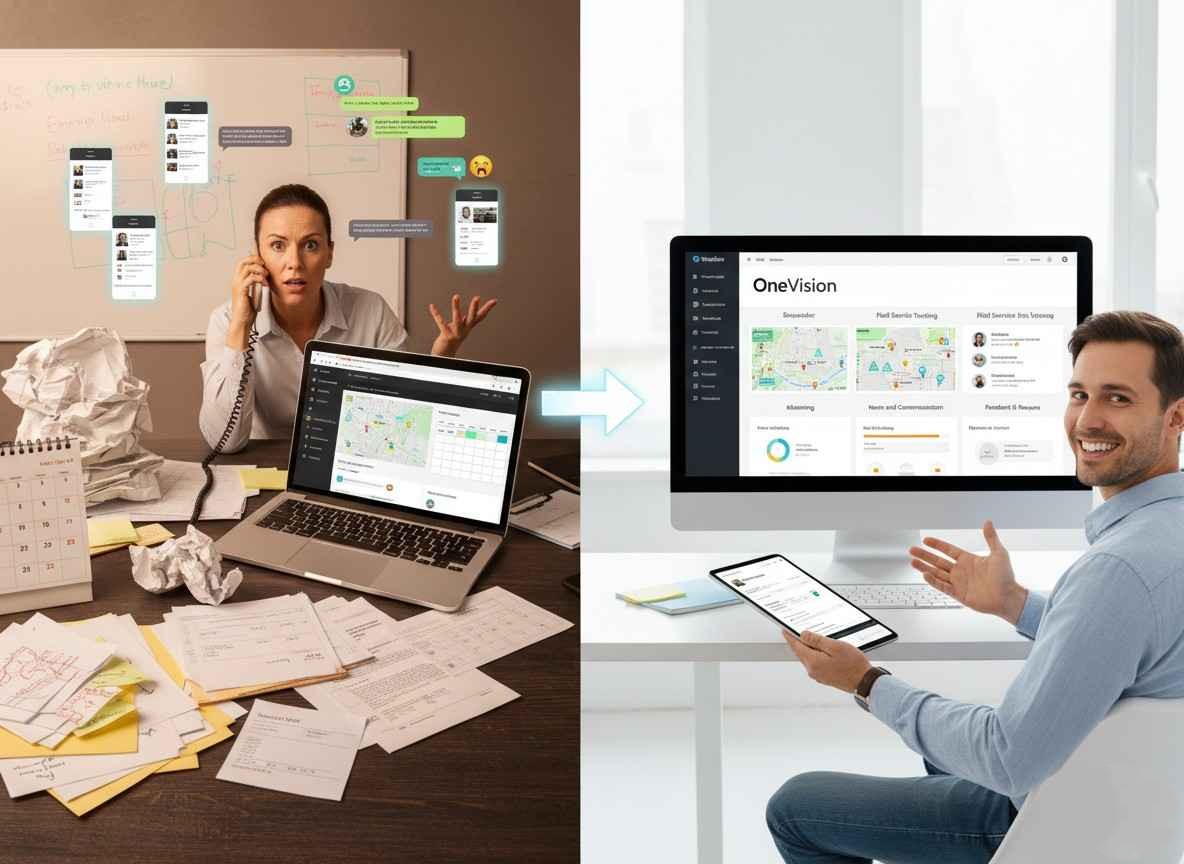
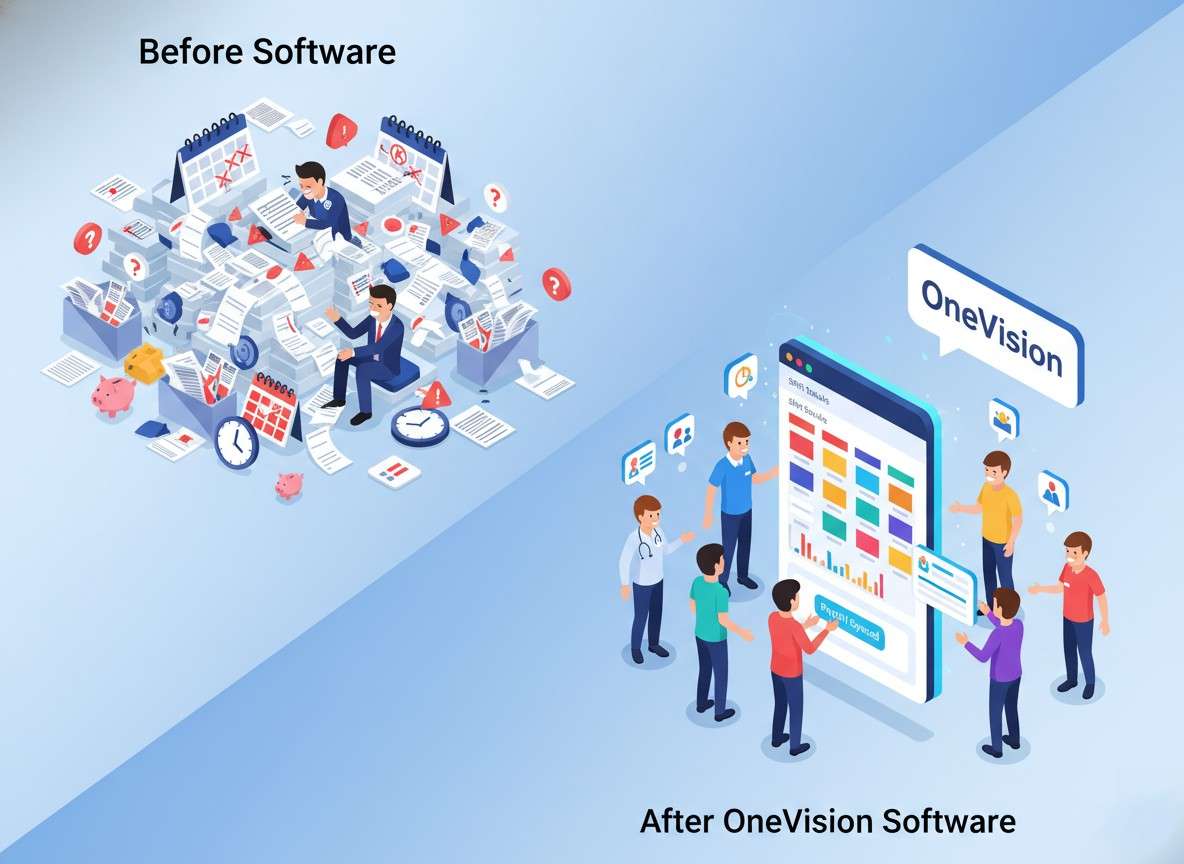
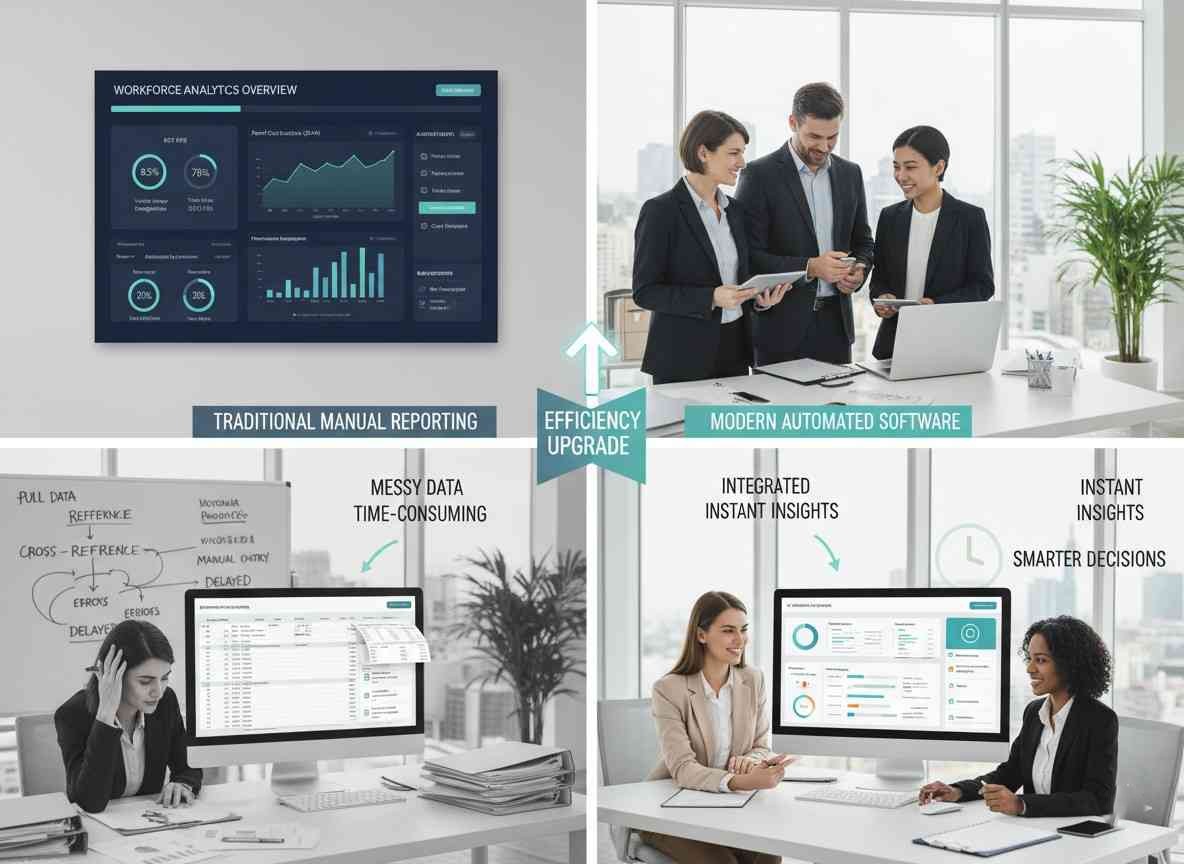
Many owners struggle with whether to stick to traditional methods or embrace modern software. Traditional approaches often include paper, spreadsheets, manual payroll, and in-person communication. While this can work in small-scale setups, errors are common, communication is slow, and deadlines can slip through the cracks.
Now, modern management software completely changes this. For instance, you have project management tools with dashboards to let you see who is responsible for each task and track deadlines. Automated payroll software for small business gets rid of mistakes and legal risks. Additionally, you can use cloud-based business management software for your team's collaboration, no matter where they are.
In short, the difference is significant. What once took hours of back-and-forth now happens smoothly, and without any mistakes and delays. Teams work more efficiently, and business owners gain peace of mind.
How to Implement Management Software Small Business Effectively
Simply installing the software isn't enough. To get the most out of management software small business, you need a plan:
First, you can start small. Just focus on the most critical features, like payroll or project tracking.
Then train employees and make sure they know how to use the software. Give them hands-on training.
After that, integrate it slowly. Move other processes, such as HR or inventory, into the system.
Lastly, monitor if the software is being efficient for your workflow.
Transitioning may feel overwhelming at first, but consistent adoption ensures long-term success.
Benefits Beyond Organization
Investing in management software small business offers more than just organization:
Improved communication
Everyone sees updates instantly
Save time
Automating repetitive tasks frees up valuable hours weekly
Smart decisions
Using analytics from project management tools or payroll software
Reduce legal risks
Payroll and HR software reduce legal risks by keeping you aligned with regulations
Business owners often report lower stress and more control over operations once they implement the right system.
Common Challenges and How to Overcome Them
Even the best management software comes with hurdles:
Cost:
Subscription-based software can seem expensive. Compare options and pick one that fits your budget.
Learning Curve:
Team members may resist change. Invest in proper training and support.
Integration Issues:
Some tools don't connect seamlessly with existing systems. Check APIs and integrations before committing.
With careful planning and support, these challenges are temporary and manageable.
Choosing the Right Management Software for Small Businesses
When deciding on a platform, consider:
Business Size
Smaller teams may prefer lightweight tools
Industry Needs
Service-based businesses often need integrated HR and payroll
Budget
Choose scalable software that grows with your business
User Experience
Intuitive interfaces reduce frustration and speed adoption
Remember, management software services aren't just about convenience; it's about creating a foundation for growth, efficiency, and peace of mind.
Conclusion
Choosing the right management software small business depends on understanding your workflow, pain points, and team needs. From project management tools to payroll software for small businesses, modern solutions save time, reduce errors, and improve overall efficiency.
Take the first step today: evaluate your processes, explore software options, and pick the tool that fits your team best. Your business, your employees, and your clients will all benefit.
Frequently Asked Questions
Read Other Blogs
Explore more insights and tips on business management
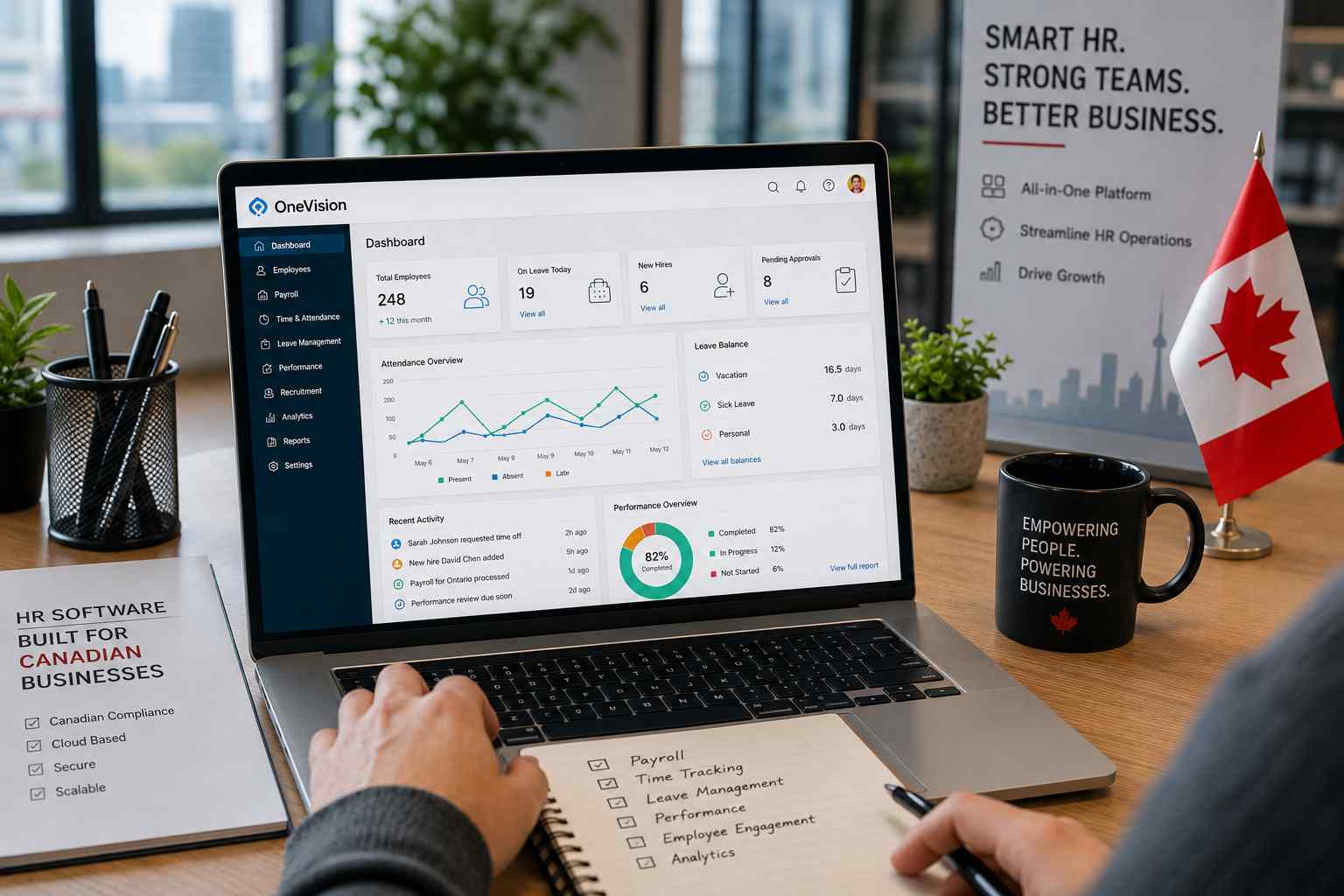
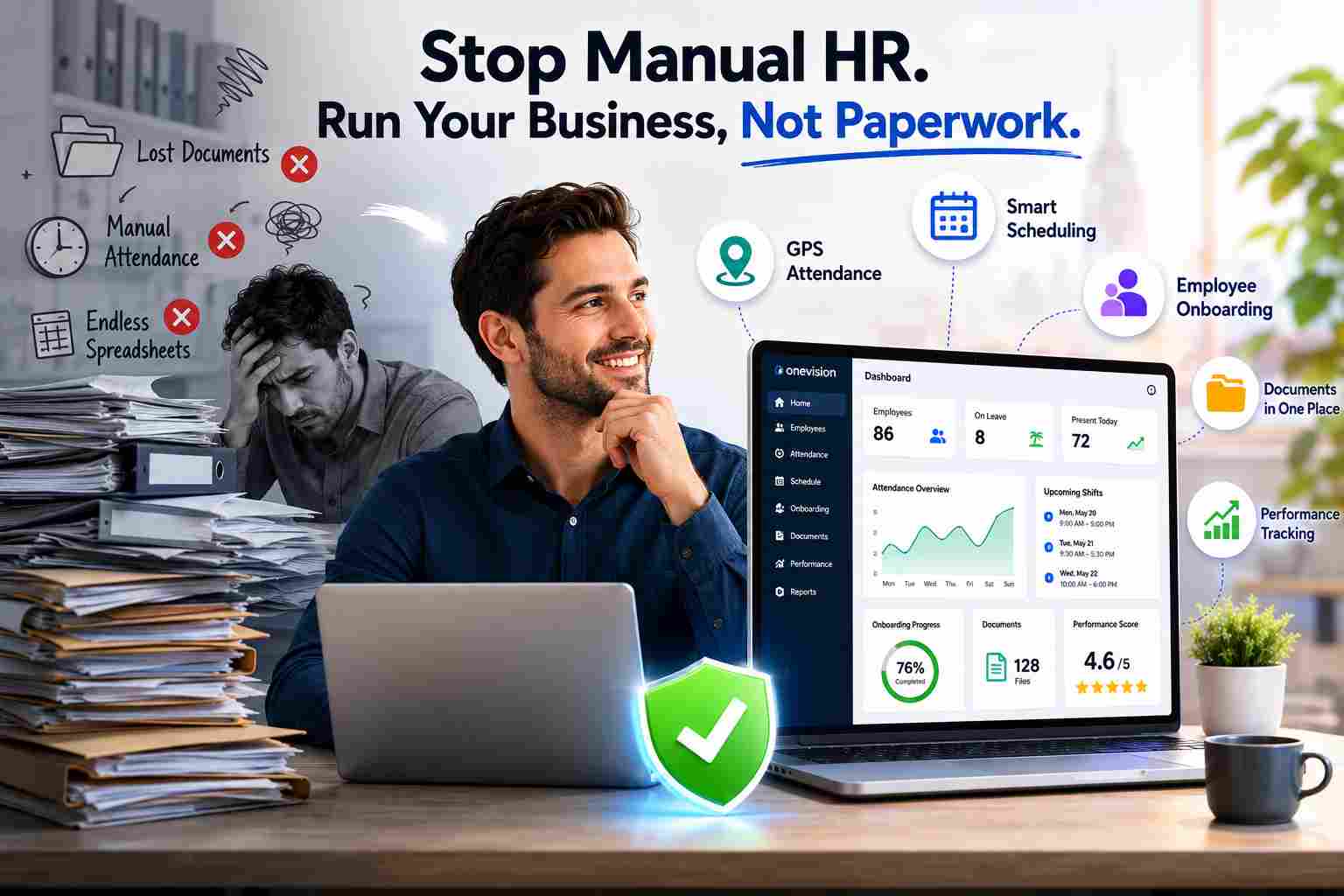


How Does the Best HR Software Help Businesses Make Better Financial Decisions?
Discover how the best HR software helps businesses reduce hidden operational costs, improve workforce efficiency, and make smarter financial decisions through automation, analytics, and better workforce management.

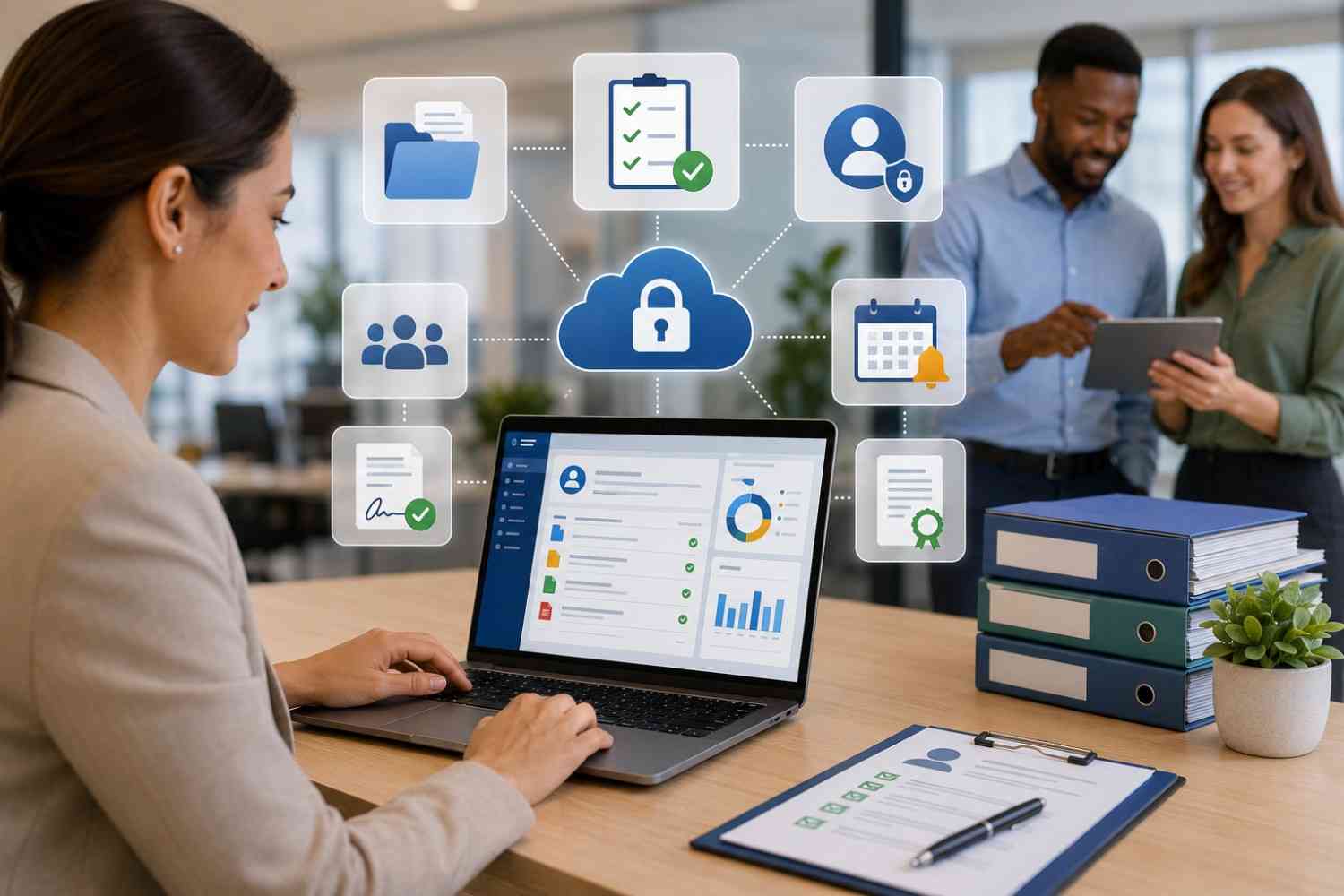




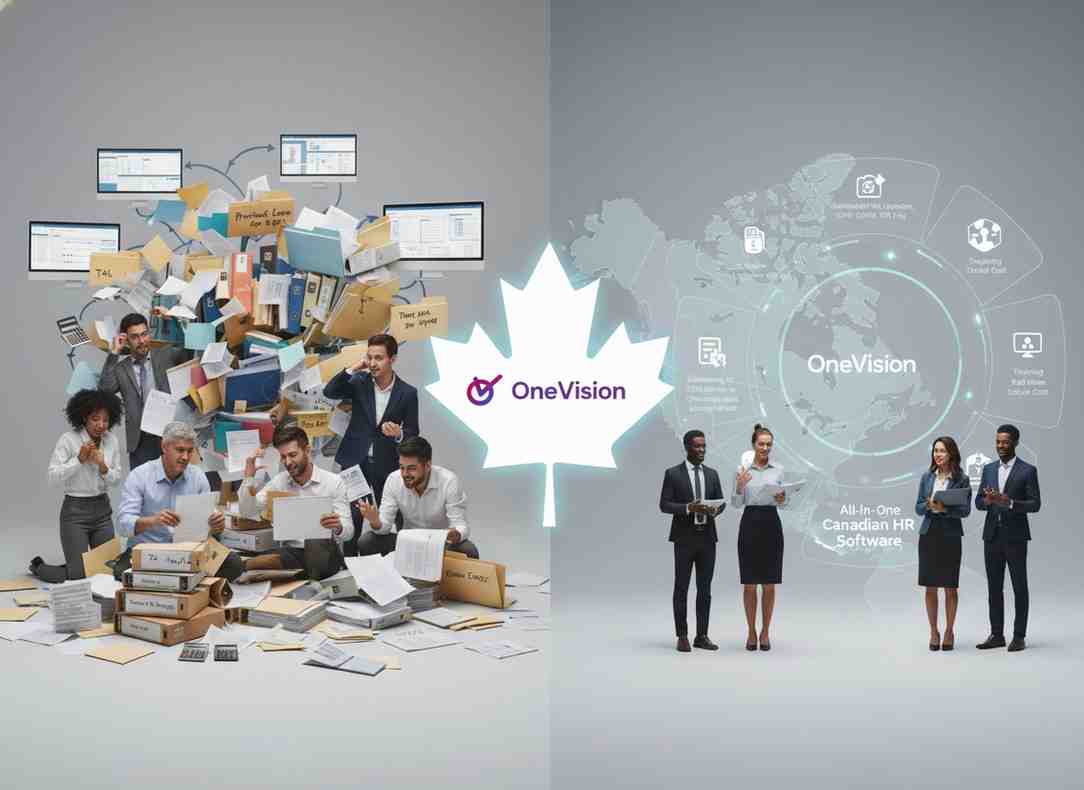




Why Use Software That Helps in Managing a Business?
When running a company, you need software that helps in managing a business, as its tasks, teams, customers, and finances all need your attention. Discover why companies are adopting all-in-one business management systems.