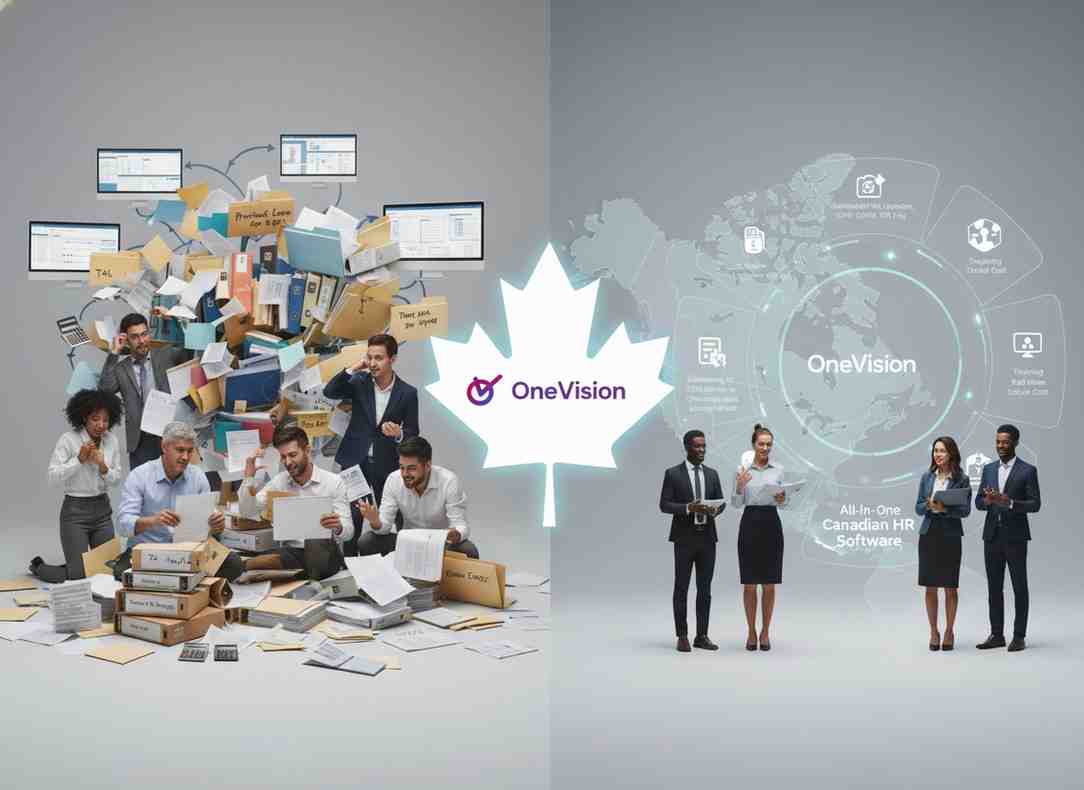
For any business operating in Canada, a Canadian HR software is the system that stands between you and a CRA penalty, a missed ROE deadline, or an employment standards violation you might be unintentionally committing.
The problem is that most HR platforms were built for the United States first and adapted for Canada as an afterthought. That gap shows up exactly when you need the software most — at year-end, during a termination, or when you open a second location in a different province.
The right Canadian HR software updates payroll rates automatically every January. It also files T4s with the CRA and generates ROEs without any manual work. Ideally, scheduling, payroll, onboarding, and training should all live in one platform. This is because every gap between separate tools is a place where data can break, and errors can quietly build up.
What Makes HR Compliance Complicated in Canada?
Canada runs employment law on two tracks at once: federal and provincial. Most countries pick one. Canada runs both, and they do not always line up.
What Are the Federal Payroll Rules Every Employer Must Follow?
The Canada Revenue Agency sets payroll rules that apply to every employer in the country, regardless of which province you operate in. Every pay cycle, you are responsible for:
CPP contributions — both you and your employee contribute 5.95% on earnings between $3,500 and $71,300.
CPP2, a second tier introduced in 2024, at 4% on earnings between $71,300 and $81,200.
EI premiums — you pay 1.4 times whatever your employee contributes.
T4 slips — required for every employee earning more than $500; electronic filing is mandatory once you issue more than five.
ROE filing — required every time an employee stops working, for any reason.
These rates change every January. If your software does not update automatically, you are already behind on day one of the new year.
How Do Provincial Rules Make This Even More Complex?
On top of federal rules, each of Canada's 13 provinces and territories sets its own employment standards. The differences are not minor — they affect how much you pay, when you pay it, and what happens when someone leaves.
Here is a snapshot of how much the rules vary: minimum wage is $15.00/hour in Alberta, $17.20 in Ontario, and $17.40 in British Columbia. Statutory holidays range from 9 to 11 paid days, depending on the jurisdiction. Vacation pay in most provinces starts at two weeks, but accrual and payout timing differ. Termination notice periods and severance rules vary by province and length of service.
Quebec adds a separate layer on top of all of these — QPIP premiums, Revenu Québec remittances, CNESST filings, and RL-1 slips instead of T4s. If you have even one employee in Quebec, your software needs to handle all of it natively.
What Does Good Canadian HR Software Actually Do?
This is where most buying decisions go wrong. Businesses compare pricing pages instead of asking whether the platform can handle what Canadian law actually requires. Here is what to look for, function by function.
Does It Handle Payroll Without Manual Updates?
Canadian payroll changes every year. CPP rates shift, EI thresholds move, and provincial tax tables get updated. You should not be the one making those changes manually in your system.
Good Canadian payroll software handles all of this on its own: it calculates CPP and CPP2 contributions correctly across both tiers, updates to new CRA rates every January without manual input, generates T4 and T4A slips with all required fields pre-filled, files T4s electronically with the CRA, automates ROE generation with correct insurable hours and earnings blocks, produces PD7A remittance summaries by pay period, and runs direct deposit payroll so employees are paid on schedule.
ROEs deserve special attention here. Over nine million are filed in Canada every year. An ROE with the wrong reason code or incorrect insurable earnings can delay an employee's EI claim — and that delay comes back to you.
Does It Handle Scheduling for Shift-Based Businesses?
Retail, hospitality, and healthcare businesses do not work nine-to-five. Shifts change with short notice, staff work across multiple locations, and a scheduling mistake can create overtime you did not budget for.
Workforce management software for Canada needs to handle live shift planning with visibility into availability, overtime exposure, and labour cost as you build the schedule; GPS clock-in and out so hours worked are verified before they reach payroll, not reconciled after; and payroll-ready reports where attendance data flows directly into payroll without anyone manually transferring it.
OneVision's Scheduler connects all three. Shift planning, GPS clock-in, and payroll-ready reports work from the same data, so what your employees clock is what gets paid, without a manual step in between.
Does It Make Onboarding Legally Airtight?
A new hire's first day creates compliance exposure from the moment they sign anything. Employment contracts that fall below provincial minimums are not just unenforceable — the law overrides the deficient clause automatically, and you carry the risk.
Digital employee onboarding software should generate contracts that meet the employment standards of the employee's province, collect signed documents digitally with timestamps, track completion of each step so nothing gets skipped, and feed new hire data directly into payroll and scheduling without manual re-entry.
OneVision's HR module handles end-to-end employee profiles, onboarding workflows, org hierarchy, and HR document management — all connected in one place.
Does It Handle Offboarding Properly?
Offboarding is where compliance breaks down for most businesses. When someone leaves — voluntarily or not — there are legal timelines you cannot miss.
A proper employee offboarding process covers: final pay with vacation payout calculated to the correct provincial standard, ROE issued within the legally required window, termination notice or pay in lieu calculated for the right jurisdiction, and all documentation retained in a retrievable format.
Service Canada keeps ROEs for 11 years. Your records should last just as long, and your platform should make them easy to find when you need them.
Does It Track Employee Training and Certifications?
In healthcare, manufacturing, and any provincially regulated industry, training is a legal obligation, not an internal initiative. Workplace safety laws across Canada require documented hazard training, formal certification, and incident reporting. HR software for healthcare in Canada needs to do more than store training records — it needs to tell you when a certification is about to expire.
An integrated LMS for Canadian businesses should let you build internal courses with quizzes and completion tracking, issue digital certificates tied to the employee's profile, send automatic alerts before certifications lapse, and produce auditable training histories for regulatory inspections.
OneVision's eLearning module covers all of this. Employee certification tracking, course completion records, and expiry alerts are built in, making it well-suited to any industry where online safety training in Canada is a compliance requirement.
Does It Give You Analytics for Decision Making?
HR analytics dashboards are only useful when the data behind them is accurate. When scheduling, payroll, and HR records all live in different systems, the reports from any one of them are incomplete.
A connected platform changes that. When all data flows from the same source, you can see labour cost against scheduled hours in real time, attendance patterns and absenteeism across teams, certification and compliance status, and performance trends by location or department.
OneVision's Analytics module pulls this together from data that is already consistent across every other module, so the numbers you see reflect what is actually happening — not what was entered last into whichever system got updated most recently.
How Do You Choose the Right Canadian HR Software?
Price and feature count are the wrong starting points. Compliance depth is what matters. Before committing to any platform, get a clear yes or no on each of these: Does it calculate CPP, CPP2, and EI automatically and update rates every January without manual input? Does it generate T4 and T4A slips and support electronic CRA filing? Can it automate ROE generation with correct insurable hours and earnings? Does it apply the right provincial employment standards based on where each employee works? If you have Quebec employees, does it handle QPIP, Revenu Québec, CNESST, and RL-1 slips natively? Is Canadian employee data hosted in Canada by default and not as a paid upgrade?
What Day-to-Day Questions Should You Ask?
Beyond compliance, the operational questions matter just as much: Can managers build and change schedules from a phone? Can employees access their own pay stubs and documents through a self-service portal? Does scheduling data flow directly into payroll, or does someone still have to check and enter it manually? Does the system notify you when certifications are about to expire, or is that still tracked by hand?
Why Is an All-in-One Platform Better Than Separate Tools?
Every time different tools are connected, there is a risk of data getting out of sync. For example, someone will have to manually move data if scheduling and payroll are not connected. Similarly, compliance checks can take much longer if training records are stored separately.
Canadian HR software that manages scheduling, payroll, onboarding, training, and analytics in one place removes these gaps. OneVision includes six modules: Scheduler, HR Management, eLearning, Analytics, News and Communication, and Feedback and Reviews. All of them run on the same data system.
This is why businesses in retail, hospitality, healthcare, and corporate sectors use it. One system means fewer errors, less manual work, and a clearer source of truth.
Conclusion
Canadian employment law is genuinely complex — federal and provincial rules overlap in ways that catch businesses off guard, especially during payroll year-end, terminations, and multi-province expansion.
The right Canadian HR software does not just store employee data. It actively keeps your business compliant across every province your team works in, generates required filings automatically, and connects scheduling, payroll, and HR records so nothing falls through the gaps.
OneVision is built to handle exactly this kind of operational complexity in one platform, so your HR team spends less time firefighting compliance and more time building a stronger workforce.
Frequently Asked Questions
Read Other Blogs
Explore more insights and tips on business management
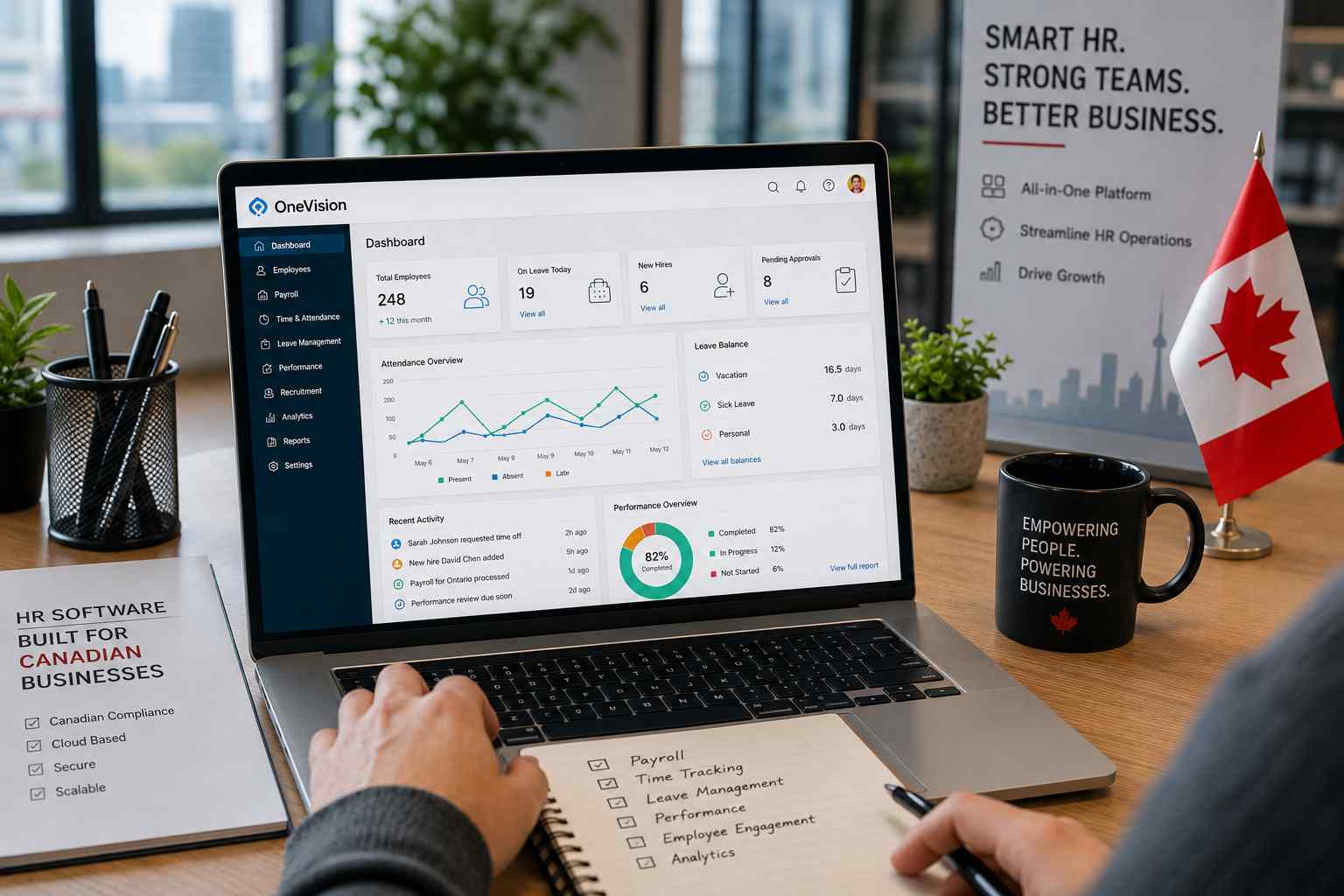



How Does the Best HR Software Help Businesses Make Better Financial Decisions?
Discover how the best HR software helps businesses reduce hidden operational costs, improve workforce efficiency, and make smarter financial decisions through automation, analytics, and better workforce management.






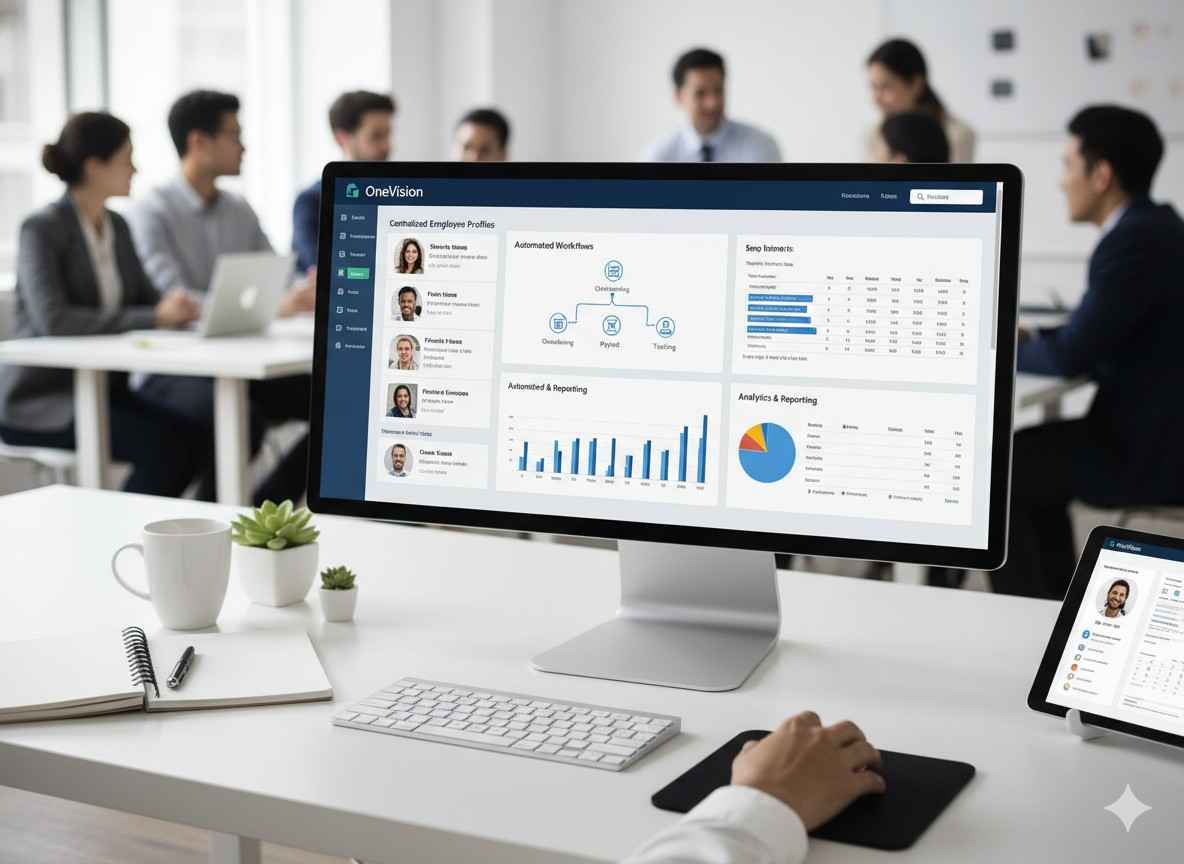

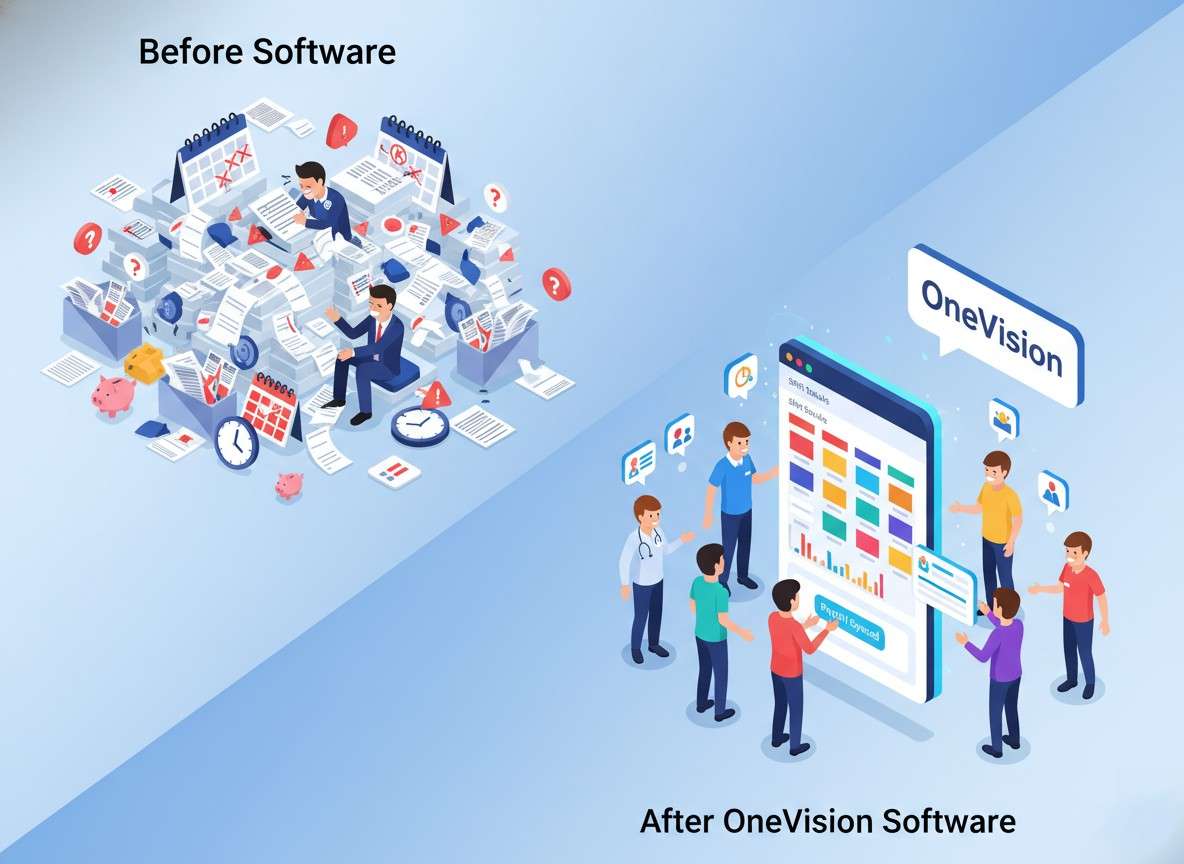




Why Use Software That Helps in Managing a Business?
When running a company, you need software that helps in managing a business, as its tasks, teams, customers, and finances all need your attention. Discover why companies are adopting all-in-one business management systems.